Our Top Picks


There’s a moment every sales team hits when volume starts to matter more than effort.
You can have the best reps in the world, but if they are manually dialing, logging notes, and juggling tabs, you end up wasting hours on things that should take seconds. That’s where an outreach auto dialer starts to look appealing.
But here’s the catch.
Most teams don’t struggle with dialing, they struggle with everything around it. Bad data, slow follow-ups, messy CRM updates, missed callbacks. The dialer just amplifies whatever system you already have in place.
That’s why outreach calling today is not just about speed. It’s about how cleanly your workflow runs from the moment a lead enters your system to the moment a deal closes or dies.
Having said that, this post digs deep into some of the best outreach auto dialers to help you get started.
Read on…
Key Takeaways
- Dialers don’t fix broken workflows, they expose them: An outreach auto dialer can increase call volume, but if your data, follow-ups, or CRM processes are messy, those problems scale.
- The best tools reduce effort between calls, not just during calls: What separates strong platforms is how they handle everything around outreach calling. Clean outreach call logging, fast call disposition updates, and automated next steps matter more than just click to dial or call recording features.
- There is no single “best” dialer, only best fit for your workflow: Some tools prioritize speed, others structure, others automation. The right choice depends on how your team runs outreach sales dialer workflows, not which platform has the longest feature list.
How Did We Select These Tools

So the selection process was built to reflect a sense of reality, which was only possible for us after falling back on tons of call logs and workflows that our customers have been using.
Every tool was tested under conditions that mimic actual outreach calling, not ideal scenarios. The goal was simple, identify which platforms hold up when things get messy and time is limited.
Real workflows, not staged demos
Each dialer was evaluated inside a working sales flow. That means starting from a raw lead list, initiating calls, updating outcomes, and pushing everything into a CRM. No pre-configured demo environments, no curated datasets.
This matters because an outreach phone dialer can look smooth in isolation but fall apart once real-world friction shows up. Missing data fields, duplicate contacts, and inconsistent formatting are common in outbound teams. The tools that handled these without breaking workflows ranked higher.
Time pressure as a testing condition
Speed is a defining factor in sales engagement calls. Reps are expected to move quickly, especially in high-volume outbound environments. So every platform was tested within a fixed setup window, typically between sixty and ninety minutes.
That window included:
- Connecting numbers and verifying them
- Importing contacts with imperfect data
- Setting up a basic campaign
- Running a live micro-batch of calls
If a tool required excessive configuration just to get started, it created friction that would only grow over time. A good outreach sales dialer should be usable quickly, even for a new rep.
End-to-end workflow validation
Dialing is only one part of the process. What happens after the call is just as important. Each platform was tested across a full workflow cycle:
Lead list to dial, call to call disposition, disposition to CRM logging, and finally follow-up actions like tasks, SMS, or email.
This is where many tools reveal weaknesses. Some handle dialing well but struggle with outreach call logging, others log data but fail to trigger the next step cleanly. The best tools maintained continuity across the entire flow without requiring manual fixes.
Reliability across repeated runs
Consistency matters more than peak performance. A dialer that works once but fails later creates more problems than it solves.
Each tool went through multiple test runs of the same campaign at different times of day. This helped uncover issues like:
- Dropped calls during peak hours
- Delayed or missing call recording attachments
- Sync failures with CRM systems
- “Stuck” states where calls or tasks did not update properly
Reliable outbound calling software should behave predictably, even under load. Tools that produced inconsistent results were marked down, regardless of how strong their features looked on paper.
Usability for real reps
Not every rep is technical, and they should not have to be. A strong outreach voice system should be intuitive enough for a new user to follow a checklist and start calling without coaching.
During testing, we observed how easily someone could:
- Use click to dial without confusion
- Navigate the dialer keypad and interface
- Handle call transfer, call waiting, and inbound call handling
- Understand voice call alerts and next steps
If a tool required constant guidance, it added hidden operational cost. Simplicity was treated as a performance metric, not a bonus.
Best Dialers For Scaled Outreach Campaigns
1. Trellus.AI — Best for Automating the Work Around Your Dialer
Most tools on this list try to improve how calls happen. This one focuses on everything surrounding the call, which is where a surprising amount of time is lost.
Rather than replacing your existing outreach auto dialer, it sits on top of your workflow and handles the operational friction that slows reps down. Think of it less as another outbound calling software and more like a system that quietly runs the background tasks that usually fall on reps.
What makes this approach different
Traditional dialers are built around the act of calling. You click to dial, speak with a prospect, log the outcome, and move on. Even the best outreach phone dialer still depends on reps to manage tabs, update records, and trigger follow-ups.
This platform flips that model.
It behaves more like a “computer agent” that can operate across your desktop environment. That means it can interact with CRMs, spreadsheets, browser tabs, and internal tools without forcing everything into one interface.
In practical terms, it reduces the number of manual steps required between conversations. Reps stay focused on outreach calling, while the system handles the busywork.
How it fits into real outreach workflows
The value becomes clear when you look at a full workflow, not just the call itself.
A typical outbound sequence might involve:
- Opening a lead list from a spreadsheet or CRM
- Initiating a call through your dialer
- Updating call disposition after the conversation
- Logging notes and attaching call recording
- Creating follow-up tasks or sending messages
Most dialers handle parts of this, but rarely all of it without gaps.
Here, the system can:
- Capture outcomes and update outreach call logging automatically
- Move between tools without requiring reps to switch contexts
- Trigger follow-ups based on conversation results
- Handle repetitive admin steps that normally slow down momentum
This is especially useful in messy environments where data lives across multiple systems.
Where it performs well
The biggest strength is efficiency at scale. Teams that already have a dialer but struggle with workflow fragmentation see immediate impact.
It works particularly well when:
- Reps are juggling multiple tools during sales engagement calls
- Data is spread across CRMs, spreadsheets, and internal systems
- Follow-ups depend on manual task creation
- Admin work eats into actual calling time
Because it operates across the desktop, it can support processes that most dialers cannot touch, including interactions with legacy systems or non-integrated tools.
Where it has limitations
This is not a replacement for a dialer. You still need a primary system for:
- Click to dial functionality
- Managing the dialer keypad and call controls
- Handling inbound call handling, call transfer, and call waiting
It also requires thoughtful setup to align with your workflows. If processes are unclear or inconsistent, automation can amplify those issues.
How it compares to traditional dialers
When thinking about outreach dialer automation workflows for sales teams, most platforms rely on triggers within their own ecosystem. That works well if everything lives inside one tool.
This approach is broader. It connects actions across systems, which makes it more flexible but also more dependent on how your overall workflow is designed.
In contrast to tools focused purely on outreach voice, this model focuses on operational continuity. The call is just one step in a larger sequence.
Best fit
Teams that already have a dialing solution but feel slowed down by manual work around it.
It is particularly useful for:
- Outbound teams managing complex workflows
- Organizations with multiple tools that do not fully integrate
- Sales environments where reps lose time switching between systems
2. Salesloft — Best for Simplicity and Rep Adoption

Salesloft is often compared directly with Outreach, and for good reason. Both dominate the sales engagement category. The difference shows up in usability.
If Outreach is about control, Salesloft is about speed of adoption.
Where it performs well
Salesloft is easier to learn and faster to implement. Many teams reach productivity quicker compared to Outreach setups .
For reps, this matters. A tool that is easy to use gets used consistently.
It also delivers:
- Clean click to dial experience
- Strong call recording and conversation insights
- Built-in analytics for sales engagement calls
- Structured cadences without heavy configuration
Its reporting is particularly strong, with real-time dashboards and visibility into activity and pipeline performance .
Where it struggles
Salesloft is powerful, but slightly less customizable than Outreach in complex environments.
- Less granular control over workflows
- Limited flexibility for highly customized processes
- Dialer is solid but not optimized for extreme high-volume calling
Best fit
Mid-market teams that want a reliable outreach voice system without heavy setup or ongoing admin overhead.
3. Orum — Best for High-Speed Parallel Dialing

Orum is built for one thing, connecting reps to live conversations as fast as possible. It is one of the clearest examples of how outreach power dialer vs parallel dialer capabilities differ in practice.
Instead of dialing one number at a time, Orum runs multiple lines in parallel and connects reps only when someone answers.
Where it performs well
For high-volume outbound teams, this changes the game.
- Dramatically increases connect rates
- Eliminates time spent waiting through voicemails
- Keeps reps focused on live conversations
It also includes analytics and call scoring to improve performance over time, helping teams optimize calling strategies .
Where it struggles
Speed comes with trade-offs.
- Less control over individual call pacing
- Requires strong compliance awareness
- Not ideal for nuanced or highly personalized outreach
Orum is not trying to be a full outreach sales dialer platform. It is a performance tool focused on volume.
Best fit
SDR teams running aggressive outbound campaigns where call volume and connection rates matter more than workflow complexity.
4. Nooks — Best for AI-Driven Calling and Coaching

Nooks represents a newer category. It combines dialing with prospecting and coaching, turning the dialer into a feedback loop.
Instead of just enabling calls, it improves how teams decide who to call and how they perform.
Where it performs well
Nooks connects multiple parts of the outbound workflow:
- Prospecting signals guide who gets called
- Dialing captures real outcomes
- Coaching tools analyze performance and suggest improvements
This creates a system where every call feeds into better future decisions. It is one of the few tools that treats dialing as part of a continuous learning process rather than a standalone task .
Where it struggles
- Still evolving compared to older platforms
- May require process changes to fully benefit
- Not as widely adopted, which can impact integrations
Best fit
Teams that want more than just an outreach auto dialer, and are looking for AI-driven improvement across their outbound motion.
5. CloudTalk — Best for CRM-Centric Outbound Teams
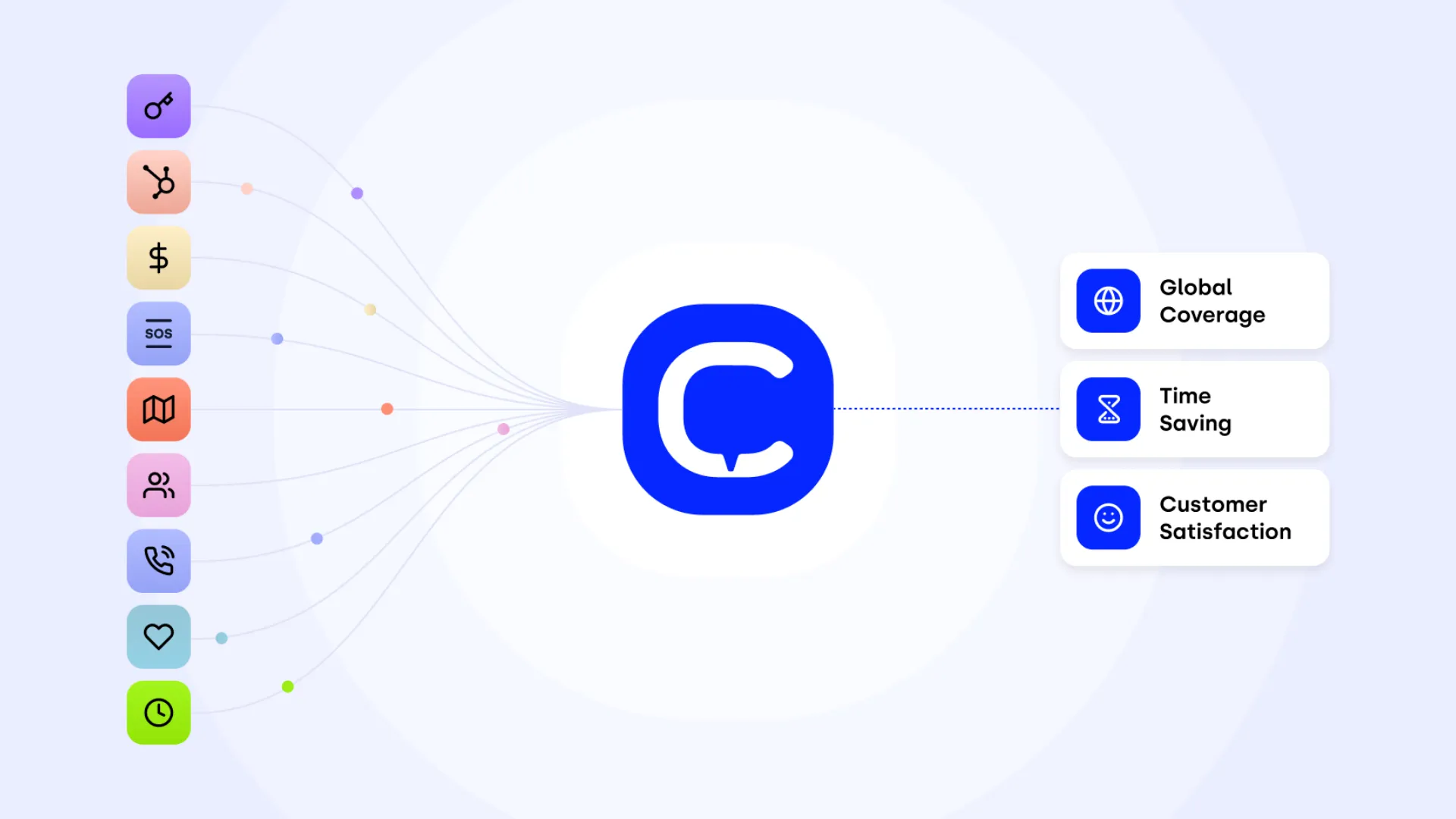
CloudTalk sits in a practical middle ground. It offers strong dialing capabilities without the complexity of full sales engagement platforms.
Its biggest strength is how well it syncs with CRM systems.
Where it performs well
CloudTalk is built for teams that want:
- Reliable click to dial workflows
- Clean outreach call logging
- Strong analytics on talk time, pickup rates, and performance
- Deep CRM integrations with tools like HubSpot and Salesforce
It also supports features like call transfer, call waiting, and inbound call handling, making it versatile beyond outbound use.
Where it struggles
- Requires thoughtful setup to avoid over-dialing
- Advanced analytics may be locked behind higher plans
- Less automation compared to full engagement platforms
Best fit
Sales teams that live inside their CRM and want a dependable outreach phone dialer without unnecessary complexity.
6. Aircall — Best for Clean Operations and Call Management
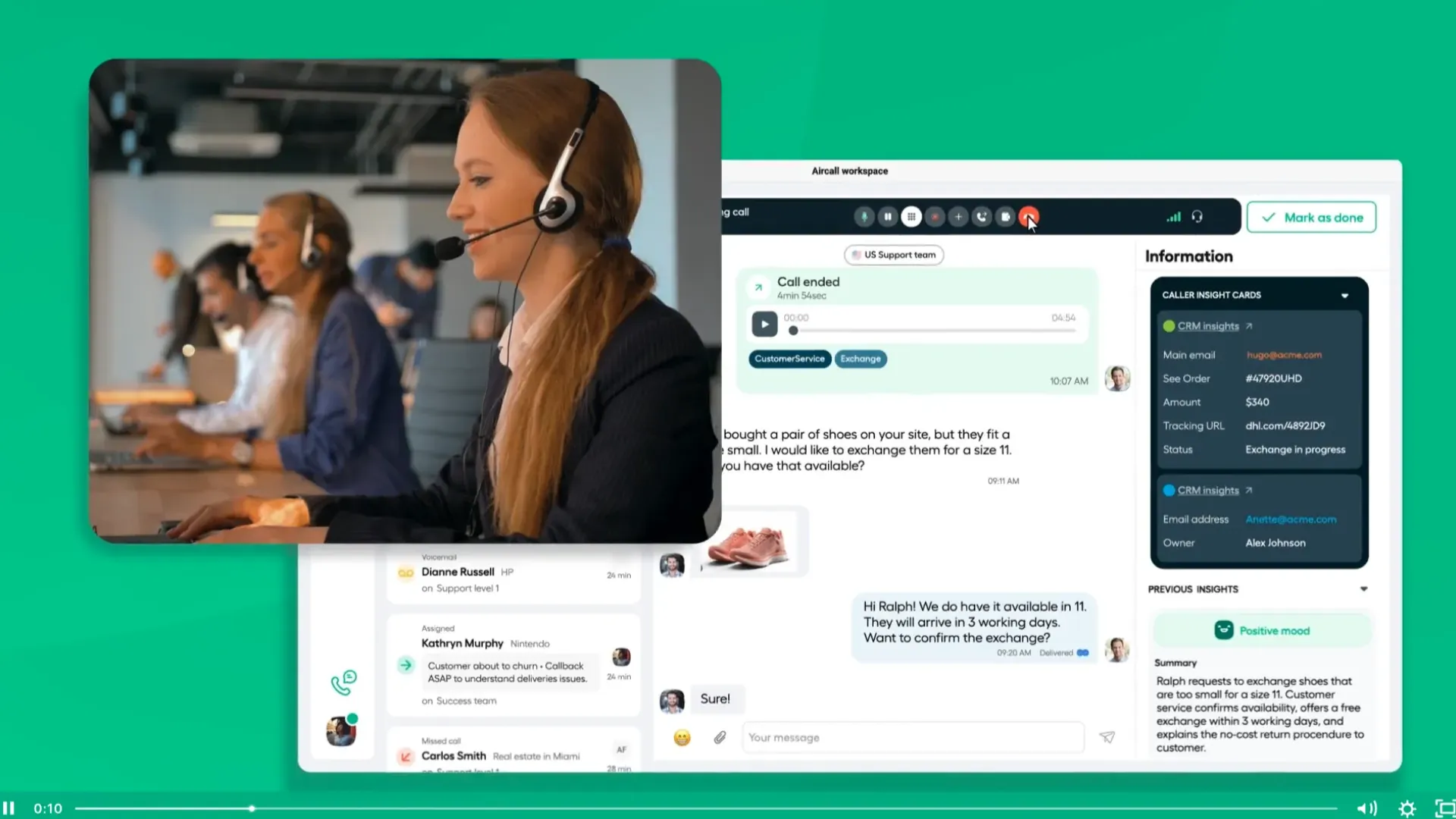
Aircall is often chosen for operational clarity. It is less about aggressive outbound and more about keeping everything organized and accessible.
Where it performs well
Aircall integrates deeply with CRM systems and focuses on:
- Clean call recording and logging
- Easy-to-use dialer keypad and interface
- Strong support for inbound call handling and routing
- Monitoring tools for managers and QA
It also supports predictive dialing and integrates well into broader workflows .
Where it struggles
- Not designed for high-volume outbound campaigns
- Limited automation compared to engagement platforms
- Pricing can be higher for smaller teams
Best fit
Teams that prioritize organization, visibility, and smooth day-to-day operations over dialing speed.
7. JustCall — Best for Multi-Channel Outreach Workflows

JustCall reflects how modern sales teams operate. Calls are just one part of the process, not the entire strategy.
Where it performs well
JustCall combines calling with messaging channels:
- Voice plus SMS and WhatsApp workflows
- Automated follow-ups after calls
- Strong support for voice call alerts and notifications
- Easy integration with CRM systems
It works well for teams that need to move quickly between channels without losing context.
Where it struggles
- Limited autonomy compared to AI-driven tools
- Workflow complexity can increase as campaigns scale
- Not as powerful for deep analytics
Best fit
SMB teams running blended outreach strategies across calls and messaging.
What “Good” Looks Like in Outreach Voice Workflows
When people talk about dialing tools, they often focus on features. Predictive dialing, click to dial, call recording, AI summaries. Those are useful, but they are not the full picture.
A good outreach voice system is defined by how it behaves under pressure. Real reps, real leads, real deadlines.
Think about a typical sales day. A rep opens a lead list, starts dialing, takes notes, schedules follow-ups, maybe sends a quick SMS or email. Every second of delay adds up.
So what separates a strong outreach phone dialer from a weak one?
Flow matters more than features
A dialer should move the rep forward without interruptions. That means:
- Click to dial works instantly, no lag, no extra windows
- Call disposition updates the record the moment the call ends
- Call recording attaches automatically without manual steps
- CRM sync happens in real time, not in batches that break later
If any part of that flow breaks, reps start creating workarounds. Notes go into spreadsheets, follow-ups get missed, and reporting becomes unreliable.
Logging should not feel like work
This is where outreach call logging becomes critical. Reps should not be thinking about logging, it should just happen.
The best systems handle:
- Automatic call disposition mapping
- Instant activity logging inside the CRM
- AI-generated summaries for quick review
- Tagging for future segmentation and analytics
When logging is clean, managers trust the data. When it is messy, forecasting becomes guesswork.
Speed without chaos
High-volume teams rely on power dialers or parallel dialers. But speed alone can backfire.
For example, in an outreach power dialer vs parallel dialer capabilities comparison, power dialing tends to be more controlled. Parallel dialing can increase connect rates but risks compliance issues and awkward call experiences if not configured carefully.
The goal is not maximum calls. The goal is meaningful conversations.
How Teams Are Really Using Outreach Calling Today
There’s a gap between how tools are marketed and how teams actually use them. Most sales teams are not running perfect sequences. They are dealing with incomplete data, mixed lead quality, and constant interruptions.
That’s why understanding real workflows matters more than feature lists.
Speed-to-lead workflows
When a new lead comes in, timing is everything. A good outreach auto dialer can trigger an immediate call, followed by a fallback message if there’s no answer.
This is where voice call alerts and automation workflows come into play. Reps get notified instantly, and the system ensures no lead sits untouched.
Cold calling sequences
If you are thinking about how to use outreach dialer for cold calling, the key is consistency. Reps should not be manually deciding the next step after each call.
A structured sequence might look like:
- Call attempt one
- No answer, send SMS
- Call attempt two next day
- Follow-up email
- Final call attempt
All of this should be automated within the dialer, not managed manually.
Follow-up and pipeline management
After a conversation, the system should guide the next step. That includes:
- Scheduling follow-ups
- Assigning tasks
- Triggering emails or messages
- Updating deal stages


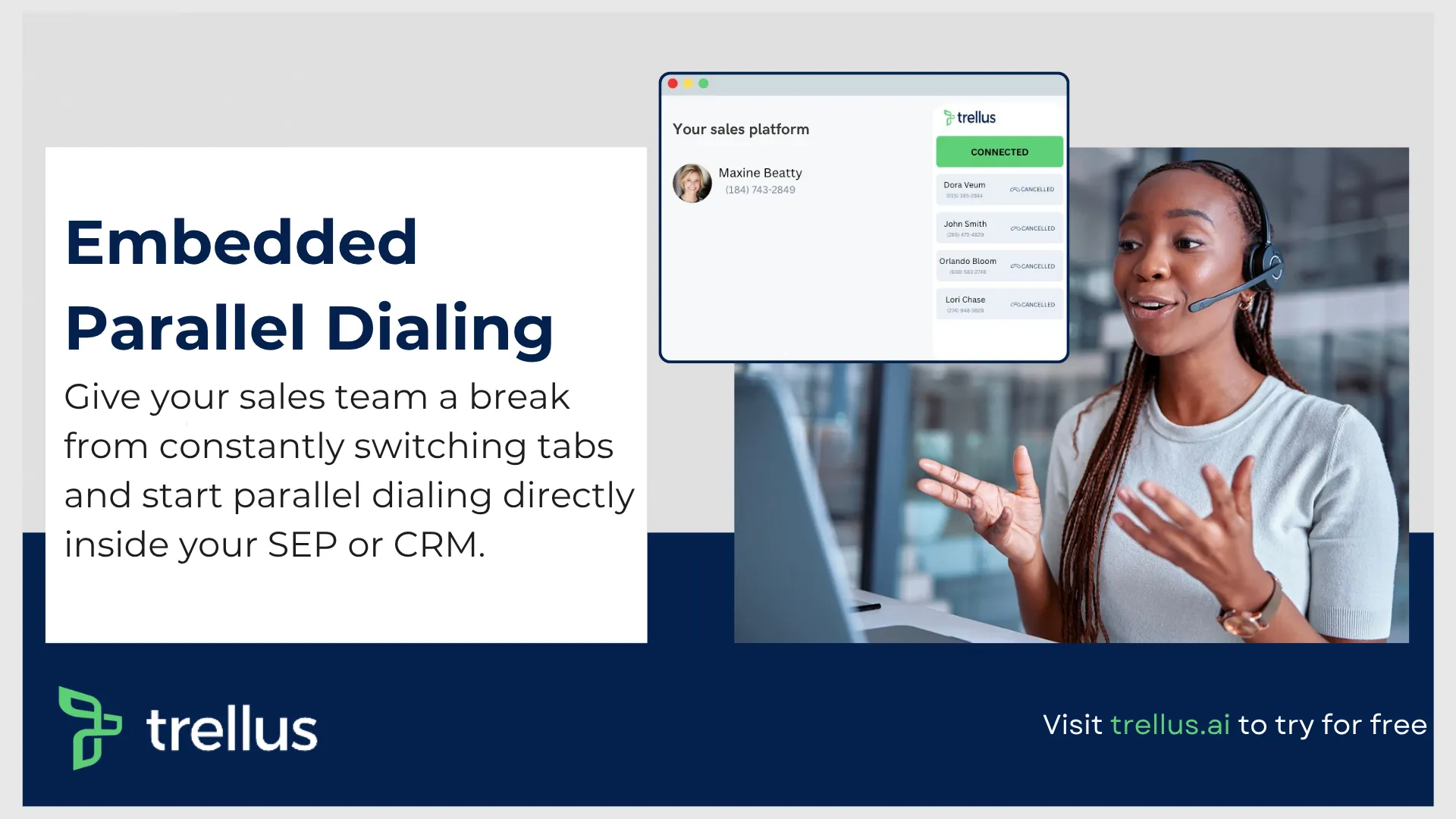
Embed Trellus Parallel Dialer Within Your SEP & 4x Your Conversations