Our Top Picks


Bad sales management software quietly drains revenue. Missed follow ups, scattered notes, duplicate records, all of it adds up. When reps spend more time switching tabs than talking to prospects, growth slows down no matter how strong the offer is.
That is exactly why modern sales apps for business are no longer optional. The right tools bring clarity, speed, and structure into daily workflows. Instead of guessing what to do next, reps know exactly who to contact, what happened last, and how close a deal is to closing.
This list focuses on best sales apps, real sales software solutions, and practical business sales tools that actually improve output across teams of different sizes.
A Quick Reality Check on Where Sales Is Headed
There are a couple of major shifts happening right now that explain why sales apps for business are becoming essential instead of optional.
Over time, buyer expectations have changed.
People expect smooth, connected experiences across every touchpoint. Because of that, companies are putting more money into CRM and marketing systems. Industry projections suggest that CRM-related spending could climb to around 46 billion dollars by 2028. That growth reflects one simple thing, businesses are investing heavily in better sales software solutions to stay competitive.
Moreover, AI is reshaping how people research and buy. Back in 2024, alone, AI-influenced online holiday sales reached 229 billion dollars globally, and chatbot usage jumped by over 40 percent year over year. That shift is pushing sales teams to adapt faster, especially when it comes to discovery, qualification, and early conversations.
Put these together, and it becomes clear why modern business sales tools and sales technology are now at the center of revenue growth.
1. Trellus - Overall Top Rated Digital Solution With Extremely Powerful Sales Enablement Modules

If your team spends most of the day calling, following up, and trying to keep momentum alive, this is where things start to change.
Unlike traditional sales CRM apps that focus heavily on storage and reporting, Trellus is built around action. It sits closer to execution than administration, which makes it especially useful for outbound-heavy teams.
Best for: High-velocity outbound teams and reps who live on calls
Overview
This platform turns calling workflows into something structured and repeatable. Instead of manually dialing, logging, and switching between tools, reps operate inside a focused environment where conversations move faster and context stays intact.
It removes friction from the most important part of sales, which is actually speaking to prospects.
Key Features
Parallel Dialing
Reps can reach more prospects in less time without burning energy on manual dialing. This directly increases live conversations per day, which is still the biggest driver of pipeline.
Real-Time Coaching
Managers can step in, guide, and support during live calls. This shortens ramp time for new reps and improves performance across the board.
Conversation Intelligence
Calls are recorded, transcribed, and broken down into insights. Teams can see what messaging works and where deals start slipping.
CRM Sync and Workflow Alignment
Instead of entering notes later, updates happen automatically. That keeps your pipeline clean without adding admin work.
Pricing
Custom and pre-determined pricing plans based on team size and usage.
Pros & Cons
Pros
- Built for action, not just data storage
- Strong focus on call productivity and outcomes
- Reduces manual work significantly
Cons
- Not designed as a full traditional CRM
- Works best when paired with an existing CRM system
For teams that rely on outbound motion, this is one of those sales management apps that directly impacts daily output instead of just organizing it.
2. HubSpot Sales Hub
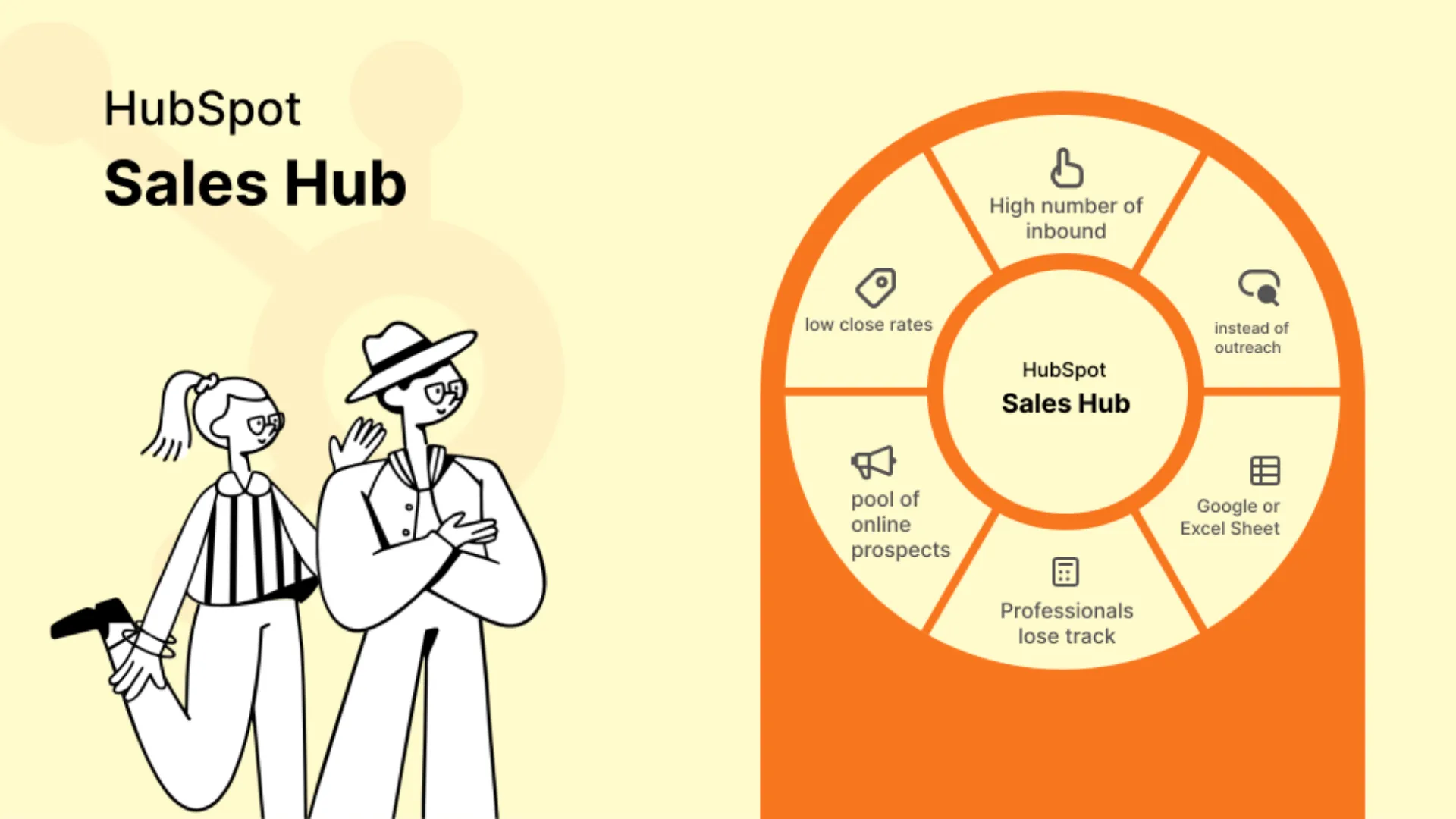
Most sales software tries to solve one part of the process. HubSpot takes a broader approach and connects marketing, sales, and customer data in one place.
Best for: All-in-one CRM software and marketing alignment
Overview
This platform transforms scattered activities into a structured system. Every interaction, email, call, meeting, is tracked and tied back to a contact or deal.
That visibility makes it easier for teams to understand what is happening across the pipeline without chasing updates.
Key Features
AI-Powered Assistance
Built-in AI agents help with prospect research, answering customer questions, and drafting outreach. This reduces prep time for reps.
Visual Pipeline Management
Deals move across customizable stages, giving teams a clear picture of progress and bottlenecks.
Automation Tools
Sequences, email scheduling, and workflow automation reduce repetitive tasks and keep follow ups consistent.
Conversation Intelligence
Call summaries and insights highlight important details like pricing discussions and objections.
Document and Payment Tools
Quotes, invoices, and payments can be handled inside the same platform, reducing tool switching.
Pricing
Free plan available, paid tiers start at $15 per user per month and scale up to enterprise plans.
Pros & Cons
Pros
- Strong ecosystem that grows with your business
- Combines marketing and sales into one system
- Excellent training and onboarding resources
Cons
- Costs increase as you scale
- Advanced features require proper setup
For companies looking for a complete sales platform rather than just a tool, this is one of the most reliable sales CRM apps available.
3. Pipedrive
Some teams do not need complexity. They need clarity. That is exactly where Pipedrive stands out.
Best for: Visual pipeline management and simplicity
Overview
This CRM is designed around how salespeople actually think, deals moving from one stage to another. The interface is clean, intuitive, and focused on helping reps stay organized without distractions.
It works particularly well for small to mid-sized teams that want structure without heavy setup.
Key Features
Visual Sales Pipeline
A kanban-style board shows every deal and its current stage. Reps can instantly see what needs attention.
Smart Contact Data
Information from external sources auto-populates, reducing manual entry.
Workflow Automation
Prebuilt automations help with follow ups, reminders, and task assignments.
AI Sales Assistant
Provides suggestions on deal prioritization and next actions.
Email Integration
Two-way sync with tracking and templates keeps communication organized.
Pricing
Starts at $14 per user per month, with higher tiers offering more automation and customization.
Pros & Cons
Pros
- Extremely user-friendly
- Quick to set up and adopt
- Strong pipeline visibility
Cons
- Limited AI compared to larger platforms
- No permanent free plan
For teams that want straightforward business sales tools without overwhelming features, this is one of the most practical sales management apps available.
4. Salesforce
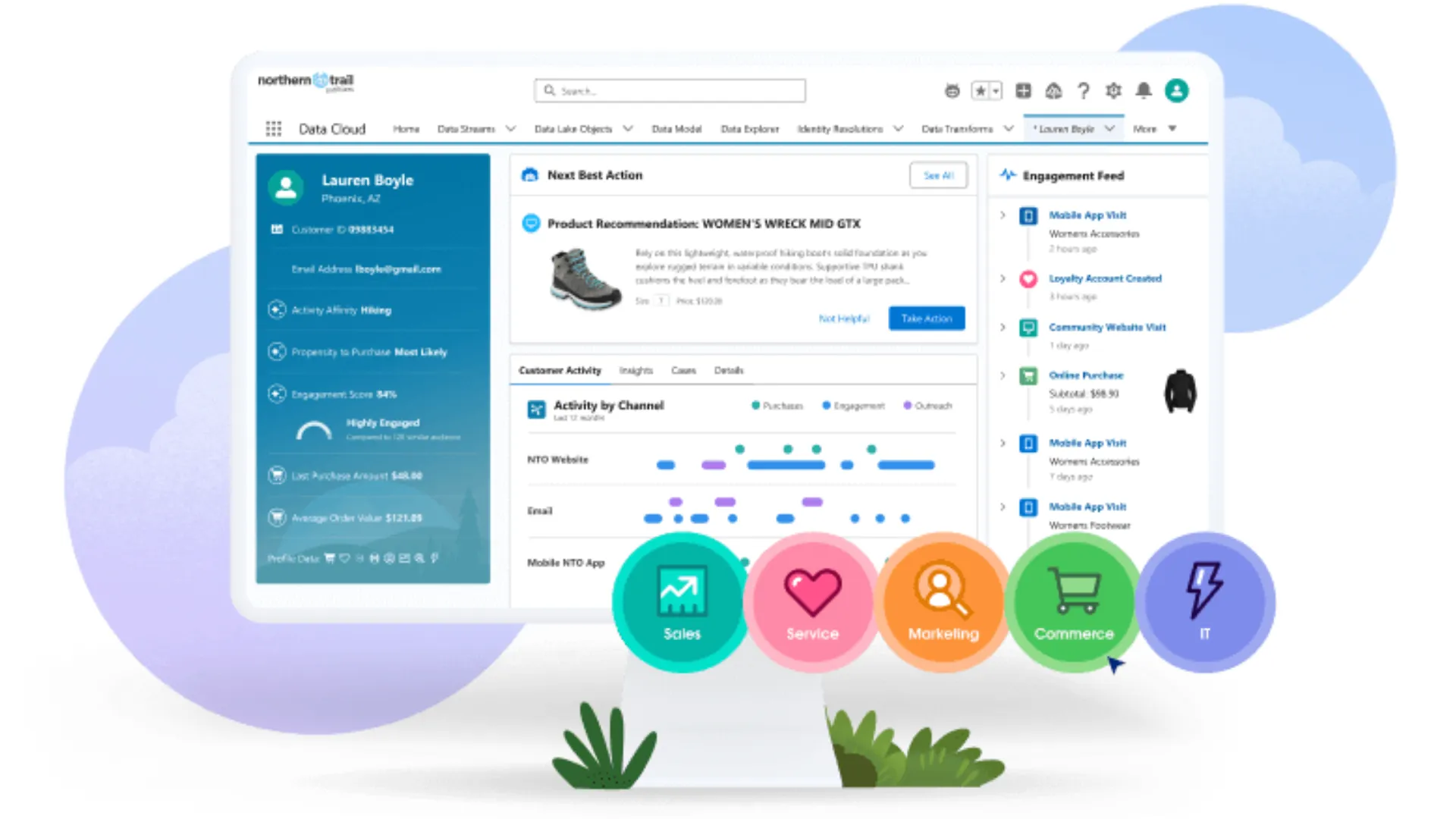
When sales operations become complex, multiple teams, large pipelines, global processes, this is where Salesforce becomes relevant.
Best for: Scalable enterprise sales solutions
Overview
This platform acts as a central system for managing leads, accounts, activities, and forecasting. It is highly customizable, which makes it suitable for companies with unique workflows.
Key Features
Sales Engagement Tools
Cadences, work queues, and automation help teams manage large volumes of outreach.
Einstein AI
Predictive insights highlight deal risks and opportunities.
Pipeline Inspection
Leaders can track changes, identify gaps, and adjust forecasts early.
Deep Integrations
Works with tools like Slack, Snowflake, and thousands of apps through its marketplace.
Pricing
Starts at $25 per user per month, scaling to advanced enterprise plans.
Pros & Cons
Pros
- Extremely powerful and flexible
- Strong AI and analytics capabilities
- Massive integration ecosystem
Cons
- Requires time to implement properly
- Can feel complex for smaller teams
For organizations building long-term sales technology stacks, this remains one of the most dominant sales software solutions.
5. LinkedIn Sales Navigator
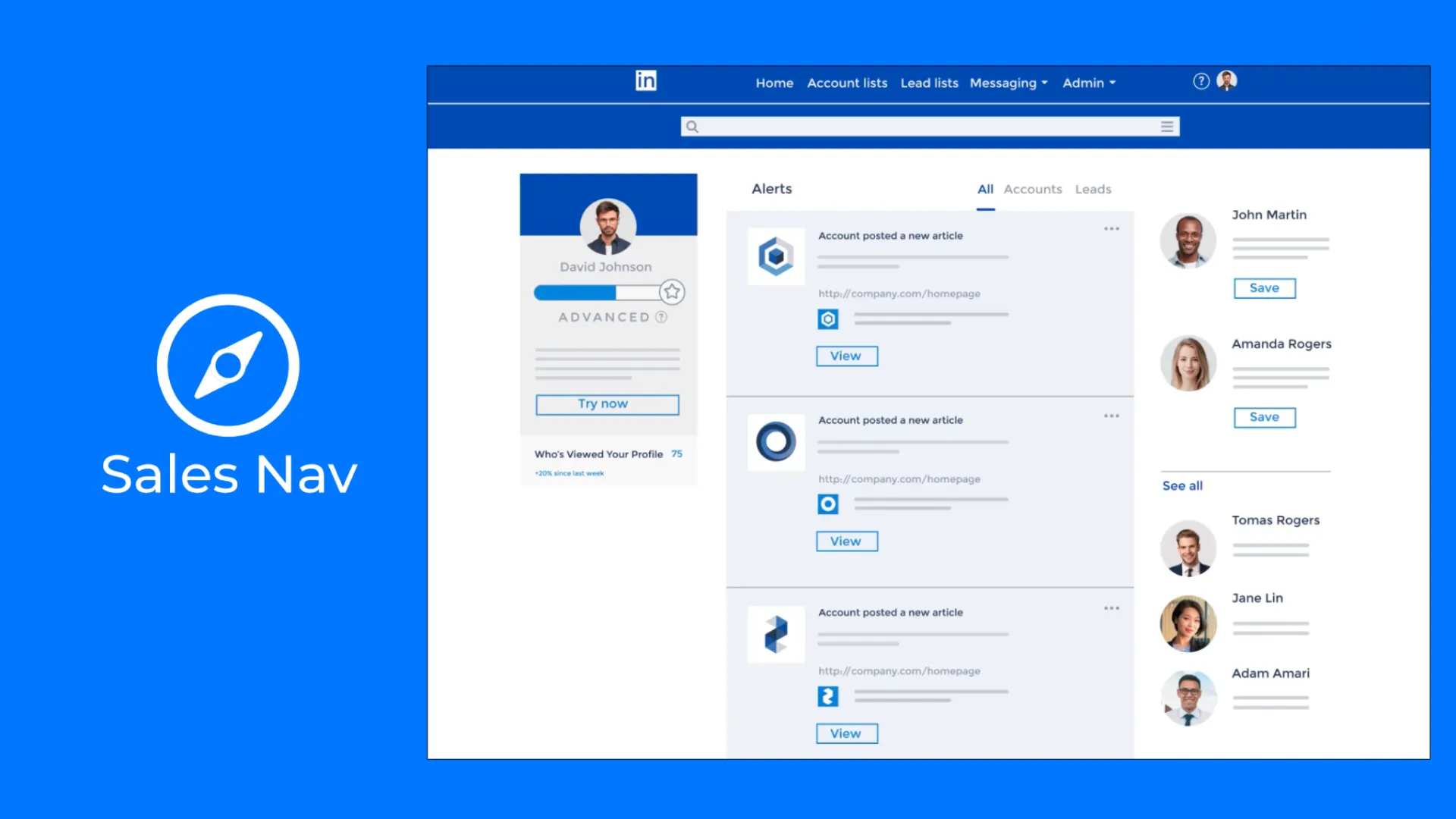
Prospecting has changed. Cold lists are less effective, and context matters more than ever.
Best for: Targeted prospecting and relationship building
Overview
Sales Navigator turns LinkedIn into a focused prospecting engine. Instead of guessing who to contact, teams can filter, track, and engage with the right buyers based on real signals.
Key Features
Advanced Search Filters
Find prospects based on role, company size, activity, and more.
Buyer Intent Signals
Identify accounts that are actively showing interest.
Relationship Mapping
Understand connections within organizations to find warm introductions.
CRM Sync
Data flows back into your CRM, reducing manual updates.
Pricing
Starts around $119 per user per month.
Pros & Cons
Pros
- High-quality prospecting data
- Strong intent signals
- Great for outbound targeting
Cons
- Works best alongside a CRM
- Premium pricing for advanced features
For outbound teams, this is one of the most effective sales apps for improving targeting and timing.
6. ZoomInfo SalesOS
Good outreach depends on good data. Without it, even the best reps struggle.
Best for: Data-driven prospecting and intent-based outreach
Overview
This platform combines contact data, intent signals, and engagement tools into one system. It helps teams identify who to reach, when to reach them, and how to act on that information quickly.
Key Features
Large Contact Database
Access to millions of verified contacts and company profiles.
Intent Data
Signals show which companies are actively researching solutions.
Visitor Tracking
Identify companies visiting your website.
Automation Workflows
Trigger actions based on behavior and signals.
Pricing
Custom pricing, typically enterprise-focused.
Pros & Cons
Pros
- Strong data coverage
- Intent signals improve timing
- Reduces guesswork in prospecting
Cons
- Expensive for smaller teams
- Requires proper setup to maximize value
This is one of the most powerful sales productivity tools when data quality is a bottleneck.
7. Outreach
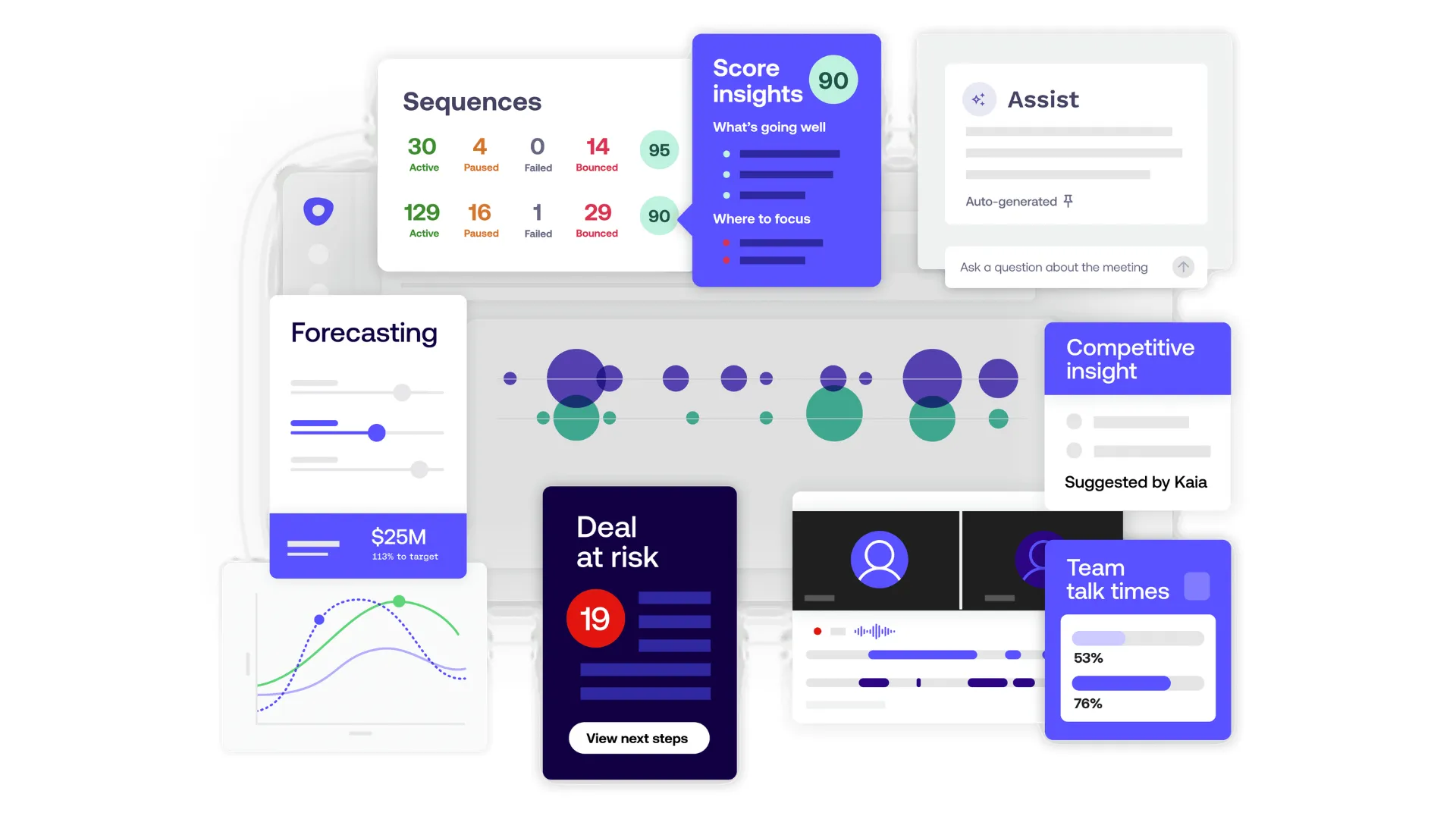
When outbound starts scaling, manual processes fall apart quickly. Outreach is built to bring structure and consistency into high-volume sales environments.
Best for: Mid-market and enterprise outbound teams
Overview
This platform turns outbound strategies into repeatable workflows. Instead of relying on individual effort, teams operate through structured sequences that guide every touchpoint across email, calls, and social channels.
It is designed for teams that care about predictability, pipeline consistency, and accurate forecasting.
Key Features
Multichannel Sequencing
Reps can manage email, calls, LinkedIn tasks, and SMS from one place. This keeps outreach consistent and coordinated.
AI Assistance
AI helps with writing emails, prioritizing leads, and suggesting next steps, reducing decision fatigue for reps.
Conversation Intelligence
Calls are analyzed to surface insights, objections, and deal risks.
Pipeline and Forecasting Tools
Leaders get visibility into deal health and future revenue, which helps with planning and intervention.
Pricing
Custom pricing based on team size and package selection.
Pros & Cons
Pros
- Strong structure for outbound workflows
- Advanced analytics and forecasting
- Helps standardize performance across teams
Cons
- Better suited for larger teams
- Requires onboarding and process alignment
For companies running serious outbound motion, this is one of the most impactful sales management apps available.
8. Salesloft
Salesloft focuses on execution, helping reps stay consistent while giving managers visibility into what is actually happening in conversations.
Best for: Teams that need structured cadences with coaching insights
Overview
This platform connects outreach, calling, and coaching into one workflow. Reps work through guided cadences, while managers use insights from calls and pipelines to improve performance.
It bridges the gap between activity and outcomes.
Key Features
AI-Guided Prioritization
Reps get clear direction on which accounts to focus on based on signals and activity.
Multichannel Cadences
Structured outreach across email, calls, and LinkedIn keeps engagement consistent.
Built-in Dialer and Messaging
Calling, SMS, and voicemail drops are handled in one place.
Conversation Intelligence
AI-generated transcripts and summaries help teams understand what is working.
Pricing
Custom pricing with demo-based access.
Pros & Cons
Pros
- Strong focus on rep productivity
- Combines execution with coaching
- Good CRM integrations
Cons
- Pricing not transparent
- May feel heavy for smaller teams
For teams focused on improving execution quality, this stands out among modern sales apps and sales automation tools.
9. Apollo
Apollo is built for teams that want everything in one place without paying enterprise-level costs.
Best for: Startups, founder-led sales, and lean outbound teams
Overview
This platform combines a large contact database with outreach tools, calling, and analytics. It allows smaller teams to operate like fully built sales organizations without stitching together multiple tools.
It is especially useful for early-stage companies that need to move fast.
Key Features
Massive Contact Database
Access to millions of verified contacts with detailed filters.
Multichannel Sequencing
Email, calls, and LinkedIn outreach are managed in one system.
Built-in Dialer
Call recording, transcripts, and voicemail features improve efficiency.
Meeting Scheduling and Routing
Simplifies inbound and outbound scheduling.
Pricing
Free plan available, paid plans start around $49 per user per month.
Pros & Cons
Pros
- Affordable and feature-rich
- Great for small teams
- Combines data and outreach
Cons
- Data accuracy can vary
- Interface can feel busy at times
For startups looking for flexible sales CRM apps and business sales tools, this is one of the strongest all-in-one options.


Power and parallel dialing in your CRM.