![14 Small Business Automation Tools In 2026: [Updated List]](https://cdn.prod.website-files.com/633ef5e495fbc55a9bea70b1/694ccf26626f9e6f6fcb6b0c_BSAT.webp)
Our Top Picks


30-Second Summary
Running a small business means wearing every hat at once — and without the right systems, important tasks fall through the cracks while your attention is pulled in every direction.
This guide covers the best small business automation tools for 2026, including Trellus for sales, QuickBooks for accounting, Mailchimp for email, and Zendesk for customer support.
We break down each tool's strengths and ideal use cases so you can build an affordable automation stack that reduces friction, protects your time, and scales with your business.
Introduction
Running a small business rarely feels small.
One moment you are replying to customers, the next you are checking invoices, approving tasks, reviewing campaigns, and trying to keep your sales pipeline alive. Most founders and small teams are not short on ideas or effort. What they lack is time, consistency, and systems that quietly handle work in the background.
That is exactly where small business automation tools earn their place.
These tools are not about replacing people. On the contrary to what the common concept suggests, they are about reducing friction, minimizing manual work, and making sure important tasks never slip through the cracks.
From accounting and CRM for small business needs to affordable sales automation and workflow automation, the right software stack can change how smoothly a business operates.
TLDR: 3 Best Small Business Automation Tools By Use Case
Here's my quick breakdown of the best small business automation tools in 2026 by use case:
Best for Sales Automation: Trellus is purpose-built for lean outbound sales teams that need focus, not feature overload. It combines lead generation automation, automated follow-ups, and LinkedIn prospecting into a single workflow — making it the ideal sales automation for small business teams that sell alongside managing everything else. Its affordability and intuitive interface make it especially strong for startups and solopreneurs.
Best for Accounting Automation: QuickBooks Online is the gold standard for small business accounting automation. It handles invoicing, expense tracking, tax preparation, and bank reconciliation automatically — giving founders real-time financial visibility without the stress of manual bookkeeping. For businesses asking what are the best automation tools for managing small business accounting, QuickBooks is the clear answer.
Best for Customer Support Automation: Zendesk centralizes customer communication across all channels into one workspace, using AI agents to handle common questions around the clock. Its ticketing automation, built-in knowledge base, and voice integration make it the most complete answer for businesses asking which software solutions can automate customer relationship management for small businesses.
Before jumping into the tools themselves, it helps to set a clear foundation.
What Are Small Business Automation Tools?
Small business automation tools are software platforms that reduce manual effort across daily operations.
They handle repetitive actions such as tracking time, sending emails, managing leads, logging customer conversations, generating invoices, and organizing workflows.
Instead of relying on spreadsheets, reminders, and memory, automation tools create structured systems that run consistently in the background. That consistency matters more than speed. When tasks happen the same way every time, errors drop, and visibility improves.
For example, sales automation for small business teams replaces manual follow-ups with scheduled email automation, lead generation automation, and CRM updates that happen automatically. Accounting automation reduces data entry and reconciles transactions without constant oversight. Customer support tools route tickets and responses without inbox chaos.
In simple terms, these tools exist to protect attention. Attention is the most limited resource inside a small business.
Why Automation Matters for Small Teams and Startups
Small teams rarely suffer from lack of effort. They suffer from overload. Automation removes pressure points that slow momentum and drain energy.
A few key advantages stand out clearly.
Automation improves operational clarity. Tasks, deadlines, and ownership become visible without constant check-ins. Project updates no longer depend on meetings or status messages.
Automation supports smarter decision making. Reporting dashboards, analytics, and real-time data replace guesswork. That applies equally to accounting, marketing, and sales automation ROI for small business teams.
Automation keeps customer experiences consistent. Emails, invoices, support replies, and follow-ups arrive on time even during busy weeks.
Automation protects growth. As workload increases, systems scale without adding headcount immediately. This matters deeply for startups and solopreneurs watching budgets closely.
This explains why business owners often ask questions such as:
- What are the best automation tools for managing small business accounting?
- Which software solutions can automate customer relationship management for small businesses?
- Where can I find affordable automation tools designed for small businesses?
The tools below answer those questions in practical ways.
1. Trellus

Sales automation built for small businesses' outbound sales teams that need focus, not tool overload
For many small businesses, sales feels scattered rather than strategic.
Leads live in one place, conversations in another, and follow-ups often depend on memory instead of structure. This is where a focused small business sales tool makes a real difference.
This platform is designed specifically for lean teams, startups, and founders who sell alongside managing everything else. Instead of forcing complex enterprise workflows, it simplifies sales automation for small business environments where speed, clarity, and affordability matter more than endless features.
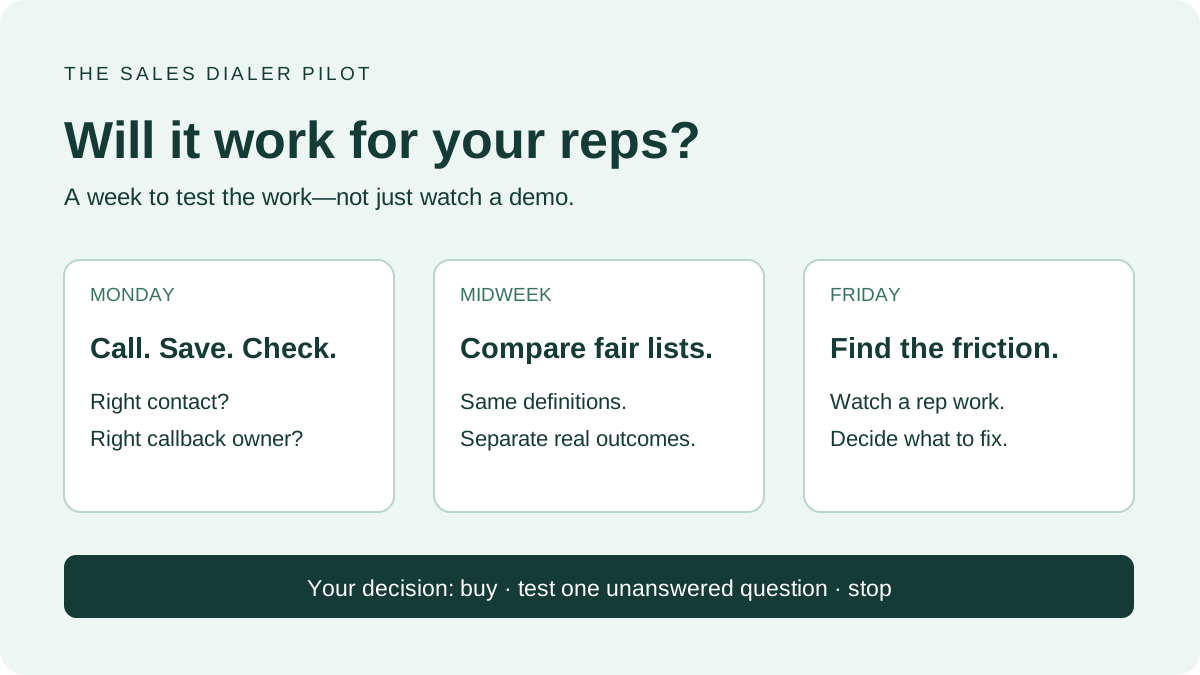
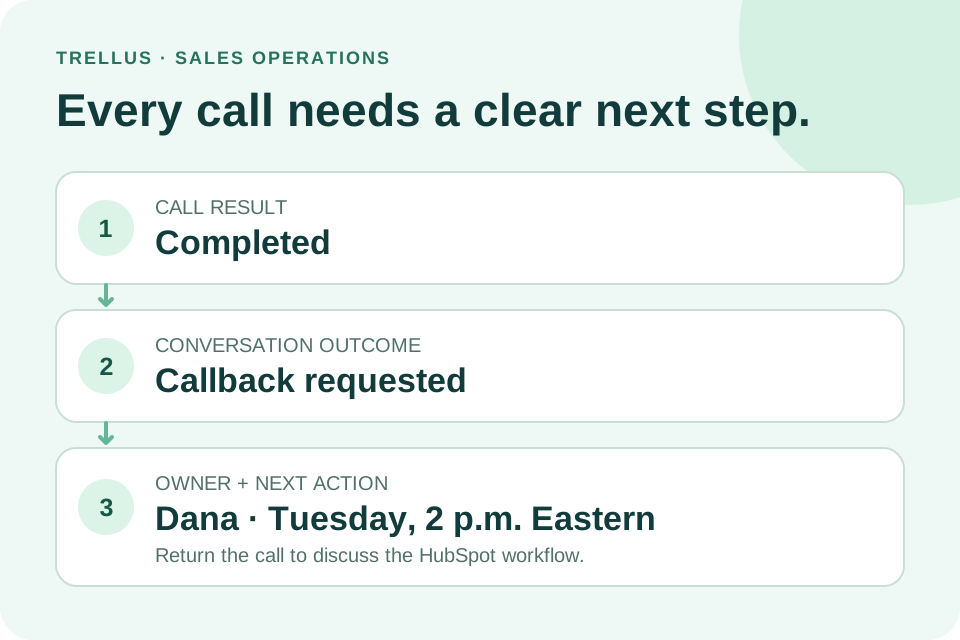
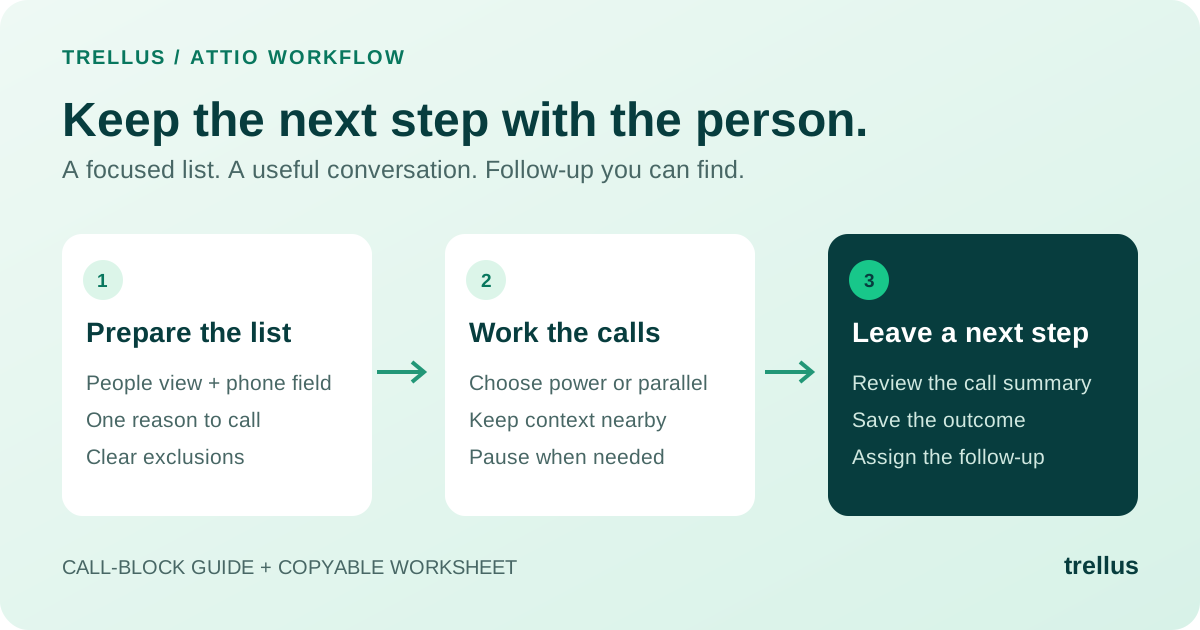
At its core, the system brings lead management, outreach, and follow-ups into a single workflow. Leads move through clear stages, conversations stay logged automatically, and next steps are always visible. That alone removes a large portion of manual effort that slows down deals.
Why it works well for small teams and startups
Small teams need automation that supports selling without demanding constant setup or maintenance. This solution fits that reality naturally.
One major strength lies in how it handles lead generation automation and outreach.
It’s done through our LinkedIn Superhuman feature, something we built specifically for SDRs and sales people looking to communicate with and connect with the right people out there.
In that order, prospects are organized clearly, and follow-ups happen on schedule instead of relying on reminders or spreadsheets. Email automation ensures no lead goes cold simply because a rep got busy.
Another advantage is accessibility. The interface feels intuitive, which shortens onboarding time and reduces resistance from reps who dislike complicated CRM systems. For startups testing their first sales process, this lowers the risk of tool abandonment.
From a budget perspective, it aligns well with businesses searching for affordable sales automation tools. Instead of paying for bloated enterprise software, teams get the features they actually need to sell consistently. This makes it a strong example of sales automation on a budget that still delivers measurable impact.
Sales automation benefits that matter to small businesses
The real value shows up in daily execution. Follow-ups happen automatically, lead status stays updated, and pipeline visibility improves without extra admin work. This directly supports sales automation ROI for small business teams, since reps spend more time selling and less time organizing data.
For founders and solopreneurs, it also supports sales automation for solopreneurs by reducing context switching. Calls, emails, and deal stages live in one place, making sales feel manageable even alongside other responsibilities.
Integration options allow it to connect smoothly with existing tools, supporting sales automation integration without disrupting current workflows. That flexibility matters for growing teams who add systems gradually.
A practical alternative to manual selling
Manual selling breaks down as volume increases.
Missed follow-ups, inconsistent messaging, and unclear pipelines become common. This platform replaces that chaos with structure, showing a clear contrast in the sales automation vs manual conversation.
For small businesses searching for best sales automation for SMB, especially those early in their growth journey, this solution offers a balanced mix of simplicity, automation, and affordability. It avoids common sales automation mistakes like overengineering workflows or forcing rigid processes too early.
2. Clockify
Good for lightweight time tracking and internal accountability
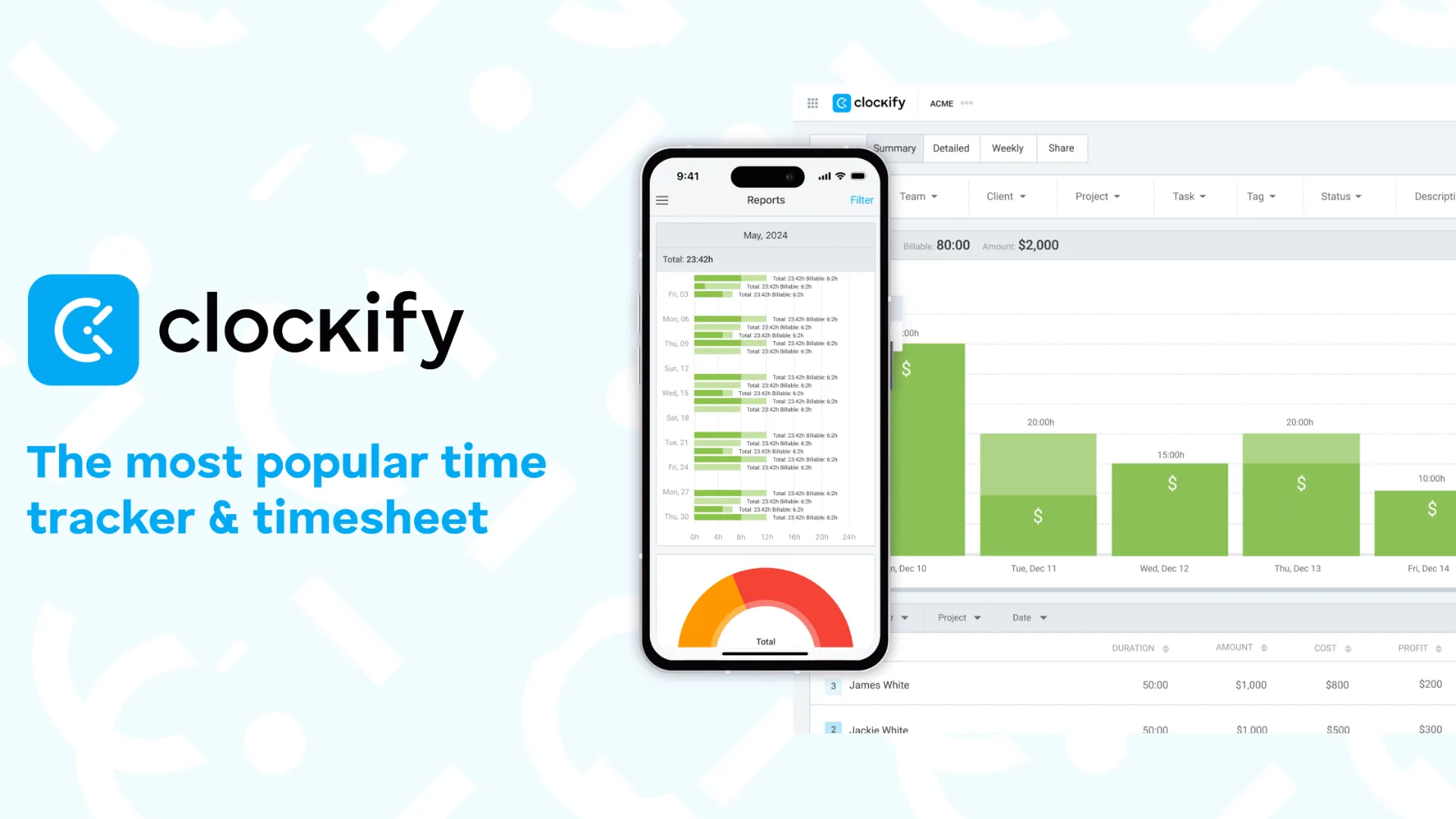
Clockify earns its place because time awareness sits at the center of productivity. Many small businesses lose hours without realizing it. Clockify solves that problem without adding complexity.
Clockify allows teams to track time against projects, tasks, and clients in real time. Team members can start and stop timers or manually log hours later. That flexibility matters for remote teams and freelancers working across different schedules.
What stands out is the free-forever plan with unlimited users. That alone makes it attractive for startups and small teams watching expenses. Even on the free tier, reporting remains available, which helps owners understand where time actually goes.
Clockify also supports basic project structure. Clients, projects, and tasks can be created and linked to time entries. Hourly rates and budgets add another layer of insight, especially for service businesses billing clients.
For sales focused teams, time tracking supports sales automation benefits for small business operations indirectly. When reps understand time spent per deal stage, follow-up efficiency improves and manual effort becomes visible.
3. QuickBooks Online
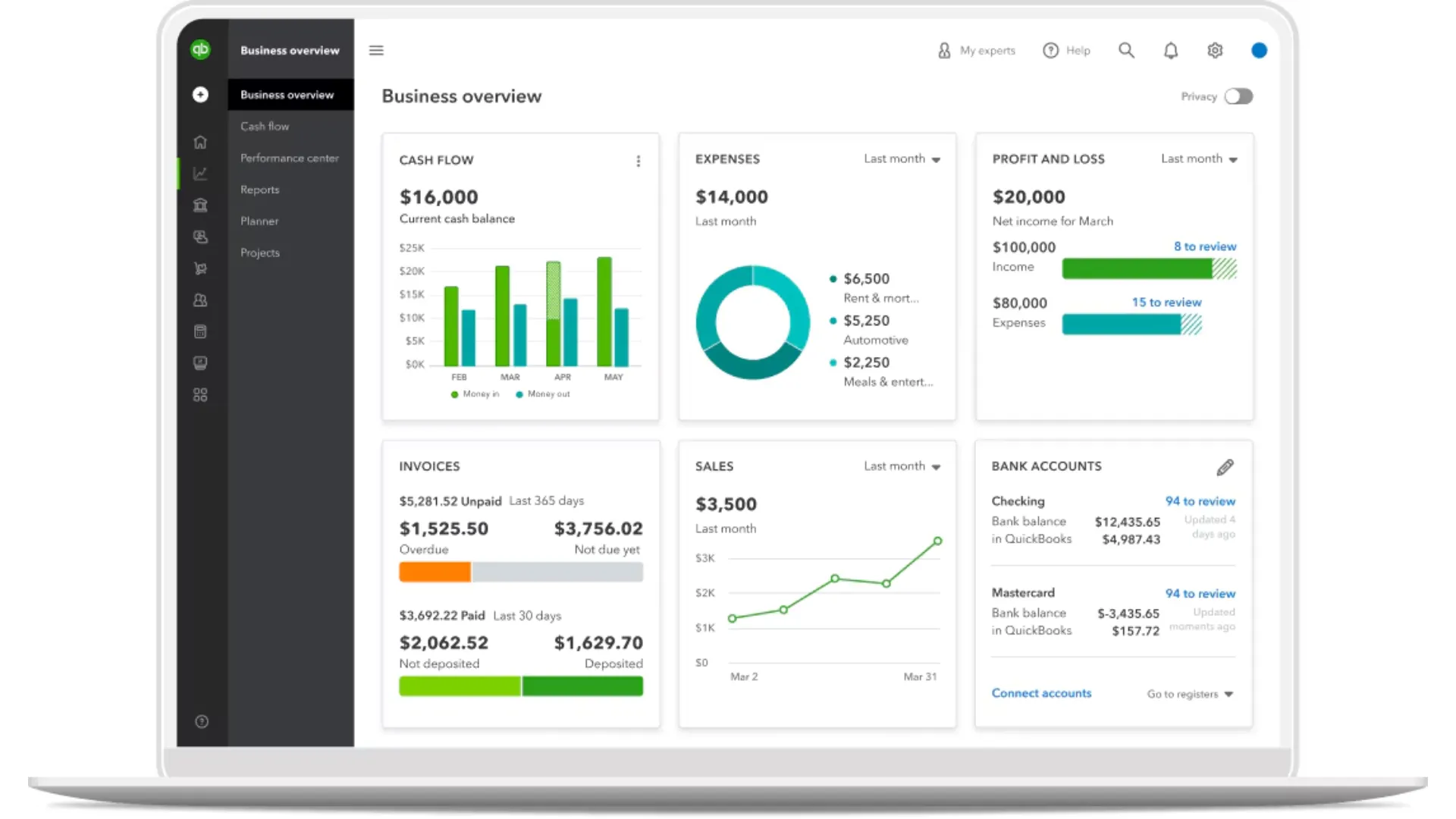
Best small business accounting automation hub
Accounting creates stress for many founders, not because it is unimportant, but because it demands precision. QuickBooks Online reduces that stress through structured automation.
QuickBooks Online automates invoicing, expense tracking, tax preparation, and bank reconciliation. Transactions sync directly from bank feeds, reducing manual entry and minimizing errors. Recurring invoices handle repeat customers without reminders.
Financial reporting remains one of its strongest areas. Profit and loss statements, balance sheets, and cash flow reports update in real time. This clarity supports better planning and prevents surprises.
Multi-user access with permission controls allows collaboration without sacrificing security. Accountants, partners, and internal team members can access exactly what they need.
For businesses asking what are the best automation tools for managing small business accounting, QuickBooks Online consistently appears near the top for a reason. It balances power with reliability, even if the learning curve feels steep at first.
4. FreshBooks
Strong option for invoicing and client billing workflows
FreshBooks focuses heavily on simplicity and client-facing workflows. The interface feels approachable, which matters for owners who want clarity without complexity.
Invoicing stands out immediately. Time tracked and expenses logged flow directly into invoices automatically. Templates look professional and payment reminders reduce awkward follow-ups.
Expense tracking works smoothly through receipt scanning, bank imports, and automatic categorization. Grouping expenses by client or project makes profitability easier to understand.
FreshBooks also supports payroll as an add-on and offers mobile apps that stay functional on the move. For solopreneurs and service businesses, this creates a lightweight accounting system without overwhelming features.
From an automation perspective, FreshBooks answers part of the budget-friendly tools conversation well, especially for businesses focused on client billing rather than complex accounting structures.
5. Trello
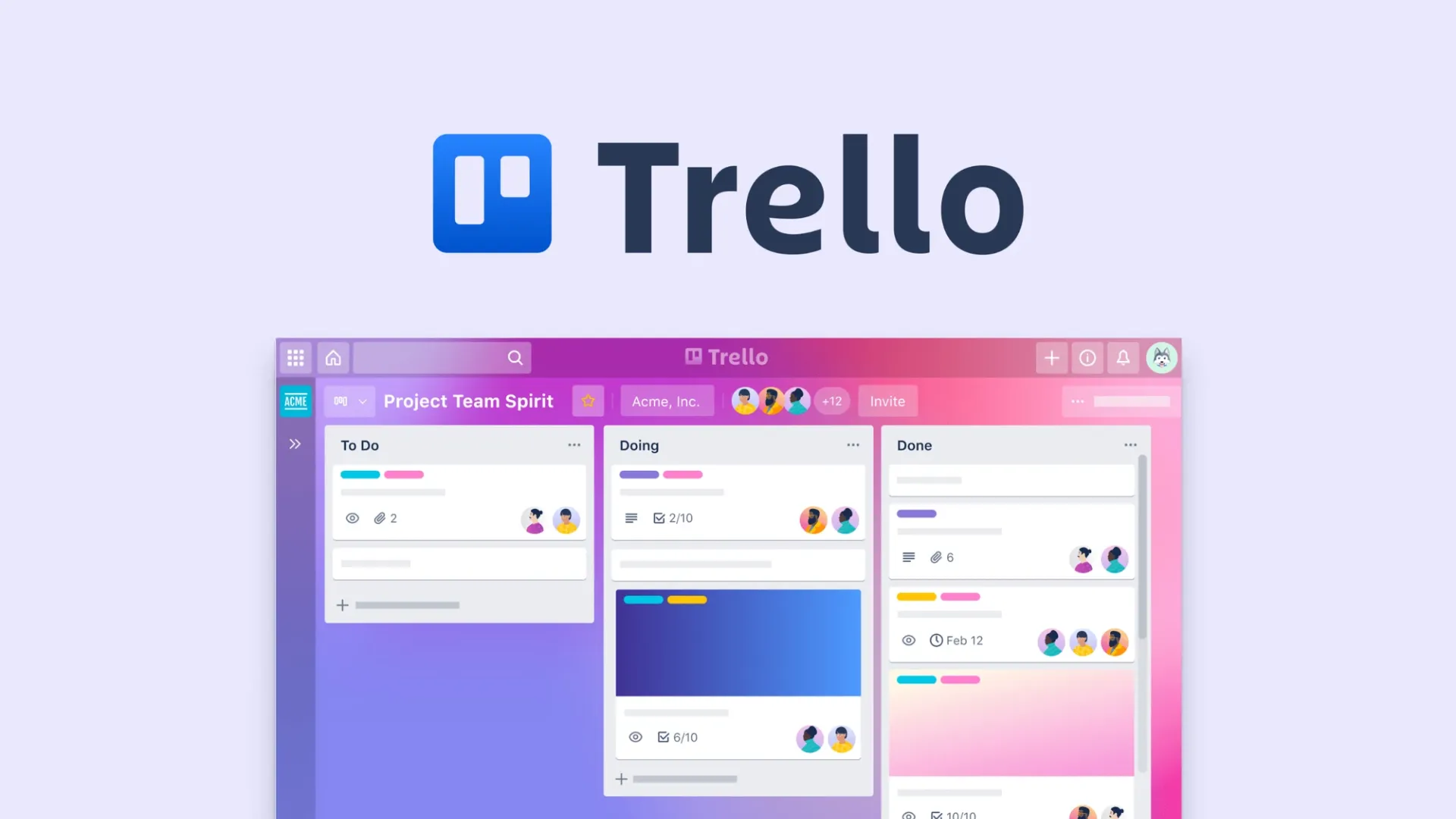
Best for visual project management and workflow automation basics
Trello remains popular because it feels intuitive from the first login. Boards, lists, and cards create a visual representation of work that teams understand instantly.
Each card can include due dates, checklists, attachments, comments, and custom fields. That structure supports clarity without complexity.
Automation arrives through Butler, Trello’s no-code automation engine. Rules can move cards, assign owners, send reminders, and update fields automatically. For small teams, this type of workflow automation reduces manual updates and status chasing.
While Trello does not replace advanced project management platforms, it works well for small businesses managing marketing campaigns, content calendars, onboarding flows, and internal tasks.
6. Mailchimp
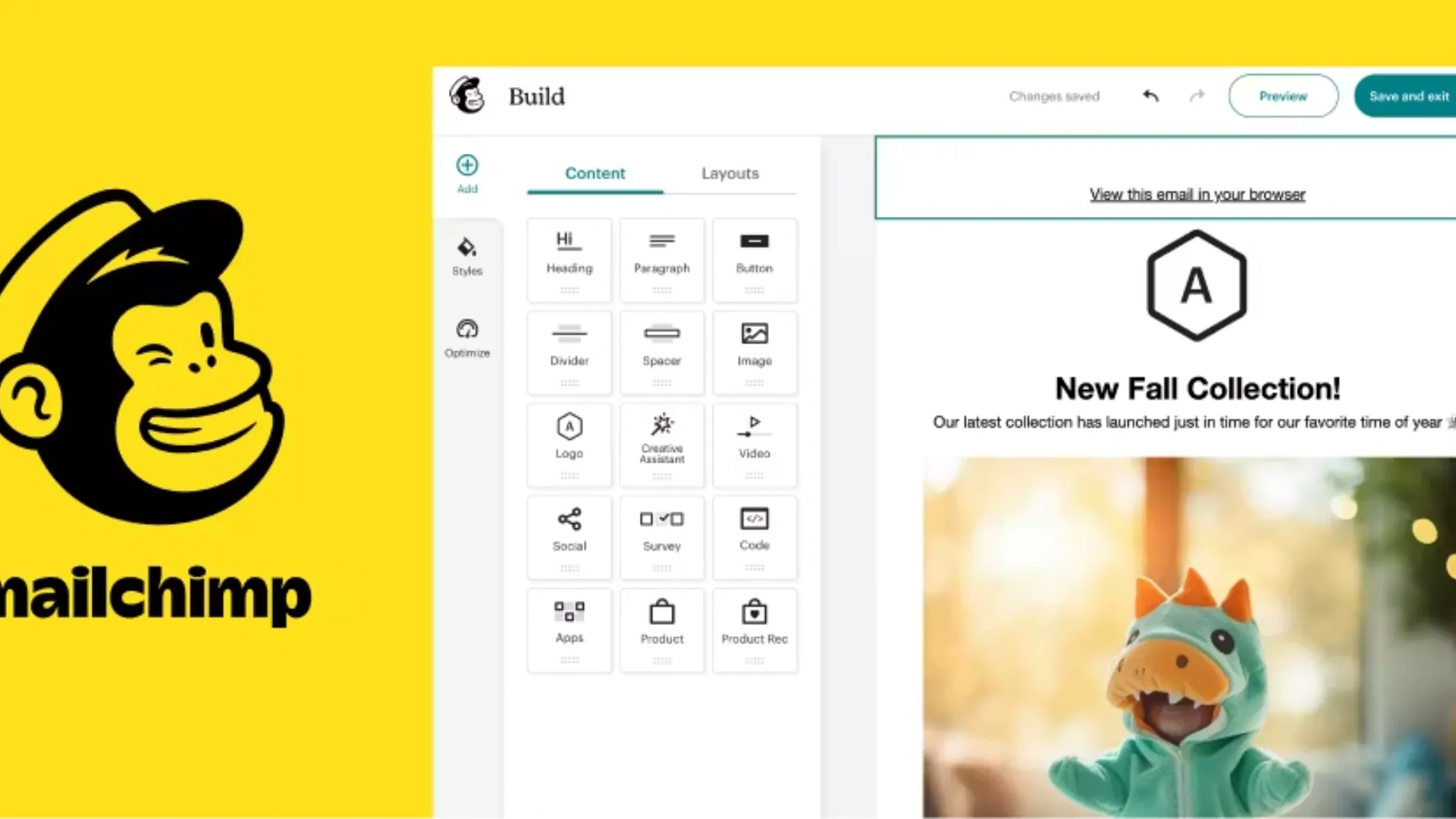
Best for email automation and marketing workflows
Email remains a cornerstone of communication between businesses and customers. Mailchimp automates that communication with structure and consistency.
Mailchimp supports email automation through customer journeys that trigger messages based on actions, timing, and behavior. That includes welcome emails, follow-ups, abandoned cart reminders, and campaign sequences.
AI assistance helps generate subject lines and content, reducing writing friction. Testing tools allow experiments with timing and messaging without manual analysis.
For small businesses focused on email automation and lead nurturing, Mailchimp connects marketing automation directly to growth without heavy technical setup.
7. Google Analytics
Best for understanding website performance and user behavior
Traffic alone means nothing without insight. Google Analytics provides visibility into how visitors arrive, interact, and convert on a website.
Metrics such as session duration, traffic sources, conversion paths, and user flow reveal what works and what needs adjustment. That insight supports smarter marketing and sales decisions.
For sales teams, understanding traffic sources supports lead generation automation strategies. Knowing which pages attract qualified visitors informs content and outreach alignment.
Google Analytics does not automate tasks directly, but it automates insight gathering at scale, which remains equally valuable.
8. Evernote
Best for note management and internal knowledge capture
Ideas, meeting notes, and reference materials disappear quickly without structure. Evernote centralizes information in a searchable system.
Notes can include text, images, attachments, checklists, and web clippings. Tags and notebooks organize content logically. Search functionality finds information instantly.
Shared notebooks support collaboration across teams, keeping documentation aligned. Calendar integration connects notes with schedules, reducing fragmentation.
For small teams managing sales calls, onboarding notes, or operational documentation, Evernote supports quiet automation through organization and retrieval.
9. Zendesk
Best for customer support automation and experience management
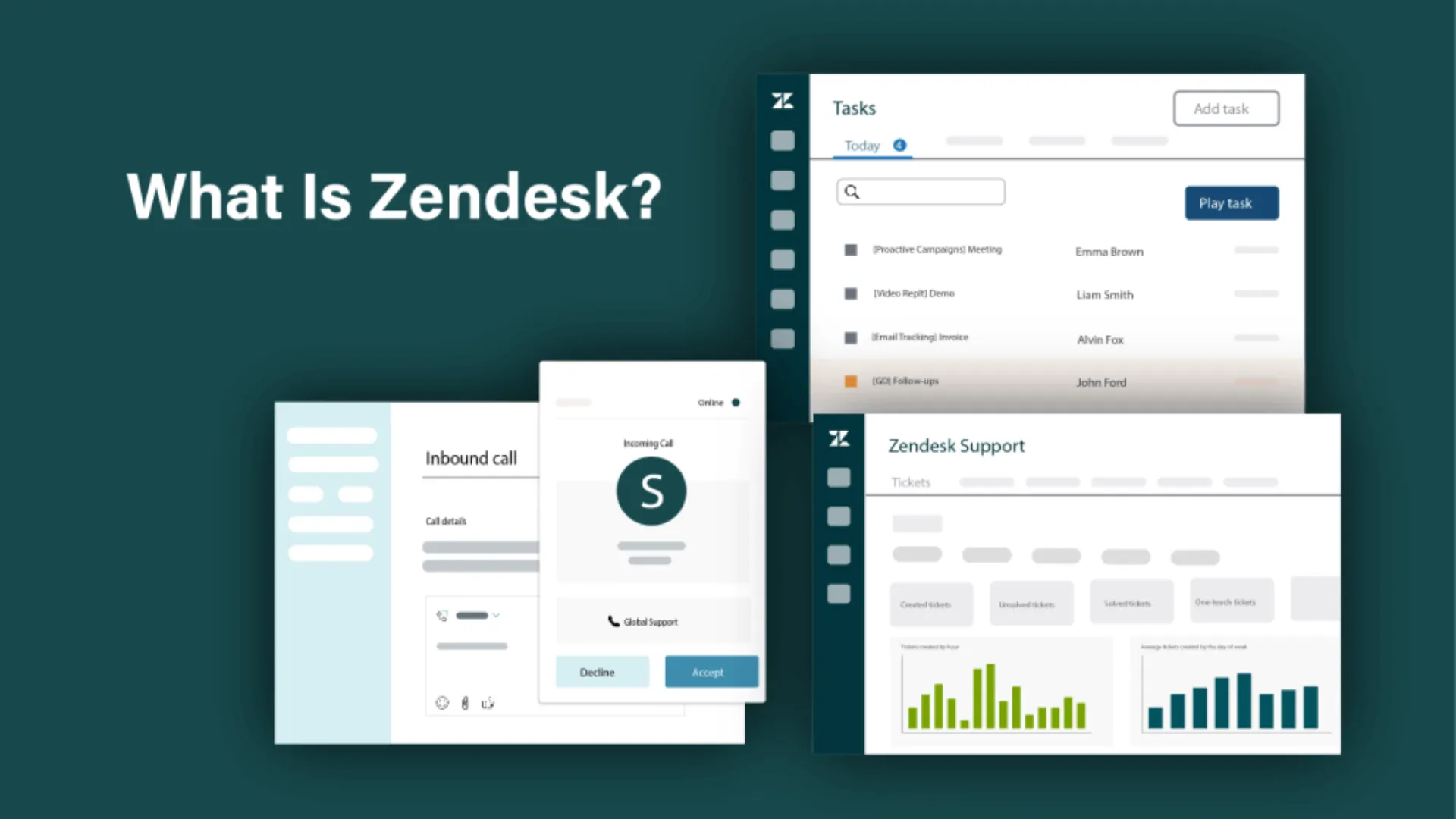
Customer support directly influences retention and reputation. Zendesk centralizes customer communication across channels into one workspace.
Ticketing automation routes requests, prioritizes issues, and tracks resolution times. AI agents handle common questions around the clock, reducing response delays.
A built-in knowledge base allows customers to self-serve, reducing support load further. Voice integration and analytics complete the ecosystem.
Zendesk answers the question which software solutions can automate customer relationship management for small businesses from a support perspective rather than sales alone.
10. HubSpot
Best for CRM automation, lead nurturing, and marketing alignment
Many small businesses reach a point where customer information becomes fragmented. Sales conversations live in email, marketing data sits inside campaign platforms, and customer interactions are spread across multiple systems. That fragmentation creates blind spots that make growth harder than it needs to be.
HubSpot addresses this challenge through a unified platform that combines CRM, sales automation, marketing automation, customer service, and reporting. For growing businesses that want visibility across the entire customer journey, few platforms provide the same level of operational alignment.
One of the strongest advantages of HubSpot is its free CRM. Small businesses can begin managing contacts, deals, activities, and communication history without committing to significant software costs. As the business grows, automation capabilities can be expanded through the platform's paid tiers.
Marketing teams benefit from automated email campaigns, lead nurturing workflows, landing pages, and audience segmentation. Sales teams gain access to automated task creation, pipeline management, meeting scheduling, and activity tracking.
Why HubSpot works well for small businesses
Many automation platforms solve one problem exceptionally well. HubSpot succeeds because it connects multiple business functions inside a single environment.
Lead capture forms can automatically create contacts inside the CRM. Those contacts can enter automated nurturing sequences based on their behavior. Once a lead becomes sales qualified, tasks and notifications can be generated automatically for the sales team.
This level of coordination reduces manual handoffs and creates a more consistent customer experience.
For companies researching workflow automation for small business growth, HubSpot offers an impressive balance between accessibility and scalability.
Key automation capabilities
- Lead capture automation
- CRM workflow automation
- Email marketing automation
- Meeting scheduling automation
- Sales pipeline management
- Customer journey tracking
- Automated lead scoring
- Reporting dashboards
Potential limitations
HubSpot's pricing can increase as contact databases grow and advanced features become necessary. Small businesses should evaluate future costs alongside current needs before committing to deeper adoption.
11. Zapier
Best for connecting apps and automating repetitive business processes
One of the biggest challenges small businesses face is that software rarely works together automatically.
Customer information enters one platform, invoices are generated elsewhere, marketing activity happens in another tool, and project management lives somewhere completely different. Employees often spend hours moving information between systems manually.
Zapier was built to eliminate that problem.
The platform connects thousands of applications and allows businesses to create automated workflows without writing code. When one action occurs inside a connected application, Zapier can trigger actions inside other systems automatically.
A simple example illustrates the value clearly.
When a customer submits a website form, Zapier can create a CRM contact, notify a sales representative, add the lead to an email sequence, and create a follow up task in a project management platform, all within seconds.
Why Zapier belongs in every workflow automation discussion
Few tools have had a bigger impact on workflow automation for small business operations.
Rather than forcing businesses to replace existing software, Zapier allows organizations to extend the value of tools they already use. This flexibility is particularly valuable for startups that gradually build their technology stack over time.
The no code interface also removes technical barriers. Business owners can automate processes without relying on developers or IT teams.
For companies searching for the best workflow automation tools for small businesses 2025 2026, Zapier consistently remains one of the strongest options available.
Key automation capabilities
- Multi step workflow creation
- CRM automation
- Marketing automation
- Lead routing
- Data synchronization
- Notification workflows
- Document automation
- Customer onboarding automation
Potential limitations
Complex workflows can become difficult to manage if not documented properly. Businesses should establish naming conventions and workflow governance as automation usage expands.
12. Asana
Best for project management automation and team coordination
As businesses grow, keeping projects organized becomes increasingly difficult. Tasks get buried inside email threads, deadlines become unclear, and team members spend valuable time asking for updates rather than making progress.
Asana was created to solve exactly that problem.
The platform helps teams organize work, assign responsibilities, automate recurring tasks, and maintain visibility across projects. Unlike simple task management applications, Asana provides enough structure to support growing businesses without becoming overly complicated.
For small business owners managing multiple priorities simultaneously, that visibility can dramatically improve execution.
Projects can be organized into lists, boards, timelines, or calendars depending on how teams prefer to work. Managers gain a clear understanding of progress, bottlenecks, and upcoming deadlines without scheduling constant status meetings.
Why Asana works well for workflow automation
The value of automation often comes from removing small repetitive actions that accumulate throughout the week.
Asana allows businesses to automate task assignments, due dates, notifications, approvals, and workflow transitions. When work moves from one stage to another, the next set of actions can happen automatically.
For example, when a sales opportunity closes, Asana can automatically generate onboarding tasks, notify relevant departments, and assign ownership to the appropriate team members.
This creates consistency while reducing administrative overhead.
Companies searching for best workflow automation tools for small businesses 2025 2026 frequently place Asana near the top because it balances ease of use with sophisticated workflow capabilities.
Key automation capabilities
- Automated task assignment
- Recurring workflows
- Project templates
- Approval workflows
- Deadline reminders
- Team collaboration automation
- Cross department coordination
- Progress reporting
Potential limitations
Organizations with extremely complex project structures may eventually require more specialized enterprise project management software. For most small businesses, however, Asana provides more than enough capability.
13. ActiveCampaign
Best for customer journeys, email marketing, and sales automation
Email marketing remains one of the highest ROI channels available to small businesses. The challenge is creating personalized experiences at scale without requiring constant manual effort.
ActiveCampaign has built its reputation around solving that challenge exceptionally well.
The platform combines email marketing automation, customer journey mapping, CRM functionality, segmentation, and behavioral tracking into a single system. This combination allows businesses to create highly targeted communication workflows that respond dynamically to customer behavior.
Someone who downloads a guide can receive one sequence of emails. A prospect who requests a demo can enter a completely different workflow. Existing customers can receive onboarding content, upsell campaigns, or retention messaging based on their actions.
Every interaction helps shape future communication.
Why ActiveCampaign stands out in marketing automation
Many businesses looking for the best marketing automation software for small businesses 2025 2026 discover that email alone is no longer enough.
Customers expect relevant communication delivered at the right moment.
ActiveCampaign enables businesses to build detailed customer journeys that adapt automatically based on engagement levels, purchases, website activity, and CRM updates.
This creates more personalized experiences while reducing manual campaign management.
For small businesses seeking sophisticated marketing automation without enterprise level complexity, ActiveCampaign remains one of the strongest choices available.
Key automation capabilities
- Customer journey automation
- Email sequence automation
- Behavioral segmentation
- CRM automation
- Lead nurturing
- Lead scoring
- Sales pipeline automation
- Automated campaign optimization
Potential limitations
The platform offers significant depth, which means new users may need time to fully understand its automation builder and segmentation tools.
14. Monday.com
Best for business process automation across departments
Many automation tools focus on a single business function. Monday.com takes a broader approach, helping organizations automate workflows across sales, marketing, operations, customer service, HR, and project management.
Its visual interface makes it easy for teams to understand how work moves through the organization while maintaining flexibility for different use cases.
Small businesses often adopt Monday.com because it adapts well to changing processes. Teams can build custom workflows without requiring technical expertise, making it particularly attractive for companies still refining their operations.
The platform combines project tracking, collaboration, automation, reporting, and workflow management into one centralized workspace.
Why Monday.com is one of the best automation apps for small business
A common challenge with automation initiatives is fragmentation. Different departments often implement separate tools, creating disconnected workflows.
Monday.com helps address that issue by creating a shared operational layer across the business.
Sales teams can automate lead management. Marketing teams can automate campaign execution. Operations teams can automate approvals and task routing. Leadership teams gain visibility through centralized reporting.
This cross functional capability makes it one of the best automation apps for small business environments where flexibility and collaboration are priorities.
The platform also scales effectively, allowing businesses to expand automation capabilities without replacing their existing workflows.
Key automation capabilities
- Business process automation
- Lead management workflows
- Approval automation
- Project automation
- Team notifications
- Custom workflow creation
- Dashboard reporting
- Cross department coordination
Potential limitations
Monday.com offers extensive customization options. While this flexibility is a major strength, businesses should spend time designing processes carefully to avoid creating overly complex workflows.
Selection Criteria and How to Choose Tools
Selecting the right small business automation tools requires a strategic approach that balances your immediate business needs identification with long-term scalability. The most common mistake founders make is adopting tools based on features alone, rather than evaluating how well they fit their specific workflows and constraints.
Start by conducting an honest assessment of your business needs identification. What are your highest-friction workflows? Where do you lose the most time? For sales teams, this might mean prioritizing lead scoring and workflow efficiency. For customer-facing operations, customer support automation and analytics tools become critical. This clarity prevents tool sprawl — the accumulation of redundant platforms that drain budgets and confuse teams.
Budget constraints are a reality for most small businesses, which is why evaluating a tiered pricing model is essential. Many platforms offer a free plan or trial version , allowing you to test functionality before committing financially. Trellus, QuickBooks, Mailchimp, and Zendesk all provide free tiers or trials. Use these periods strategically to confirm the tool actually solves your problem before upgrading to a paid plan.
Integration options deserve careful attention. A tool that works beautifully in isolation but cannot connect with your existing stack creates more friction, not less. Verify that your potential solutions support data import features and can sync with your CRM, accounting software, or email platform. Poor integration forces manual data entry — defeating the entire purpose of automation.
Training resources and ease of implementation significantly impact adoption rates. Small teams cannot afford lengthy onboarding processes or steep learning curves. Platforms with intuitive interfaces, video tutorials, and responsive support reduce the time to productivity. This is why simplicity often outweighs feature richness for small businesses.
Role-based access control becomes increasingly important as your team grows. Even small operations benefit from tools that allow you to grant different permissions to different team members — protecting sensitive financial data while enabling collaboration. This feature prevents mistakes and maintains security without creating administrative overhead.
Finally, evaluate the analytics tools each platform provides. Real-time dashboards and reporting capabilities transform raw data into actionable insights. Whether tracking sales pipeline progress, customer support response times, or accounting metrics, visibility into performance metrics directly supports better decision-making.
The ideal approach is to start with one or two core tools that address your highest-impact workflows, verify they integrate smoothly, confirm they fit your budget, and test them thoroughly before expanding your stack. This methodical approach prevents the common trap of over-tooling early and ensures each platform genuinely improves workflow efficiency rather than adding complexity.
Key Takeaways
The question for most small business owners is no longer whether to automate — it is where to start. The tools reviewed in this article span the full operational spectrum, from sales automation for small business teams to accounting, project management, email marketing, and customer support. Each one addresses a specific category of friction that slows small teams down.
What is particularly instructive is the article's framing of automation as a tool for protecting attention, not replacing people. This is an important distinction. Small business automation tools work best when they handle the predictable, repeatable tasks — sending follow-up emails, logging call notes, routing support tickets, reconciling bank transactions — so that founders and reps can focus on the work that genuinely requires human judgment.
Trellus earns its place at the top of this list for sales teams specifically, offering lead generation automation, sales automation for solopreneurs, and structured pipeline visibility in a package designed for lean teams. Combined with QuickBooks for accounting, Mailchimp for email, and Zendesk for support, a small business can build a remarkably capable affordable automation stack without enterprise-level complexity or cost. The key is choosing tools that integrate well and that your team will actually adopt and use consistently.
Frequently Asked Questions About Small Business Automation Tools
Frequently Asked Questions About Workflow Automation For Small Business
What is workflow automation for small business?
Workflow automation for small business refers to software that automatically handles repetitive processes that would otherwise require manual effort. Common examples include lead routing, invoice generation, customer onboarding, project approvals, follow up emails, and support ticket assignment. The primary goal is to improve consistency, reduce errors, and free employees to focus on higher value work.
What are the best workflow automation tools for small businesses in 2025 and 2026?
Several platforms consistently rank among the best workflow automation tools for small businesses 2025 2026. Zapier remains one of the strongest choices for connecting applications and automating processes across software platforms. Asana and Monday.com excel at project and operational workflow management. HubSpot supports CRM and customer lifecycle automation, while Trellus helps automate sales workflows and prospect engagement.
What is the best marketing automation software for small businesses?
The answer depends on business goals, customer volume, and marketing complexity. Mailchimp remains an excellent option for straightforward email automation and campaign management. ActiveCampaign offers more advanced customer journey automation, behavioral targeting, and lead nurturing capabilities. HubSpot provides broader marketing automation combined with CRM functionality, making it attractive for businesses seeking an all in one platform.
How can small businesses start automating without overspending?
The most effective approach is to identify one or two high friction processes and automate those first. Many leading platforms offer free plans or affordable entry level pricing. Businesses often begin with Trello, Clockify, Mailchimp, Zapier, or HubSpot's free CRM before expanding into more advanced automation. Starting small allows teams to build confidence, measure results, and avoid unnecessary software expenses.
![14 Small Business Automation Tools In 2026: [Updated List]](https://cdn.prod.website-files.com/633ef5e495fbc55a9bea70b1/63455cbf28bb966d48fe7caf_andrew.jpeg)

Power and parallel dialing in your CRM.