Skip to content
CRM walkthroughs

Attio Power & Parallel Dialer: Earlier Full Walkthrough

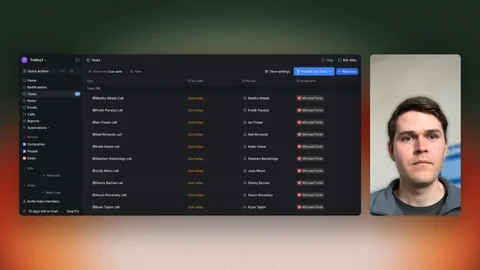
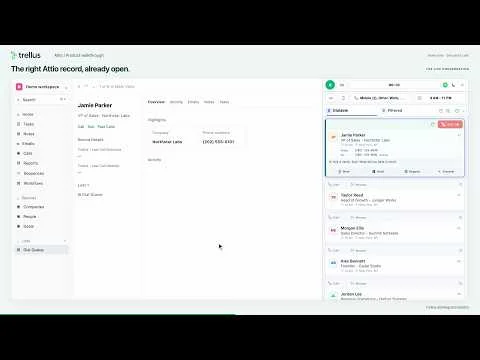
Watch the September 8 Attio recording, from a People list through a connected call and reviewed notes. A newer walkthrough shows the person’s record opening after connection.

2:32 watchYouTube

This is an earlier recording. Watch the newer connected call walkthrough

Recorded walkthroughs may show earlier screens or settings.

Explore Trellus for Attio
Inside this recording

What you’ll see

Use these timestamps to find a moment in the player.

  1. 0:00Keep Attio. Upgrade your call block.
  2. 0:15Open Trellus from your People list
  3. 0:31Power dialing: one contact at a time
  4. 0:48Switch to parallel dialing
  5. 1:02Run your parallel call block
  6. 1:17Connected call and live transcript
  7. 1:31In-call controls and ending the call
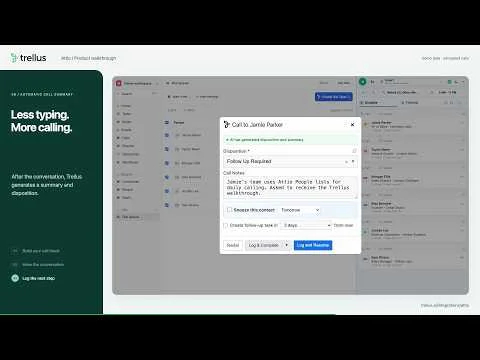
  8. 1:43Automatic summary and embedded logger
  9. 2:05Resume the queue and check Attio activity
  10. 2:20Try Trellus for Attio