 2:24
2:24
2-min Trellus Walkthrough
Get an introduction to the Trellus parallel dialer, real-time coaching, and AI practice bots.
Watch guideFind your platform. Learn a workflow. Watch the people who build Trellus walk you through it.
From your first setup to the details of your daily workflow.
2:24
Get an introduction to the Trellus parallel dialer, real-time coaching, and AI practice bots.
Watch guide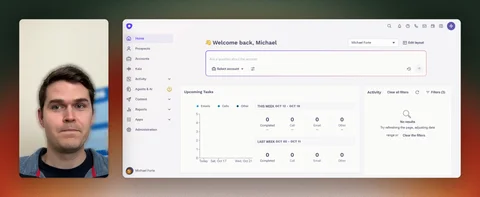 7:05
7:05
Watch the detailed Trellus and Outreach integration walkthrough.
Watch guide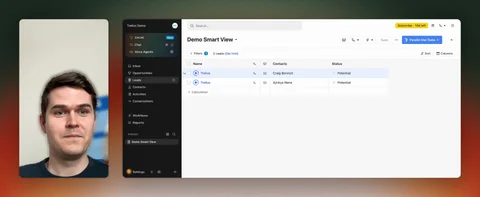 7:08
7:08
Watch the detailed Trellus and Close integration walkthrough.
Watch guide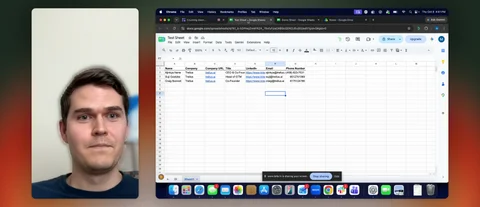 8:08
8:08
Follow the Trellus Google Sheets integration, from connecting your spreadsheet and mapping columns to dialer settings and filters.
Watch guide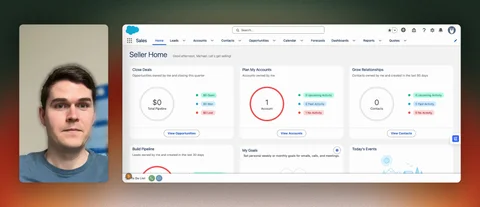 5:28
5:28
See how Trellus dialing works with Salesforce leads, accounts, and reports.
Watch guide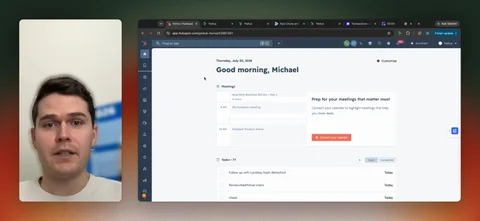 10:46
10:46
Explore parallel dialing, call notes, logging, and filtering in the Trellus HubSpot dialer.
Watch guide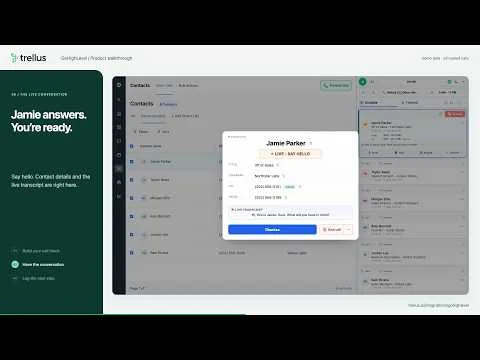 2:44
2:44
Follow a GoHighLevel Smart List through contact selection, power and parallel dialing, a conversation, and the call logger.
Watch guide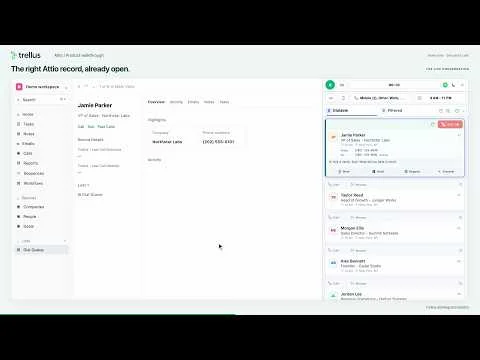 1:55
1:55
Follow the updated Attio walkthrough: open a call queue, choose a dialing mode, see the person’s record open when a call connects, and review and save call notes. This demonstration uses fictional contacts and simulated calls.
Watch guide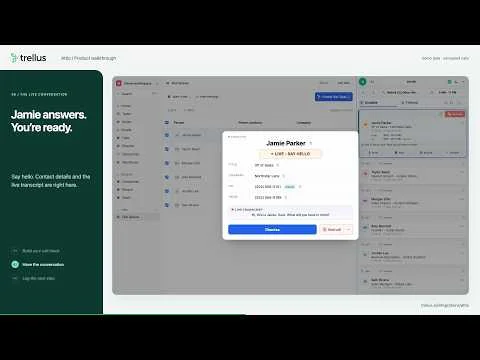 2:32
2:32
Watch the September 8 Attio recording, from a People list through a connected call and reviewed notes. A newer walkthrough shows the person’s record opening after connection.
Watch guide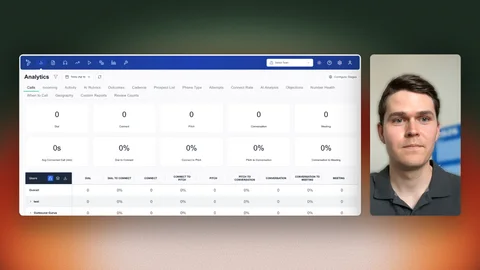 2:29
2:29
Explore the Live Listening dashboard and how live monitoring connects with Salesfloor.
Watch guide 6:03
6:03
Navigate analytics reports, filters, and dashboard views in Trellus.
Watch guide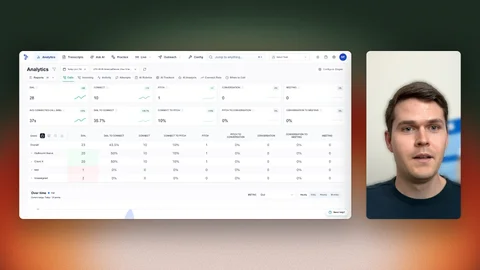 2:33
2:33
See how custom stages and team activity appear in Trellus analytics.
Watch guide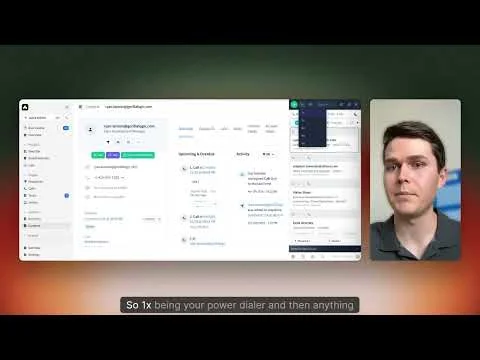 3:47
3:47
Learn where to find and use the Trellus plugin inside Amplemarket.
Watch guide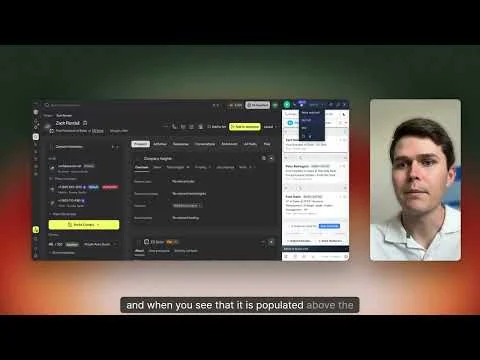 3:33
3:33
Learn how to set up and use Trellus parallel dialing with Apollo.
Watch guide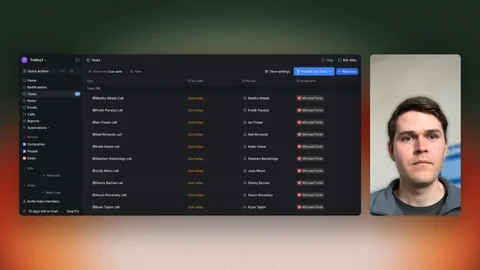 4:00
4:00
See how to open and use Trellus dialing in Attio.
Watch guide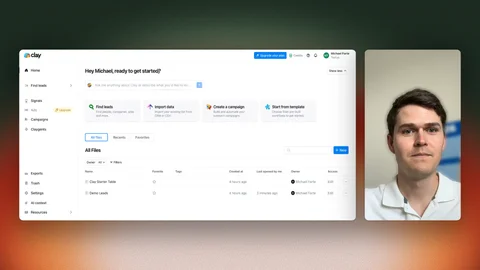 4:13
4:13
See how the Trellus dialing workflow fits into Clay.
Watch guide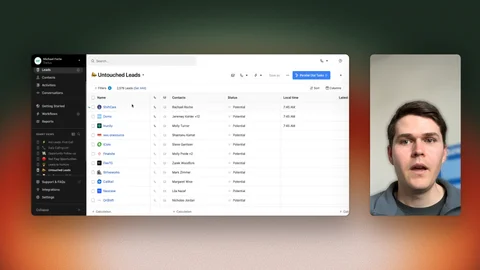 3:49
3:49
Follow the Trellus dialing workflow inside Close.
Watch guide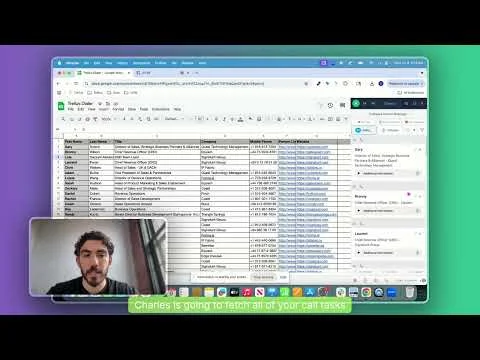 0:33
0:33
Watch a short demonstration of parallel dialing from Google Sheets.
Watch guide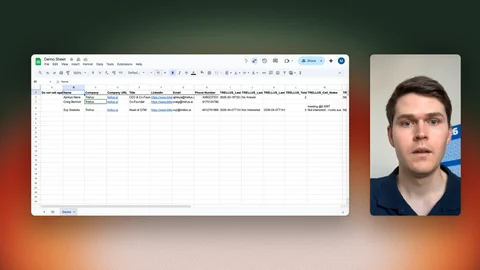 4:36
4:36
Set up column mappings, start a calling session, and review filtering and call logging in Google Sheets.
Watch guide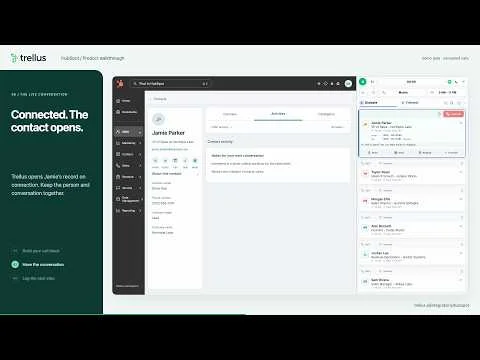 2:32
2:32
Follow a HubSpot call block through power or parallel dialing, then see the contact open when a call connects. Review notes and the saved contact activity.
Watch guide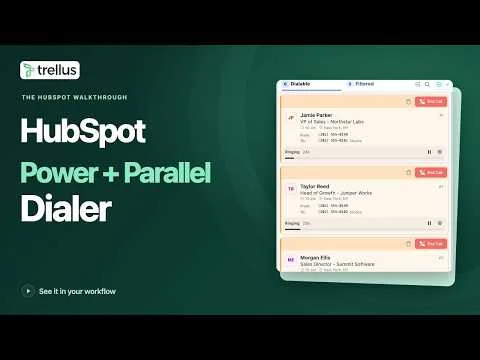 2:32
2:32
Watch the September 13 recording of a HubSpot call block, with the connected call and live transcript shown over the contact list. A newer walkthrough shows the contact opening after connection.
Watch guide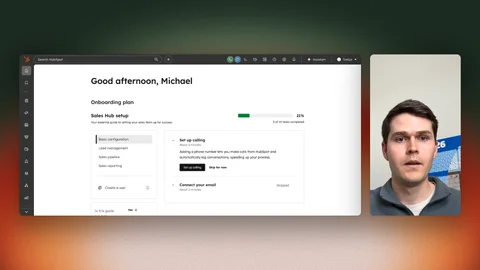 3:21
3:21
Get a guided introduction to using Trellus dialing inside HubSpot.
Watch guide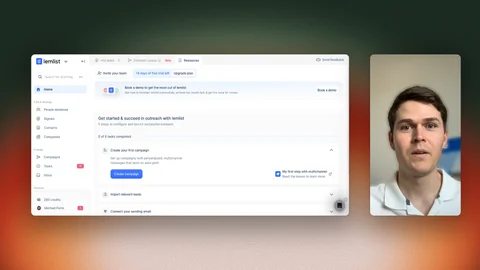 3:08
3:08
Follow a walkthrough of the Trellus dialing integration with Lemlist.
Watch guide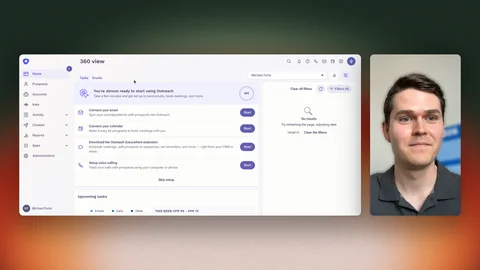 4:16
4:16
Walk through setting up and using the Trellus integration inside Outreach.
Watch guide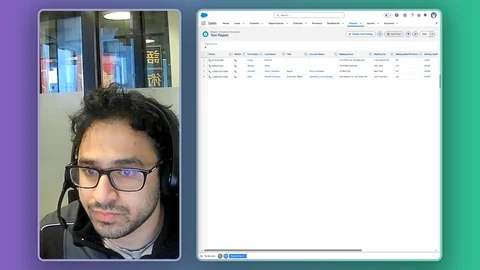 2:15
2:15
See click-to-dial, power dialing, and parallel dialing in this Salesforce walkthrough.
Watch guide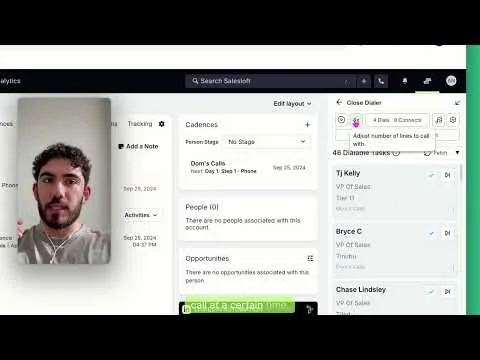 1:04
1:04
Watch a short demonstration of parallel dialing in Salesloft.
Watch guide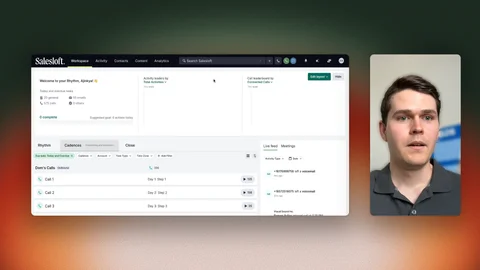 3:35
3:35
See how to use Trellus and Salesloft together in a calling workflow.
Watch guide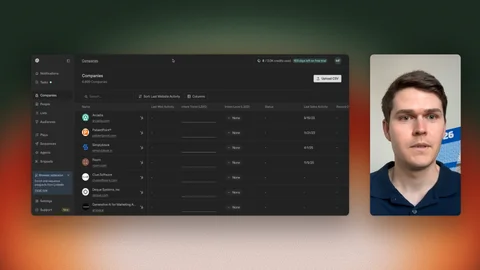 2:40
2:40
See where to open Trellus and get started with dialing inside Unify.
Watch guide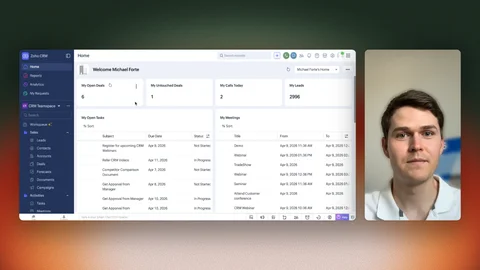 3:23
3:23
Walk through the Trellus integration and dialing workflow in Zoho CRM.
Watch guide 5:47
5:47
Watch a demonstration of real-time AI coaching during sales calls.
Watch guide 1:36
1:36
Learn how to create and customize AI roleplay bots for practice sessions.
Watch guide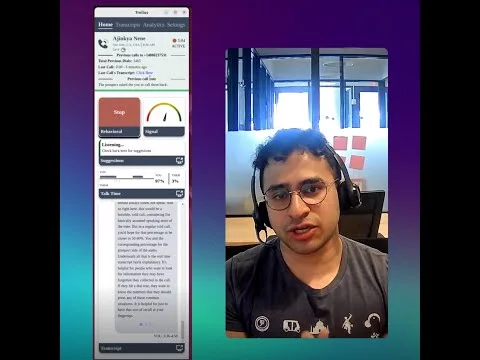 8:03
8:03
Watch Ajinkya Nene introduce the original Trellus real-time AI sales coach.
Watch guide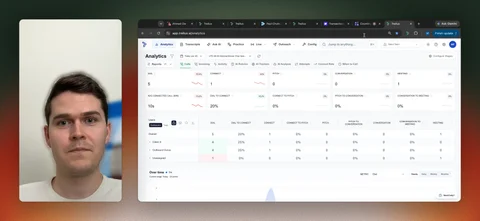 7:16
7:16
Explore practice bots, Ask AI, and automated call coaching in this Trellus feature overview.
Watch guide 5:24
5:24
Watch an early Trellus AI walkthrough introducing follow-up email generation.
Watch guide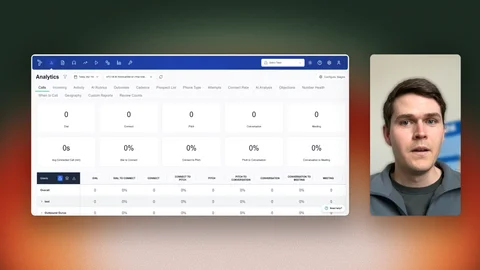 4:09
4:09
Explore the Trellus coaching suite for call practice and team enablement.
Watch guide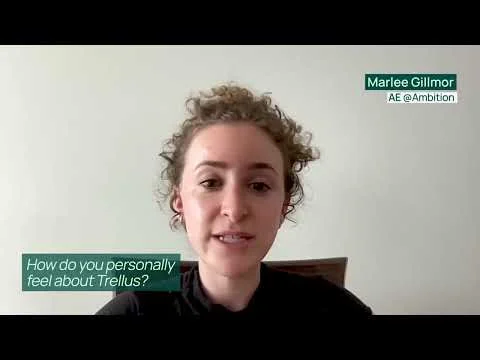 3:07
3:07
Hear sales teams describe their experiences using Trellus.
Watch guide 7:41
7:41
Follow a step-by-step introduction to setting up parallel dialing inside a CRM.
Watch guide 4:56
4:56
Watch the original introduction to the Trellus platform.
Watch guide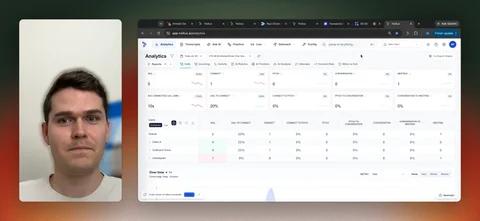 4:37
4:37
Explore team numbers, number rotation, local presence, and flagged numbers in Trellus.
Watch guide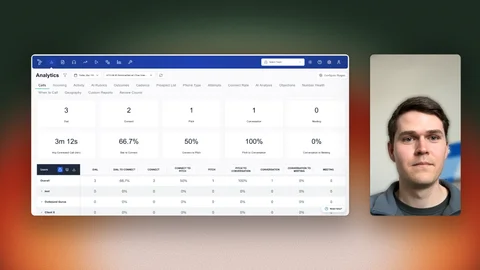 3:03
3:03
Learn to navigate LinkedIn conversations with the Trellus inbox workflow.
Watch guide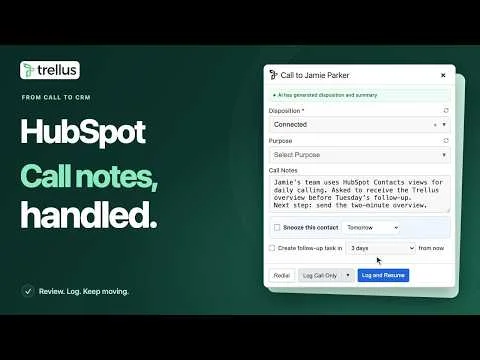 0:50
0:50
Focus on what happens after a HubSpot call: review the suggested notes and disposition, edit the next step, log and resume, then check the contact’s call activity. Uses fictional contacts and simulated calls.
Watch guide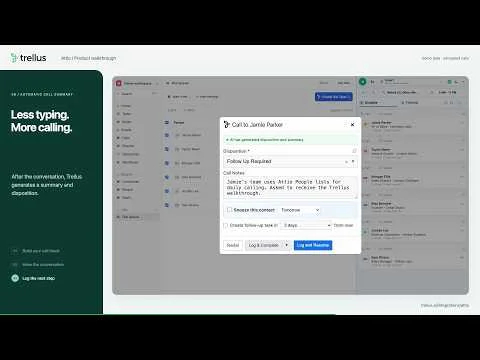 0:49
0:49
Review an automatic call summary, edit Call Notes, save the next step and check the activity on an Attio person’s record. This focused demonstration uses fictional contacts and simulated calls.
Watch guide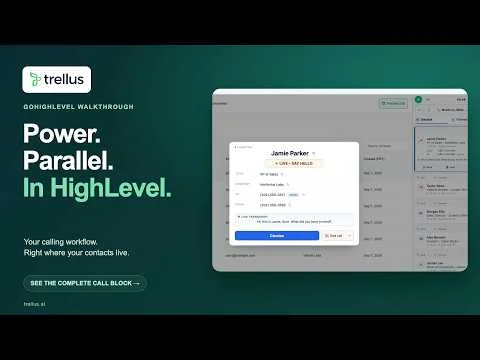 2:16
2:16
Watch the earlier GoHighLevel recording, from a Smart List through power and parallel dialing, connected-call controls and pausing the queue. The newer walkthrough also covers post-call logging. Uses fictional contacts and simulated calls.
Watch guide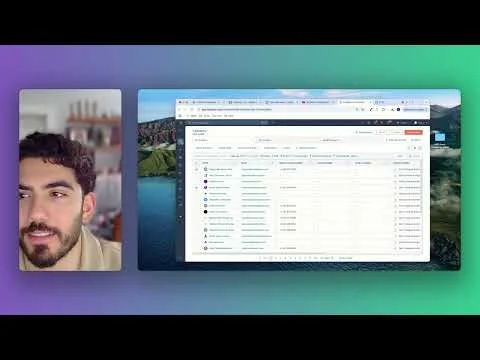 1:55
1:55
Learn how to create calling tasks in HubSpot for a Trellus parallel dialing workflow.
Watch guide 1:17
1:17
Watch the original 2024 product introduction showing how Trellus adds hands-free power dialing to an existing click-to-dial workflow. This recording shows an earlier version of the product.
Watch guide 0:56
0:56
Watch a short Trellus explainer about common questions and misconceptions around parallel dialing.
Watch guide 1:55
1:55
Compare the workflows: power dialing calls one line at a time, while parallel dialing calls multiple lines and connects the rep when someone answers.
Watch guide 0:36
0:36
A brief introduction to using Trellus inside supported CRMs and sales engagement tools, including HubSpot, Salesforce, Salesloft and Outreach.
Watch guide 0:34
0:34
A short introduction to the difference between waiting on one dial at a time and calling multiple people in parallel.
Watch guideTry a platform name or a different topic.
These are recorded walkthroughs. Screens and available settings may change as Trellus and your CRM evolve.
Need a hand? Get supportTry the interactive demo, or see how Trellus fits into your CRM.