 2:44
2:44
GoHighLevel Power & Parallel Dialer: Full Workflow | Trellus
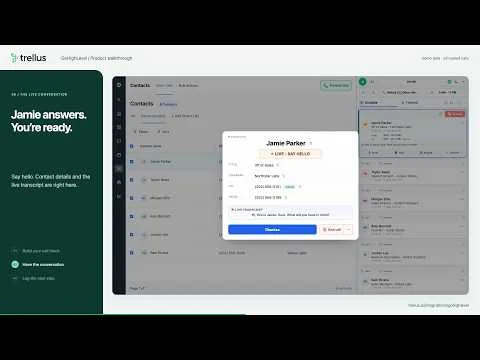
Follow a GoHighLevel Smart List through contact selection, power and parallel dialing, a conversation, and the call logger.
Watch guideWatch the earlier GoHighLevel recording, from a Smart List through power and parallel dialing, connected-call controls and pausing the queue. The newer walkthrough also covers post-call logging. Uses fictional contacts and simulated calls.
This is an earlier recording. Watch the newer connected call walkthrough
Recorded walkthroughs may show earlier screens or settings.
Use these timestamps to find a moment in the player.
2:44
Follow a GoHighLevel Smart List through contact selection, power and parallel dialing, a conversation, and the call logger.
Watch guide 2:24
2:24
Get an introduction to the Trellus parallel dialer, real-time coaching, and AI practice bots.
Watch guide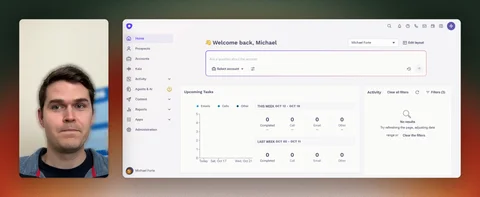 7:05
7:05
Watch the detailed Trellus and Outreach integration walkthrough.
Watch guide