Our Top Picks

If you’ve spent any time researching sales engagement platforms like Nooks, you already know the promise sounds great on paper. More conversations, smarter workflows, less busywork. And to be fair, Nooks does deliver on a lot of that.
But once teams scale, cracks start to show. On a related note, it’s also one of the main reasons for many worldwide sales teams to consider comparatively better Nooks alternatives online.
That being said, there’s also the pricing part…
You see, on their website, Nooks hasn’t listed their pricing. In fact, they encourage potential users to book a demo, where the pricing part is assessed, based on the sales team’s size. One could say that this is a fair point strategy based on one on one meetings, and depending on the team's size.
But, in the spirit of full disclosure, pricing should be mentioned on an easily accessible page, at least at a baseline level.
So, we could say that Nooks’ pricing isn’t transparent.
Why so?
It’s because they charge around $4,000 to $5,000 annually per seat as a starting point, which could be a little “baffling” for small or medium scale sales first platforms.
Moving on to the technical side of things, CRM flexibility feels limited. And for high-volume outbound teams, the system can feel slower than expected. That’s usually when people start searching for a solid nooks alternative that fits their workflow better.
And that’s where things get interesting.
Because the question isn’t just about which kind of tool replaces Nooks, it’s more about:
- Which platform helps your reps have more real conversations?
Not more dials; Not more automation. In fact, it’s kind of more about real customer-facing conversions where your sales reps don’t have to run into unattended calls or VM drops.
Key Takeaways / TL:DR:
- The best Nooks alternative is not the one with the most features; it is the one that helps reps have more real conversations through better dialing speed, lower latency, and smoother workflows
- Pricing transparency has become a major deciding factor, as teams prefer flexible, scalable tools over platforms like Nooks that require annual contracts and custom quotes
- Not all Nooks alternatives solve the same problem; some focus on communication, others on simplicity or scale, while the top-performing tools prioritize outbound efficiency, connection rates, and SDR productivity
Why Online Sales Teams Are Reportedly Looking for Nooks Alternatives?
On the surface, Nooks looks like a modern outbound powerhouse. AI sequencing, parallel dialing, coaching tools, collaboration features, all wrapped into one system.
But when you talk to SDR teams, RevOps leaders, and founders, a few consistent patterns come up.
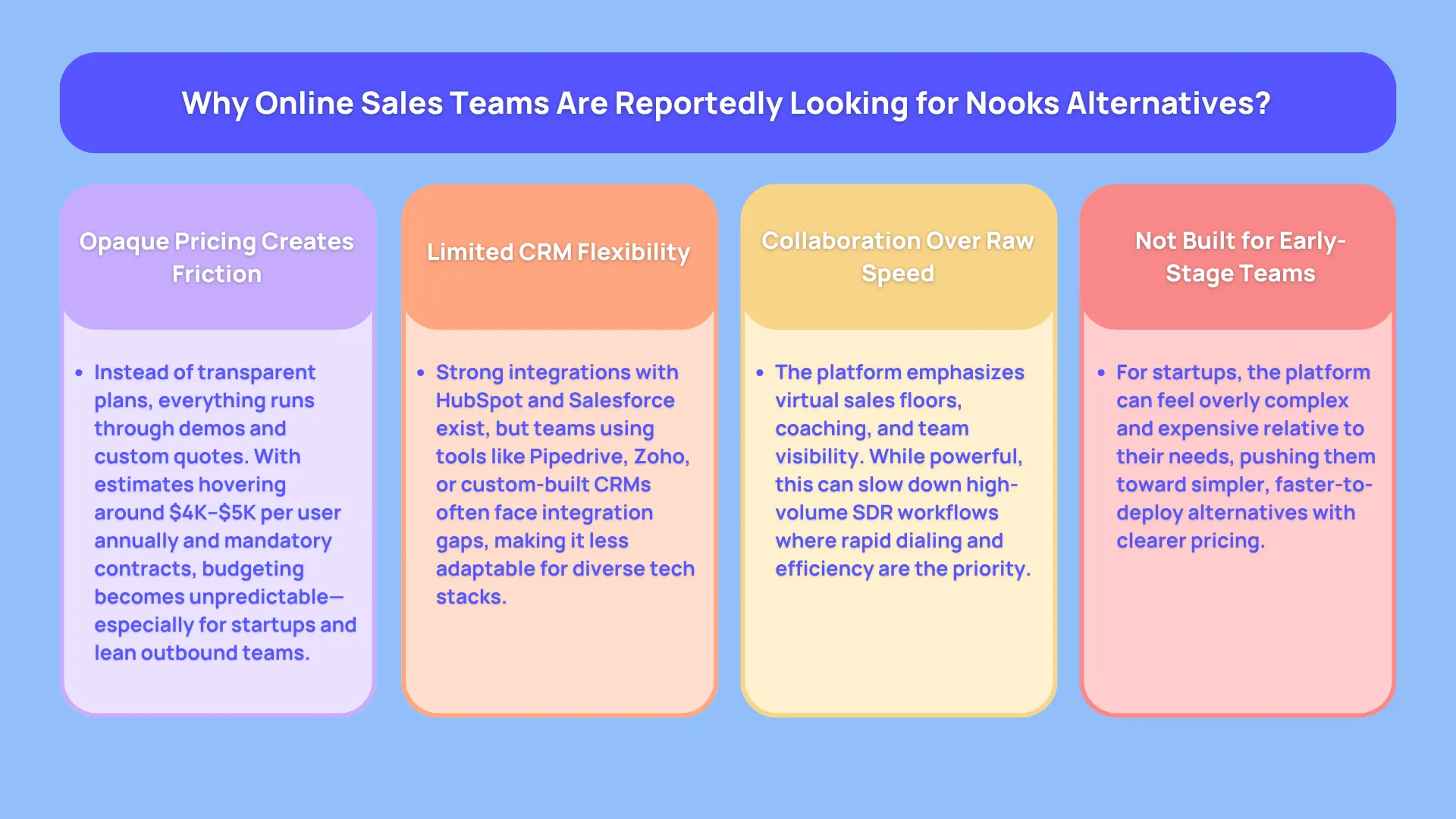
1. Pricing Feels Like a Black Box
You won’t find a pricing page. Everything goes through demos and custom quotes.
From available market data:
- Around $4,000 to $5,000 per user per year
- Roughly $333 to $417 per user per month
- Annual contracts are standard
- Minimum team sizes often apply
That makes budgeting difficult, especially for startups or lean teams evaluating CRM sales tools or outbound sales automation tools.
2. Somewhat Limited CRM Ecosystem
Nooks mainly integrates with Salesforce and HubSpot.
That’s fine for some teams. But if you’re running on:
- Pipedrive
- Zoho
- Custom CRM setups
You’ll likely hit friction. And that’s a deal-breaker for companies looking for flexible lead management software or scalable sales workflow automation.
3. Built More for Collaboration Than Speed
The virtual sales floor is powerful. Live coaching, team collaboration, performance tracking.
But high-volume outbound teams often want:
- Faster dialing
- Lower latency
- More aggressive call throughput
If your reps are making 50+ calls per day, speed matters more than collaboration layers.
4. Not Startup-Friendly
For early-stage teams, Nooks can feel:
- Expensive
- Heavy
- Overbuilt for their current needs
That’s why many startups start searching for top Nooks replacements that offer faster onboarding and simpler pricing.
What Makes a Great Nooks Alternative
When people search for the best Nooks alternatives, they often focus on features.
That’s a mistake.
Because the real differentiator is performance at scale.
Here’s what matters when evaluating Nooks competitor tools:
Transparent Pricing
You should know what you’re paying without jumping on multiple sales calls. Tools with clear pricing help teams plan better and scale faster.
Dialing Power That Matches Your Volume
Not all dialers are built the same.
- Power dialers for steady workflows
- Parallel dialers for aggressive outbound
- Predictive dialers for call centers
The right choice depends on how your team sells.
CRM Flexibility
Your cold calling dialer should fit into your existing stack, not force you to rebuild it.
Strong CRM sales software compatibility is non-negotiable.
Automation That Saves Real Time
The best tools reduce manual effort through:
- Call logging
- Voicemail drops
- Smart routing
- AI insights
This is where strong AI-powered sales assistant features normally tend to shine.
Call Quality and Latency
This is the silent killer of outbound.
Even a small delay can ruin a live connect.
High-performing platforms optimize:
- Call routing
- Connection speed
- Carrier reliability
Because if your prospect hears silence, the conversation is already lost.
Best Nooks Alternatives (2026): Take Your Pick!
Let’s get into the tools that are worth considering if you’re comparing sales engagement software, multi-channel sales platforms, or just good old call tracking through a dedicated software.
1. Trellus
Best for: High-performing outbound teams that care about speed, connection rates, and real conversations
Most tools in this space try to do everything. Collaboration, analytics, coaching, communication, automation, all bundled together. The problem is, the more layers you add, the slower reps tend to move.
This is where Trellus takes a different approach.
It focuses heavily on one thing, making sure your reps spend more time talking to real people, not waiting on connections, navigating tools, or dealing with delays.
What Makes It Different in Practice
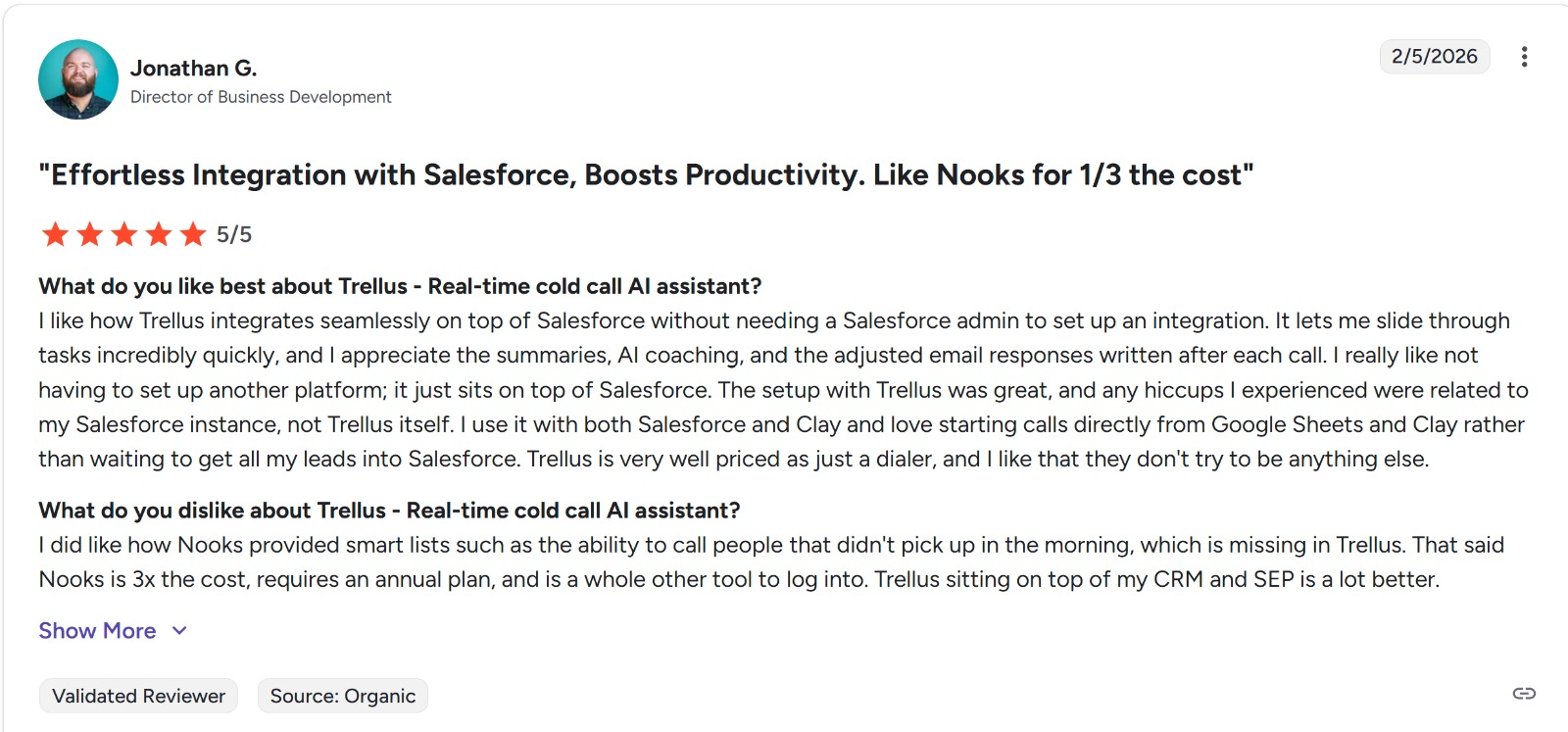
When SDR teams switch from platforms like Nooks, the first thing they usually notice is how much smoother the calling experience feels.
There’s less lag between dialing and connecting. Calls don’t sit in that awkward “hello… hello?” moment. And reps don’t feel like they’re fighting the system to keep momentum.
That comes down to how the dialing infrastructure is built.
Instead of layering AI, routing, and telephony as separate pieces, everything is tightly knit. That tends to reduce latency, which also impacts the overall call and connection quality.
And we’d also say that this isn’t a small detail.
Even a half-second delay can kill a live call. Prospects assume it’s spam and hang up. Over hundreds of calls, that adds up to a massive drop in conversations.
How It Helps SDR Productivity
A lot of sales engagement software claims to improve productivity. In reality, many tools just shift the workload around.
Here, the impact is more direct.
Reps can move through call lists faster without feeling rushed. The system handles things like call logging, note-taking, and workflow updates in the background, so reps stay focused on the conversation itself.
The built-in AI coaching doesn’t interrupt the flow either. It supports reps during live calls, rather than forcing them into separate training environments.
So you’re not just getting another AI-powered sales assistant, you’re getting something that actively improves performance while reps are selling.
CRM and Workflow Fit
One of the common frustrations with Nooks software alternatives is being forced into a specific ecosystem.
That’s not the case here.
It connects cleanly with multiple CRMs, which matters a lot if your team already has established workflows. You’re not rebuilding your stack just to make your dialer work.
For teams relying on CRM sales software, especially where a CRM with dialer is something more called for, this type of flexibility removes a huge operational headache.
You can plan your spend, test the tool, and scale without committing to heavy contracts upfront.
For startups and mid-sized teams looking at outbound sales automation tools, this alone can be a deciding factor.
Where It Wins Against Nooks
The difference becomes very clear when you look at how teams actually use the platform day to day.
With Nooks, the strength is collaboration. Virtual sales floors, coaching layers, team visibility.
With Trellus, the strength is execution.
Reps move faster. Calls connect cleaner. Workflows feel lighter.
And when your team is making 50 to 100 calls a day, that difference compounds quickly.
Key Features
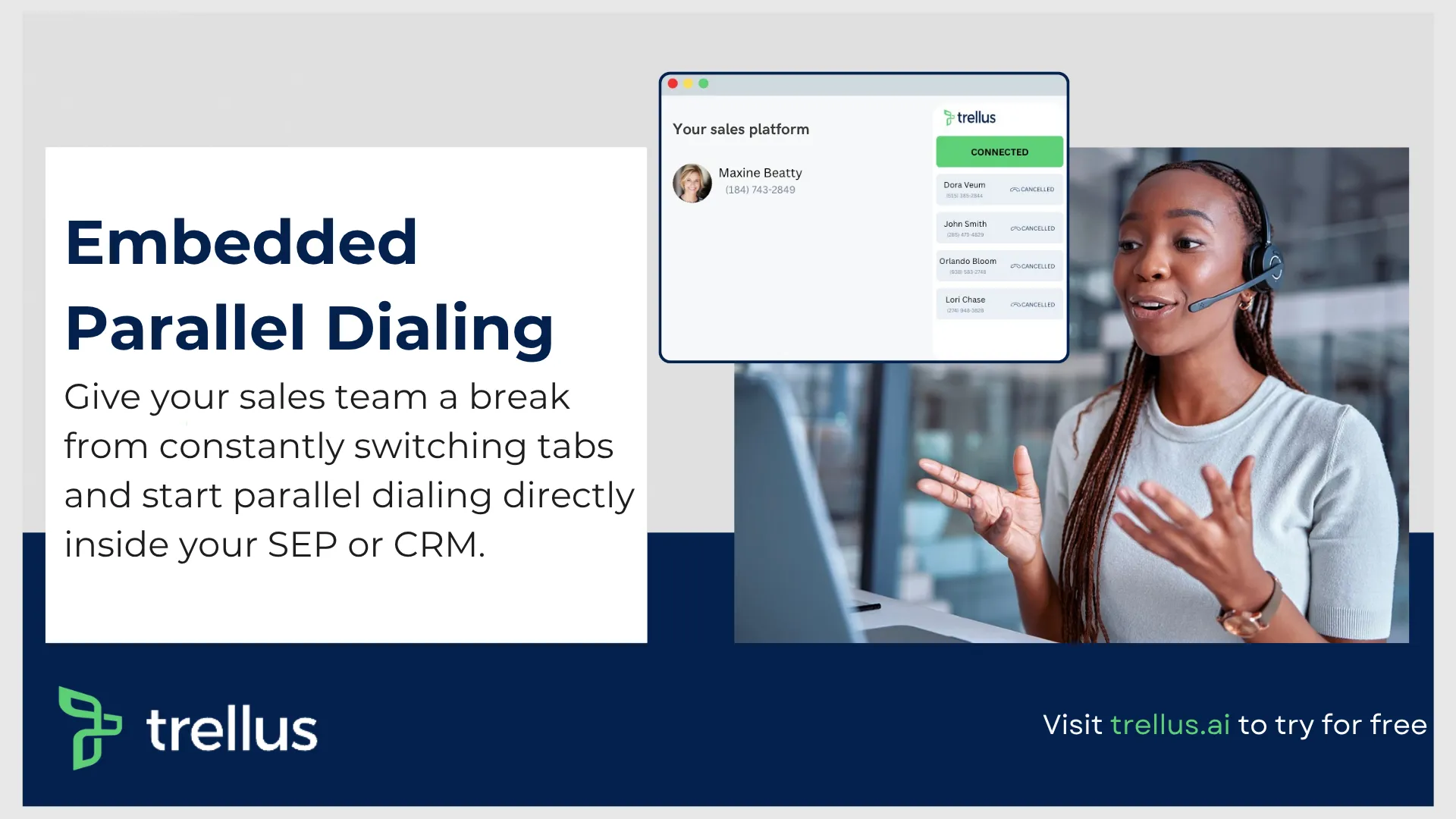
- Multi line non-stop embedded Parallel dialing mode designed for high-volume outreach
- AI live coaching that assists reps during actual calls
- Real-time analytics and performance tracking
- Deep CRM integrations across multiple systems
- Built-in voicemail drops and workflow automation
- Advanced reporting for SDR productivity software insights
One of the strongest advantages here is how everything works together without adding friction. Reps don’t feel like they’re navigating multiple tools, which is a common complaint with other sales engagement platforms like Nooks.
Performance Advantage
Latency and connection speed are where this platform really pulls ahead.
Low-latency infrastructure ensures:
- Faster call connections
- Fewer dropped conversations
- Better first impressions
This type of scenario, as experts like to say, directly impacts conversion rates, especially for outbound teams relying on mobile connects.
Pricing Breakdown (This Is Where It Matters To A Lot of Businesses)
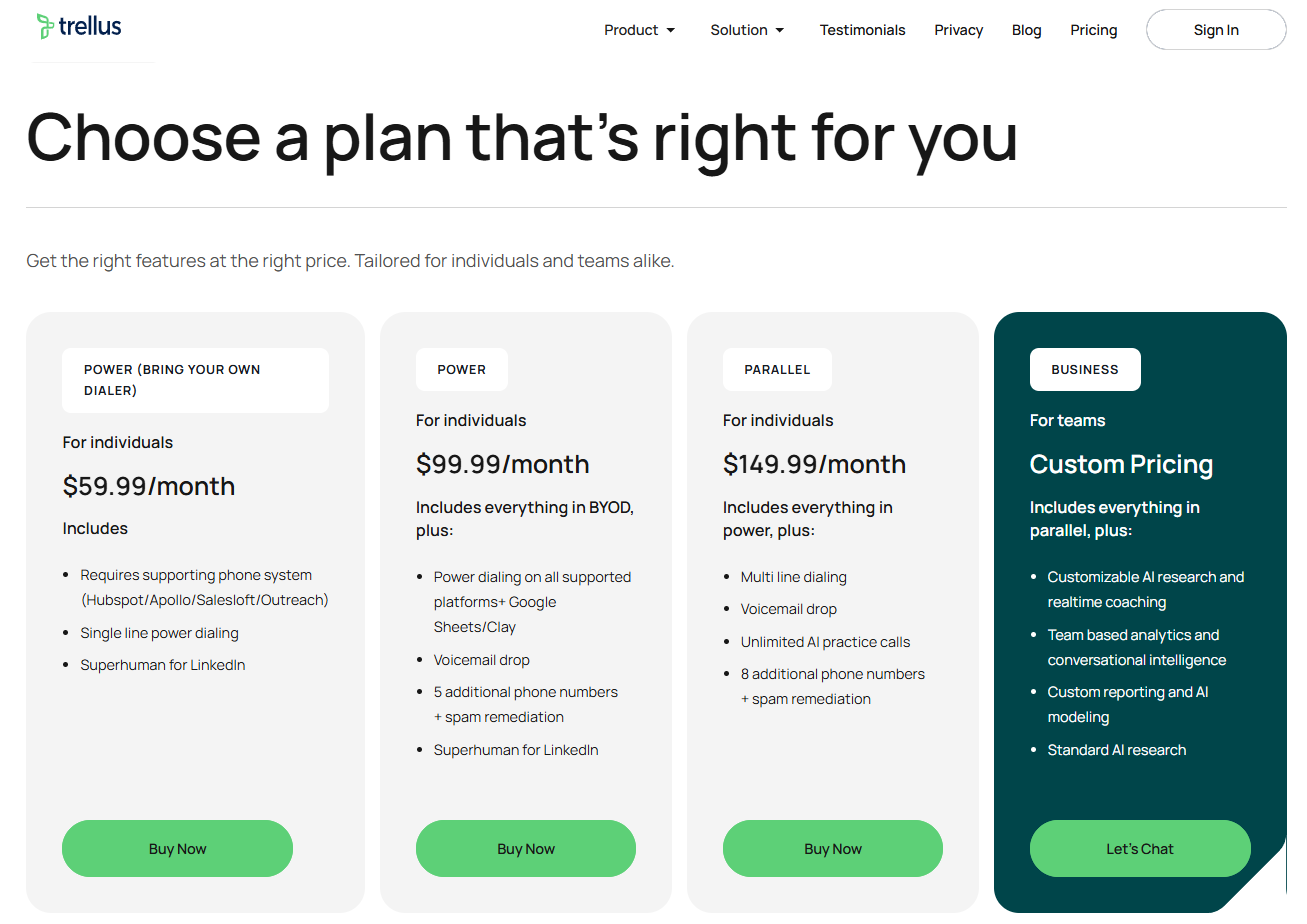
Let’s talk about the “elephant” in the room, because pricing is one of the biggest reasons people look for a nooks alternative in the first place.
As we mentioned a bit earlier, Nooks forces you into demos and annual contracts.
Here, pricing is upfront, modular, and makes sense depending on how you sell.
POWER (Bring Your Own Dialer) – $59.99/month
This tier is clearly designed for individual reps who already have a dialing system in place.
You’re plugging into tools like HubSpot, Apollo, Salesloft, or Outreach and enhancing them rather than replacing them.
What’s important here is the positioning.
This isn’t trying to be your full stack. It’s acting as a performance layer on top of your existing CRM sales software.
That makes it a low-risk entry point for reps who want better productivity without changing their entire workflow.
Power – $99.99/month
This is where things start to feel more complete.
Now you’re not just enhancing another system, you’re actively using this as your dialing engine across platforms like Google Sheets and Clay as well.
The addition of voicemail drops and multiple phone numbers starts solving real outbound problems:
- saving time on repetitive tasks
- improving answer rates
- managing caller ID health
For most individual SDRs or small teams, this is where the value really clicks.
Parallel – $149.99/month
This is where it becomes a serious outbound machine.
Multi-line dialing changes everything.
You’re no longer waiting between calls. The system is working ahead of you, connecting you only when someone picks up.
And then you add:
- unlimited AI practice calls
- more phone numbers for rotation
- better spam protection
Now you’re operating at a level that starts competing with high-end outbound sales automation tools, but without the enterprise pricing.
For anyone comparing best Nooks alternatives, this tier alone is a strong argument.
2. Dialpad

Best for: Teams that want AI-powered communication across sales, support, and operations
Dialpad sits in an interesting position. It’s not just a dialer, it’s a full sales engagement software + communication platform rolled into one. That’s great if your team handles multiple channels, but it also means it’s not built purely for aggressive outbound.
Dialpad is a cloud-based VoIP and call center platform that is especially well suited for small businesses managing day-to-day customer and team communication. Its mobile accessibility and call recording capabilities are two of its biggest strengths, making it a practical option for teams that need flexibility.
That said, users often point to slower support responses and some friction around call transfer setup as notable downsides. Recent additions, including AI-powered CSAT insights and stronger CRM integrations, also show that Dialpad is moving toward a more automated and intelligent communication experience.
Overall, Dialpad is a solid option for small businesses looking for flexible calling tools with strong mobile support. Features like AI transcription and CRM integrations add meaningful value, but buyers should be prepared for some trade-offs when it comes to support responsiveness and the complexity of setting up call routing and onboarding workflows.
For teams that depend heavily on real-time routing or more advanced reporting, it may be worth planning for extra setup time or a few manual workarounds.
What Makes It Stand Out
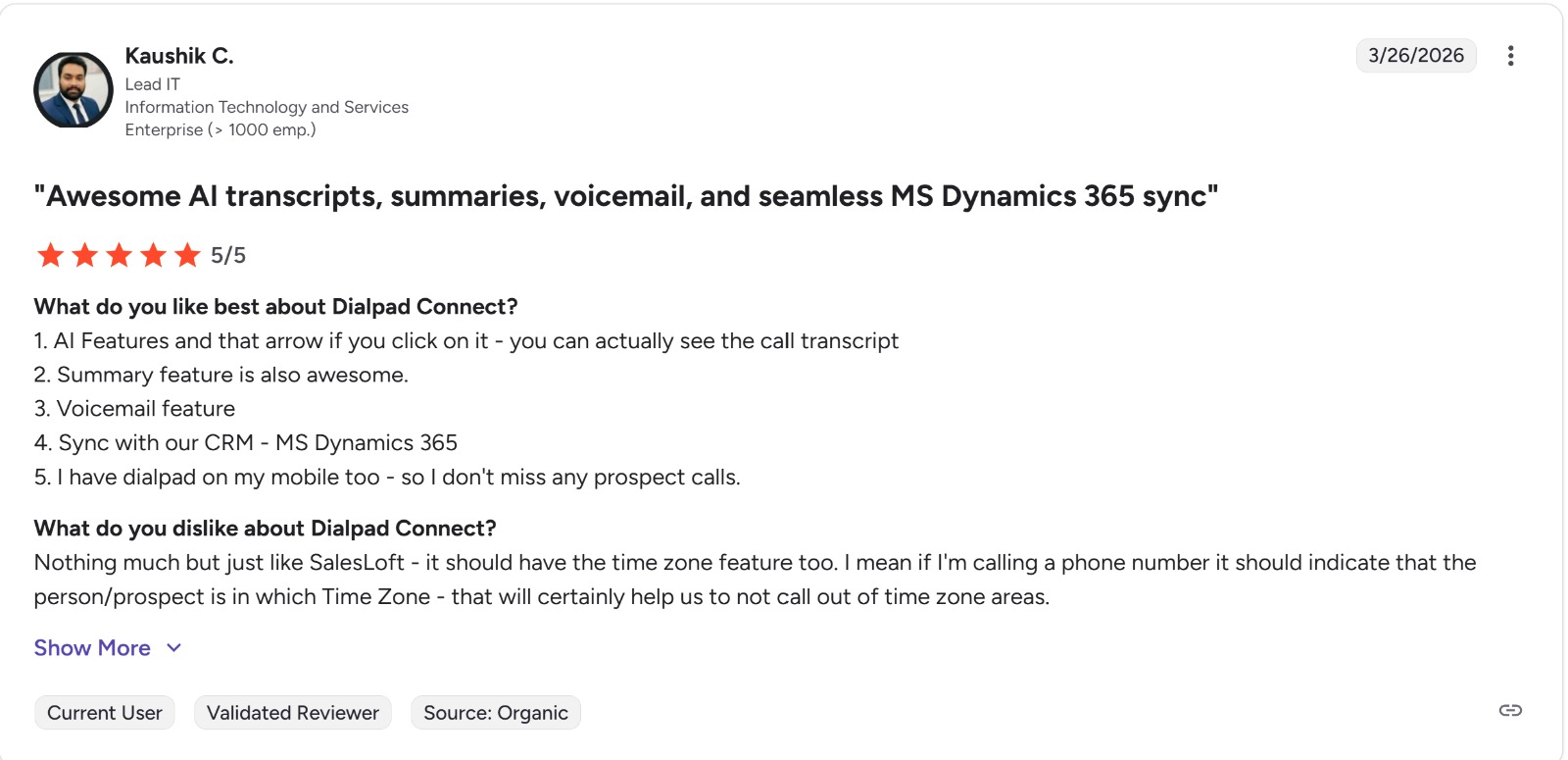
Dialpad’s biggest strength is its AI layer.
- Real-time call transcription
- AI-generated summaries and action items
- Sentiment analysis during calls
- Built-in coaching prompts for reps
All of this is powered by its proprietary AI stack, which turns every conversation into usable data.
That makes it one of the more intelligent AI-powered sales assistant tools in this list.
Where It Falls Short
If you’re comparing Nooks competitor tools specifically for outbound dialing, this is where things shift.
- No true predictive dialer
- Power dialer is functional but not aggressive
- Less optimized for high-volume SDR workflows
So while it’s strong for communication, it’s not built for speed-first outbound.
Pricing
- Starts at around $15/user/month for basic plans
- Sales and contact center plans can go up to $60 to $80/user/month
- Enterprise pricing requires custom quotes
Compared to Nooks, it’s far more accessible and transparent.
Best Fit
- Teams needing unified multi-channel sales platforms
- Companies mixing sales, support, and CX
- Businesses that value AI insights over raw dialing speed
3. Nextiva
Best for: Businesses that want reliability and simplicity over advanced outbound automation
Nextiva is one of those platforms that doesn’t try to be flashy. It focuses on stability, uptime, and ease of use.
And for a lot of teams, that’s enough.
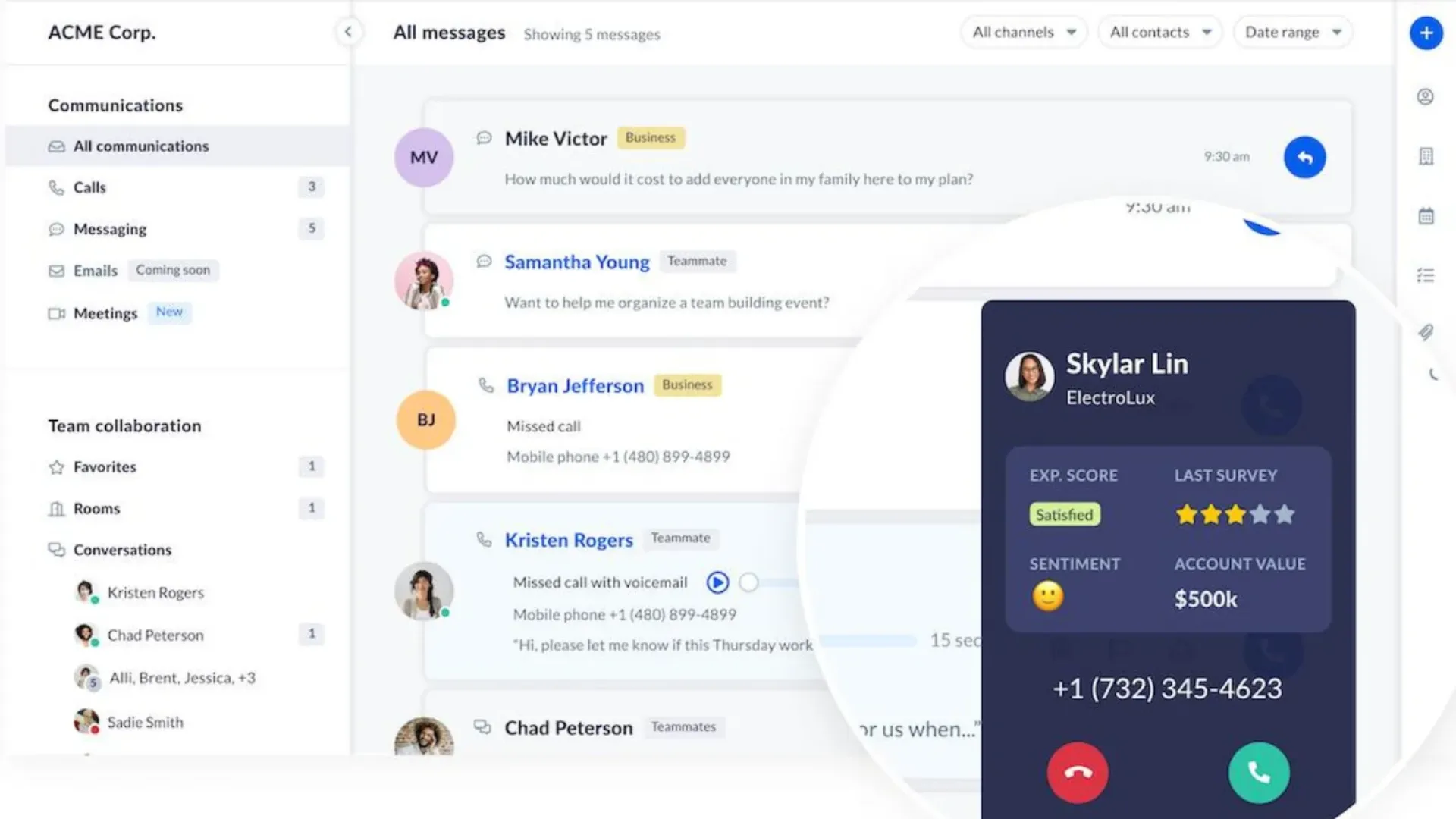
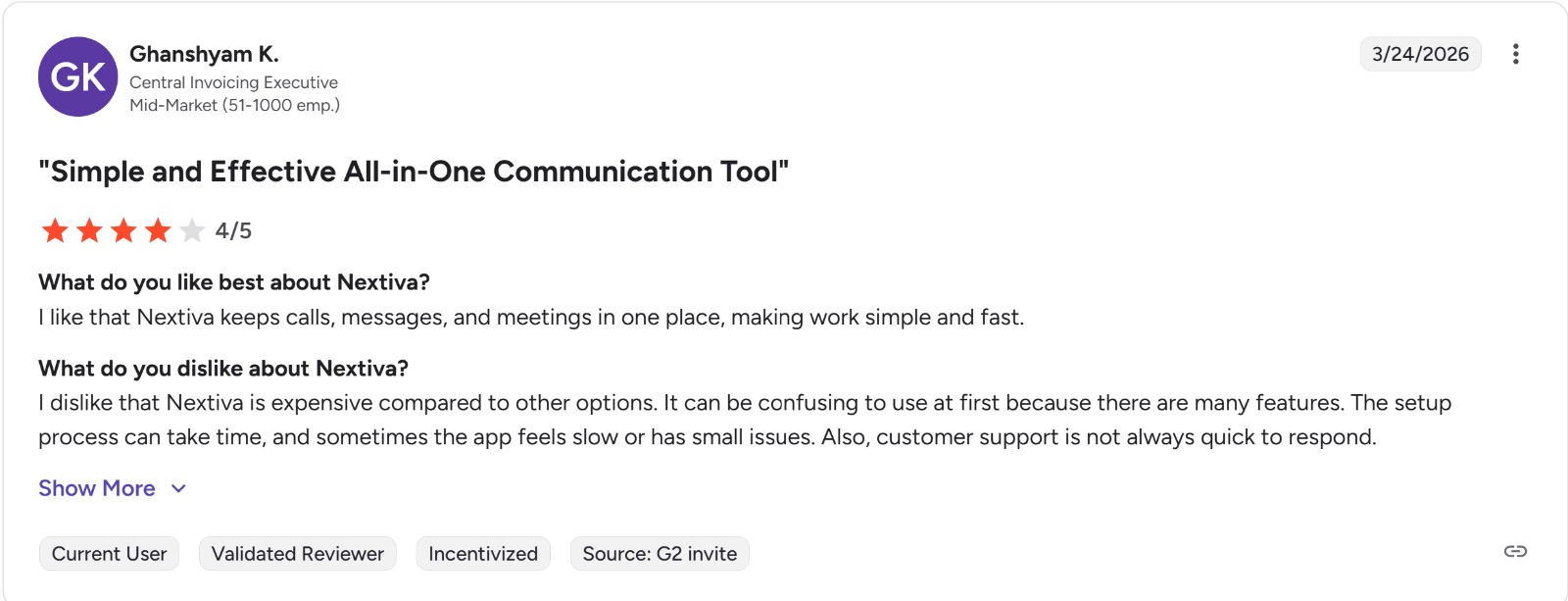
Nextiva is a VoIP call center platform that’s especially popular with small businesses in industries like insurance, construction, and real estate. It helps teams manage calls more efficiently with features such as voicemail-to-email and custom call routing.
Setup is generally straightforward, and the platform is known for reliable day-to-day performance.
While some users mention rigid contracts and the occasional mobile app glitch, Nextiva is still widely seen as a dependable option overall.
For teams looking for a reliable VoIP solution with flexible call controls and an easy onboarding experience, Nextiva is a strong fit. Its Microsoft Outlook and Teams integrations make it particularly useful for businesses already working within the Microsoft ecosystem.
That said, buyers should be aware of some limitations around contract flexibility and occasional app issues. Once everything is configured, however, most teams report that the platform runs smoothly and supports their communication needs well.
What It Does Well
- Extremely easy onboarding
- Strong uptime and call quality
- Omnichannel communication including voice and video
- Built-in workflow optimization tools
It’s a solid option if you’re looking for dependable CRM sales software with communication baked in.
Where It Struggles
When compared to top Nooks replacements, Nextiva feels more like a traditional system.
- Limited outbound automation depth
- Fewer aggressive dialing features
- Some missing integrations like Slack or Zapier
This matters if your team relies heavily on outbound sales automation tools.
Pricing
- Starts at around $20/user/month
- Higher tiers can get expensive quickly
Best Fit
- Mid-sized to enterprise teams
- Companies prioritizing reliability over speed
- Organizations needing secure communication systems
4. Klenty
Best for: Sales engagement teams that want automation, cold calling, and a broader sales ecosystem
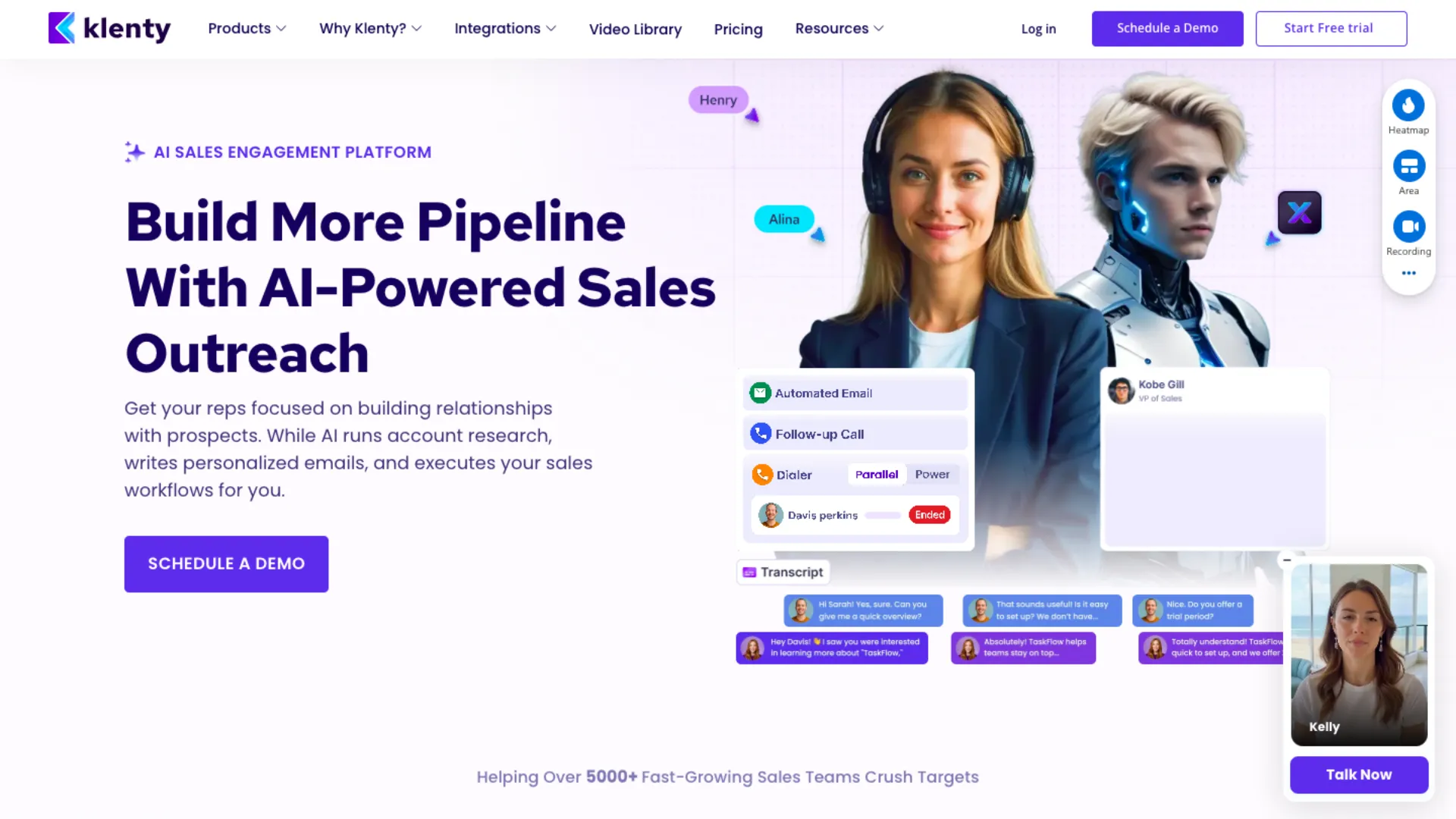
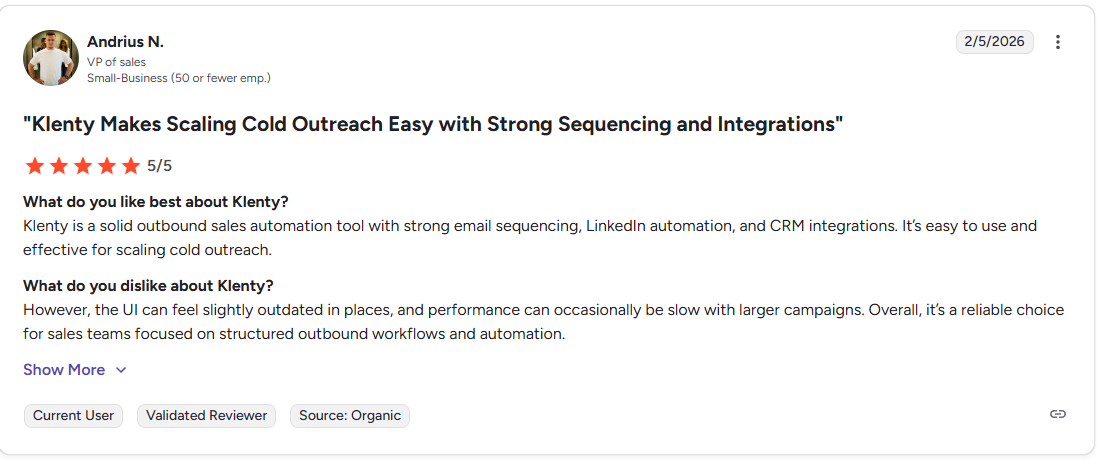
Klenty claims to help sales teams through automations, calling features, and modules that save time on otherwise manual tasks. Like any other program on the market, Klenty does have its small share of bugs and occasional issues, but it works as intended.
The question: whether it’s the right tool for your sales first platform comes down to the business requirements. From a calling perspective, this software has click to call feature, and then we have the ability to automatically route leads through the best-suited sales reps for the task.
Moreover, managers can see how their reps are performing through dedicated performance dashboards, allowing them to set targets and milestones.
Key Strengths
- Advanced analytics and reporting
- Real-time performance tracking
- Triggers and actions
- Sales playbooks and intent scoring
- Goal based team leaderboards, Ai list building, Call recordings and click to dial feature
This makes it a strong choice for teams focused on call tracking software and performance optimization.
Limitations
- Some automation features locked behind higher-tier plans
- SMS and calling restrictions in certain regions
- Missing modern features like native WhatsApp integrations
It’s powerful, but not always flexible.
Pricing
- Starter plan begins at $50 per month (*if billed annually) and comes with unlimited inboxes, add on domains, unlimited users, etc.
- Growth plan starts at $70 per user/ per month (*if billed annually), and comes with all things in the Starter plan + integrations, 1 click call to dialer, SMS automation, call recordings, sales playbooks, etc.
- Plus plan starts at $99 per user (*billed annually) and comes with everything inclusive of the first two plans + AI sales sequence creation, sales coaching, goal based sales team leaderboards, over 1,000 minutes of calling credits to prospects in the US, and Canada.
Best Fit
- Enterprise teams
- Data-driven sales organizations
- Companies prioritizing reporting over dialing innovation
5. RingCentral
Best for: Large enterprises that need an all-in-one communication suite
RingCentral is one of the most established players in the space. It’s been around long enough to build trust, but that also means it carries some legacy complexity.
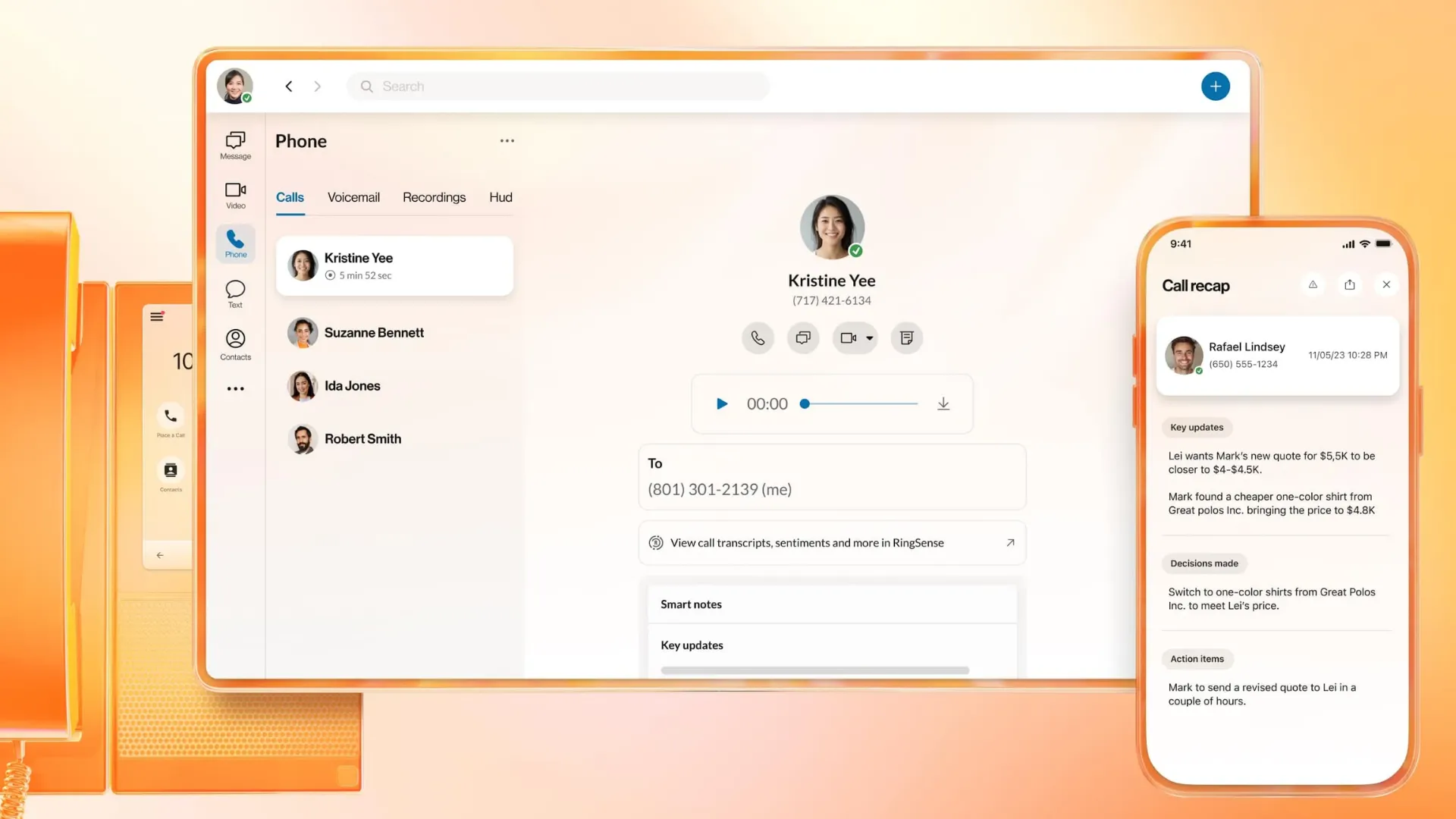
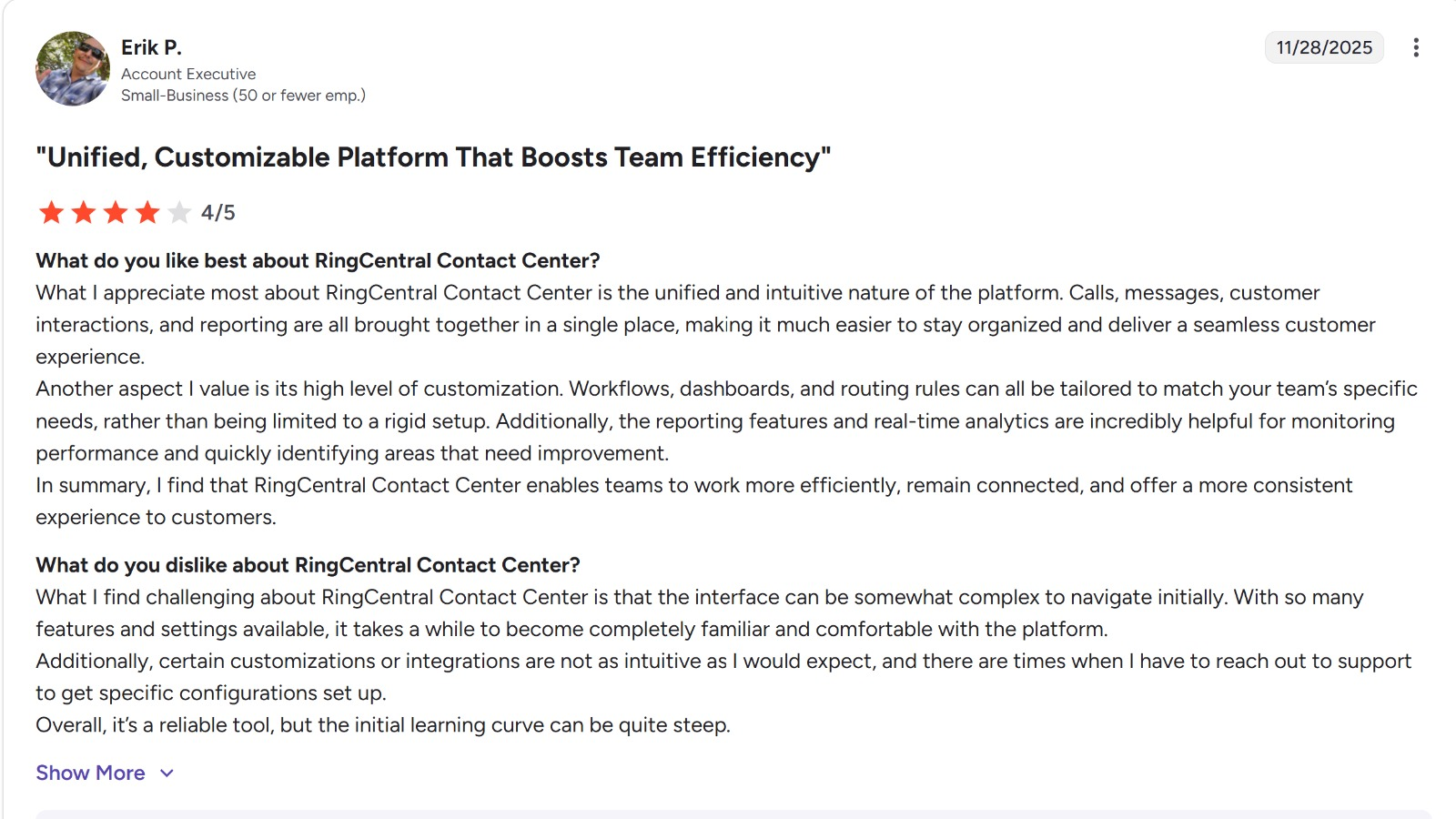
RingCX is an AI-powered contact center platform built to help businesses deliver better customer engagement across every channel.
It brings voice, video, SMS, email, chat, and more than 20 digital channels; including social media and messaging apps like Facebook, Twitter, and WhatsApp; into one unified workspace. Because everything is managed from a single interface, agents can handle conversations more efficiently and maintain a more consistent customer experience.
What It Does Well
- Full omnichannel communication
- HD voice and video
- Enterprise-grade infrastructure
- Strong collaboration tools
It works well as a centralized sales engagement platform like Nooks, especially for large organizations.
Where It Falls Behind
- Many advanced features locked behind higher-tier plans
- Add-ons required for things like call recording
- Implementation can take up to 90 days
That last point alone can slow down fast-moving sales teams.
Pricing
- Starts at around $20/user/month
- Additional costs for advanced features
Best Fit
- Enterprises with complex communication needs
- Teams that value stability over speed
- Organizations needing deep collaboration tools
6. Orum
Best for: Multi sized businesses that want a simple, no-frills phone system, alongside better sales enablement
Up next we’ve got Orum as yet another reliable Nooks competitor.
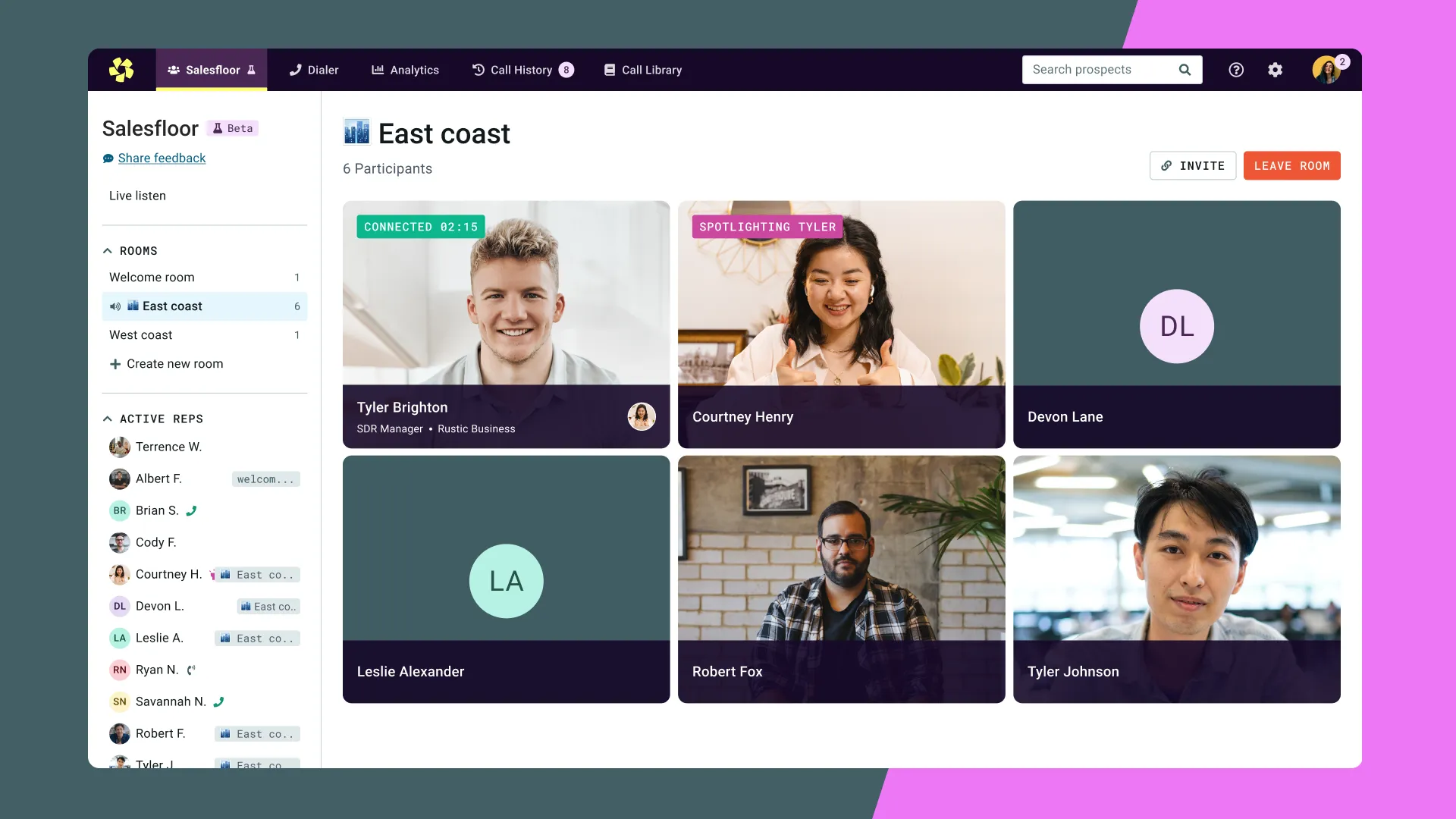
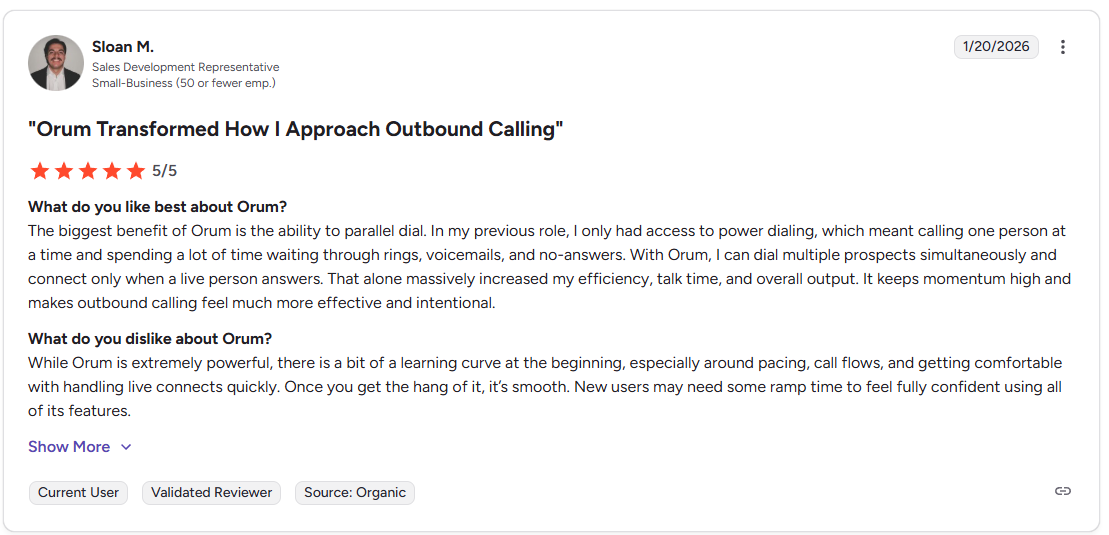
Among its overall features, the platform focuses on conversation intelligence, a system where AI is programmed to detect whenever someone takes the call. In a way, it helps SDRs on your end to avoid running into wasted time and voicemail drops that rarely get a touch-down later from prospects’ end.
Also, if you are looking for improved call quality, and not just the volume of total calls, then Orum is a decent pick.
From price perspective, just like Nooks, they haven’t made anything available on their own pricing page. You need to book a demo call to get the price structure catered to your requirements, accordingly.
What It Offers
- Quick setup with minimal technical knowledge
- Call recordings and transcripts
- Note taking module
- Daily calls summary
- Click to call feature
For small teams, this can cover the basics of lead management tools and communication.
What’s Missing
- No parallel dialing or advanced dialers
- Limited outbound automation
- Not built for scaling SDR teams
So while it’s a decent entry-level option, it won’t compete with serious Nooks software alternatives.
7. Salesfinity
Best for: Startups and solo SDRs who want something lightweight
Salesfinity is one of the more interesting Nooks alternatives because of how simple it is.
It runs as a Chrome extension, besides working as a standalone online software to remove friction for power users.
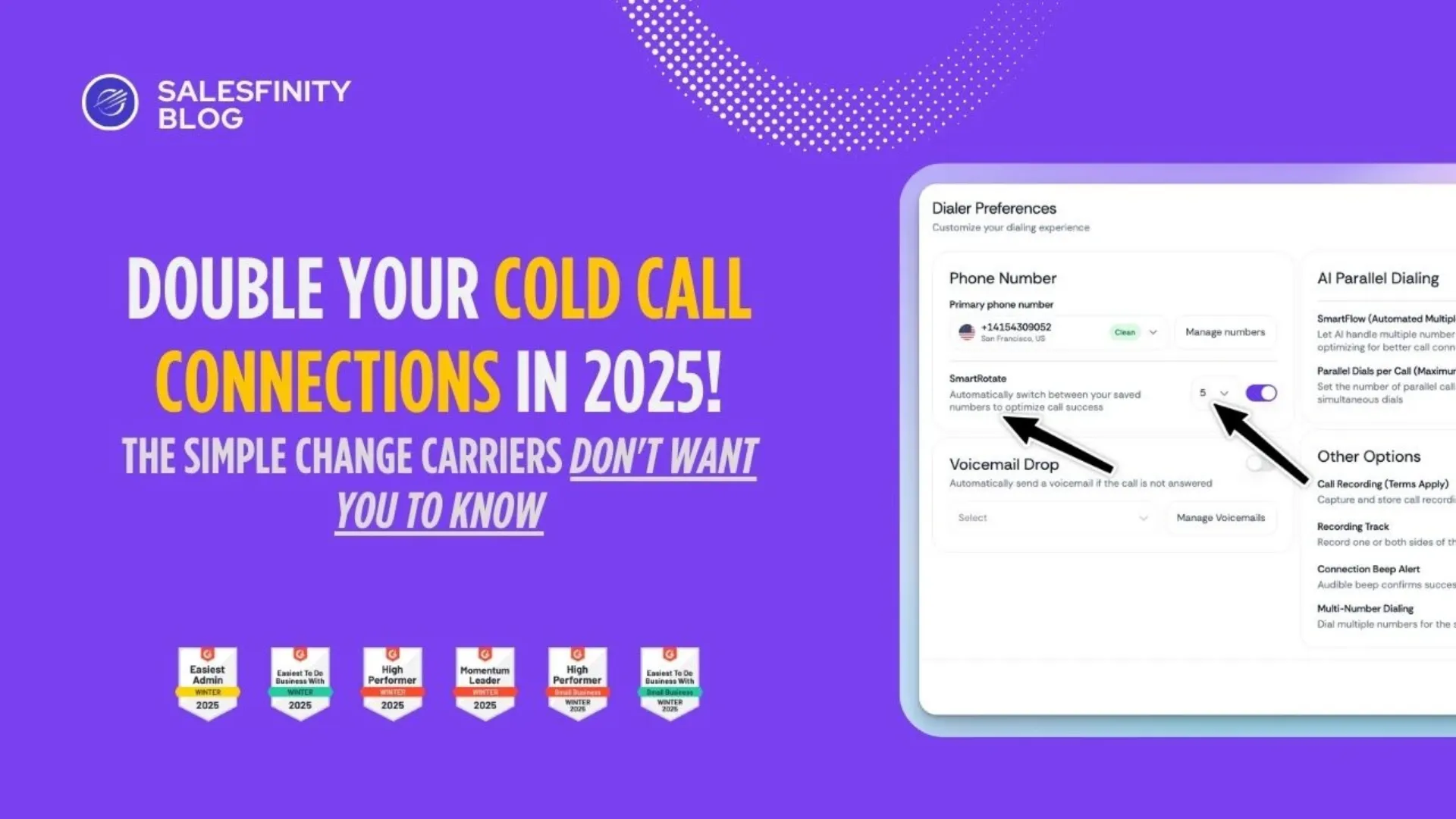
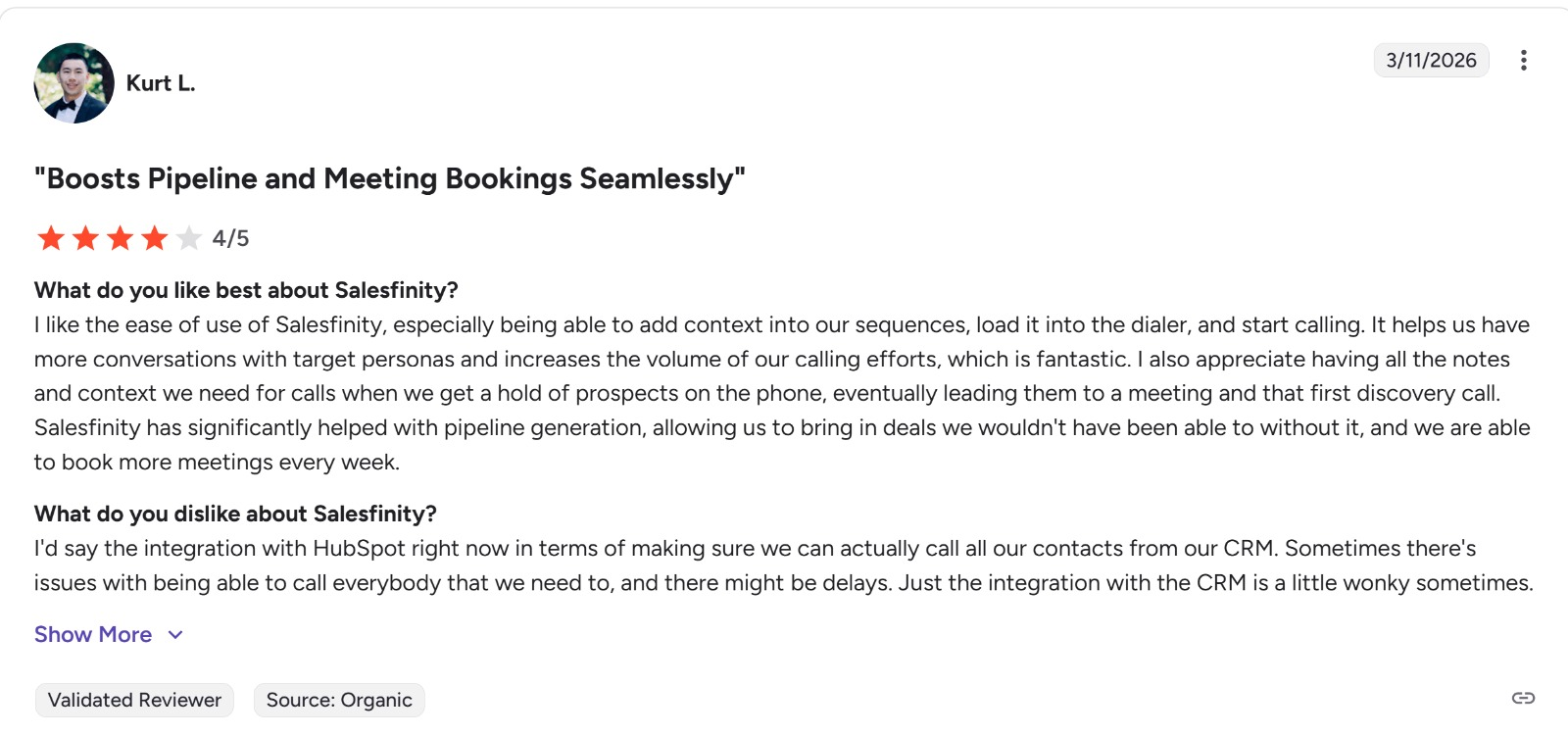
Salesfinity is an AI-powered sales engagement platform built for teams that rely on high-volume outbound outreach. Its standout strength is parallel dialing, which helps reps connect with more prospects in less time, while tools like Nurture AI and multi-channel automation add context and efficiency to the overall workflow.
The platform is clearly designed to improve connection rates and streamline outbound efforts, although it does not appear to have the same depth of public reviews as some more established competitors.
What makes Salesfinity especially appealing is its focus on helping reps work smarter, not just faster. Its AI Parallel Dialer can automatically call multiple lines and route live human answers to agents right away, while Nurture AI helps surface useful lead research before calls begin.
On top of that, its data enrichment capabilities and AI coaching tools give teams better prospect data, objection tracking, and performance visibility. Overall, Salesfinity is a strong fit for outbound teams looking for speed, automation, and better call preparation in one platform.
Why Teams Like It
- No heavy setup or onboarding
- Works directly in your browser
- Transparent pricing
- Easy learning curve
This makes it a great entry point into outbound sales automation tools.
Limitations
- Limited analytics
- Basic CRM integrations
- Lacks advanced AI features
So while it’s great for getting started, it won’t scale with larger teams.
Best Fit
- Solo founders
- Early-stage startups
- Small SDR teams testing outbound
8. JustCall
Best for: Teams that want calling, SMS, and support in one platform
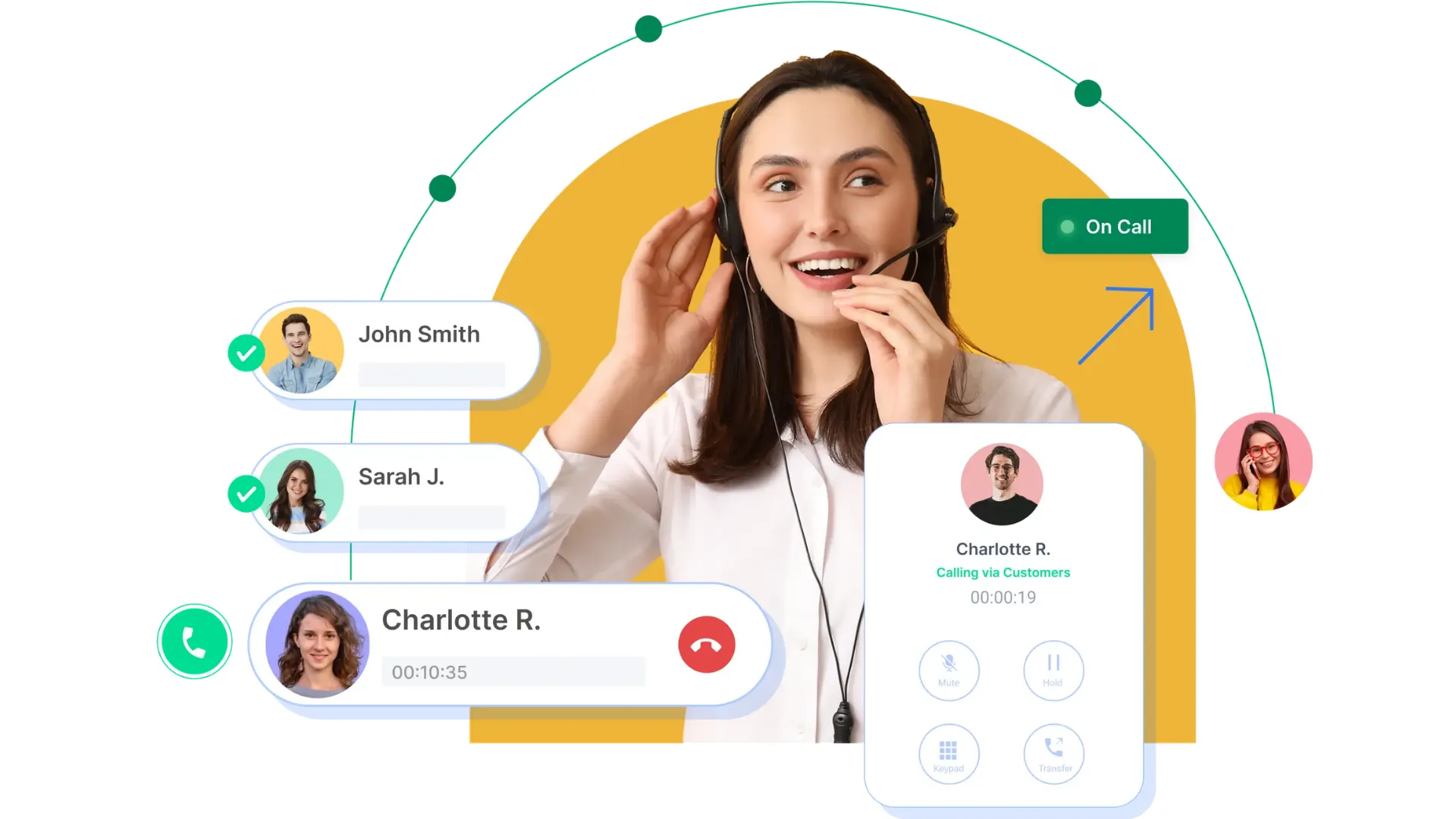
JustCall blends sales and support into one system, which is useful for teams managing multiple touchpoints.
JustCall’s call recording software helps turn every customer conversation into a chance to learn and improve. Teams can review past calls to capture key insights, sharpen outreach, and maintain compliance, all while accessing recordings directly from synced CRM profiles like Salesforce and HubSpot.
This makes it easier to keep conversations organized and connect call activity with the broader customer journey.
It is also a valuable tool for training and coaching, giving managers better visibility into how conversations are handled and where reps can improve.
With features like resolution tracking and performance insights, JustCall helps teams deliver more consistent, high-quality service over time. Trusted by more than 6,000 businesses worldwide, it is positioned as a practical solution for companies that want to use customer conversations to drive stronger performance and long-term growth.
Key Features
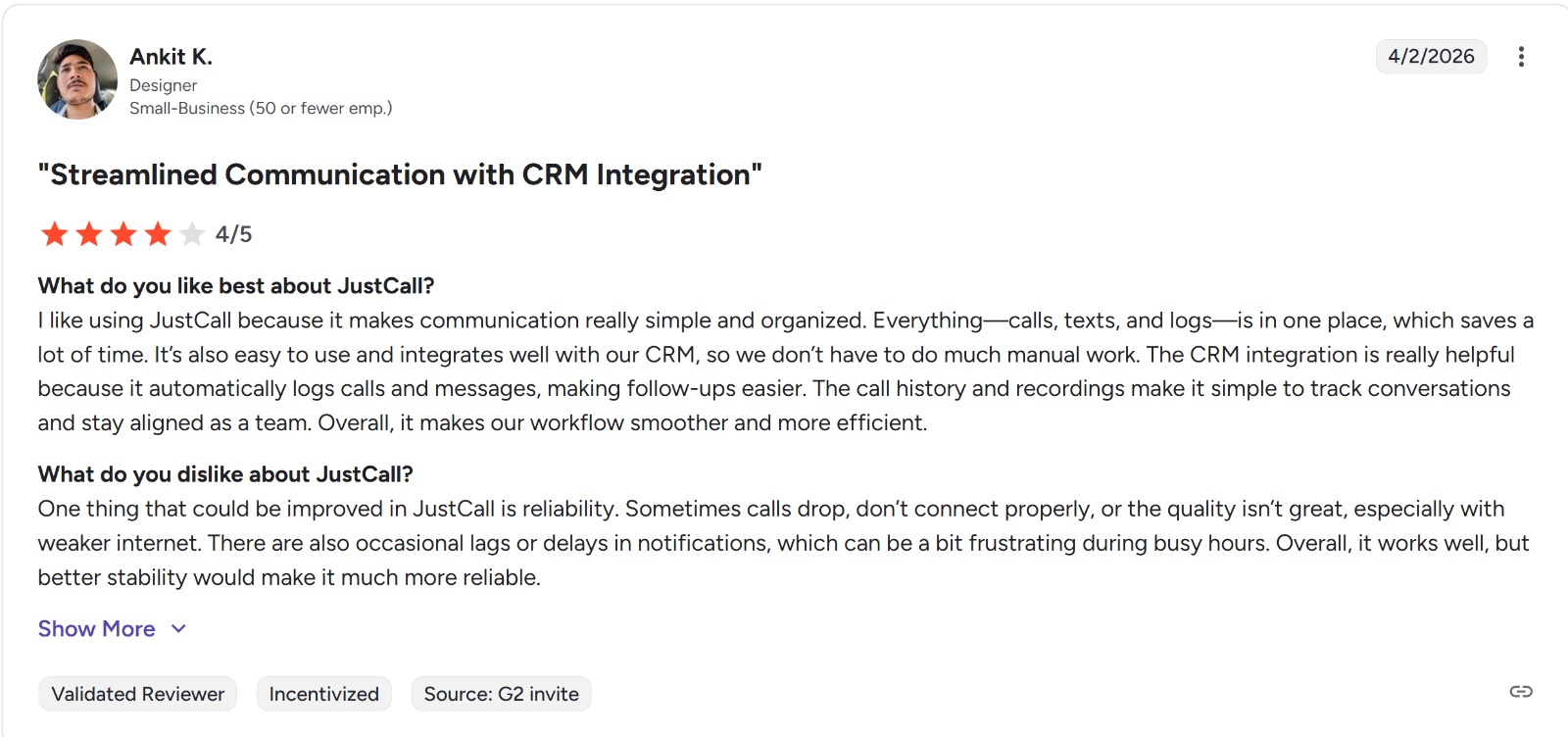
- Auto and parallel dialing
- SMS campaigns
- Voicemail drops
- Workflow automation
This positions it as a solid multi-channel sales platform.
Trade-Offs
- Not the fastest dialer available
- Performance can lag under high volume
Still, the unified approach makes it attractive for hybrid teams.
Pricing
- Transparent pricing tiers available
- Scales with usage and features
Best Fit
- Teams handling both inbound and outbound
- Customer support + sales hybrid teams
- Companies wanting one unified tool
9. Convoso
Best for: Large outbound call centers with complex workflows
Convoso is built for scale. Real scale.
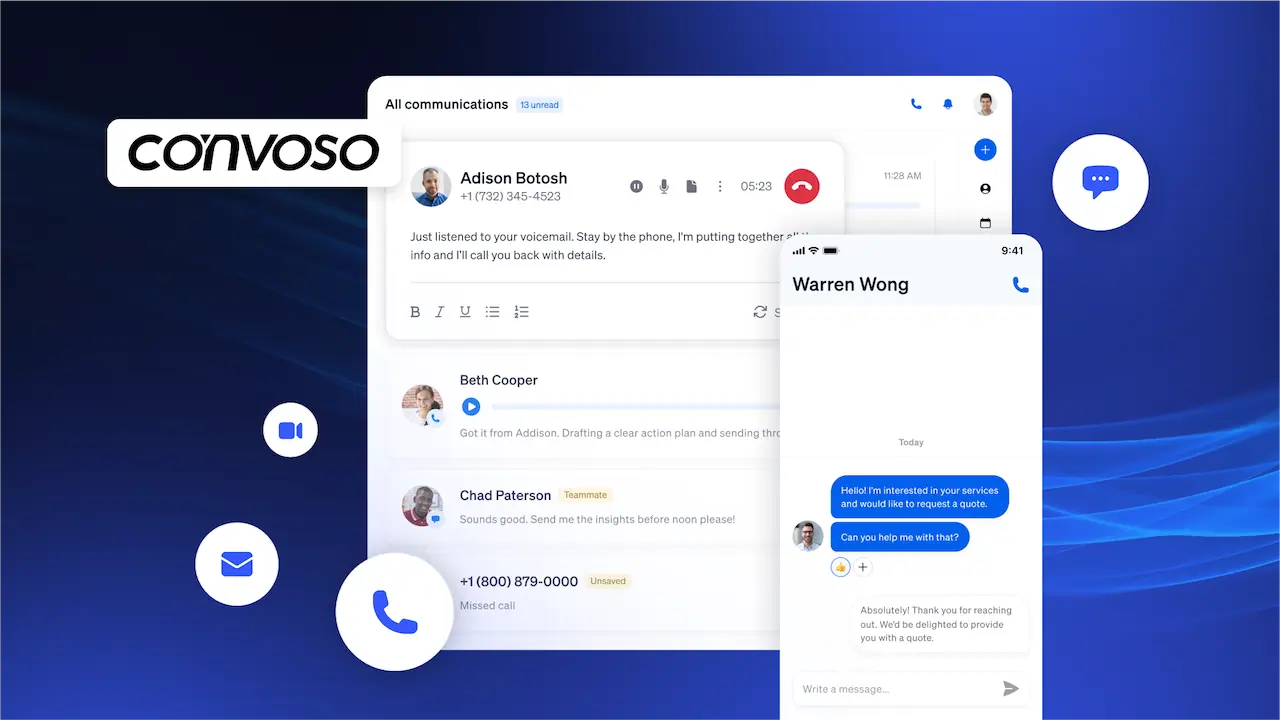
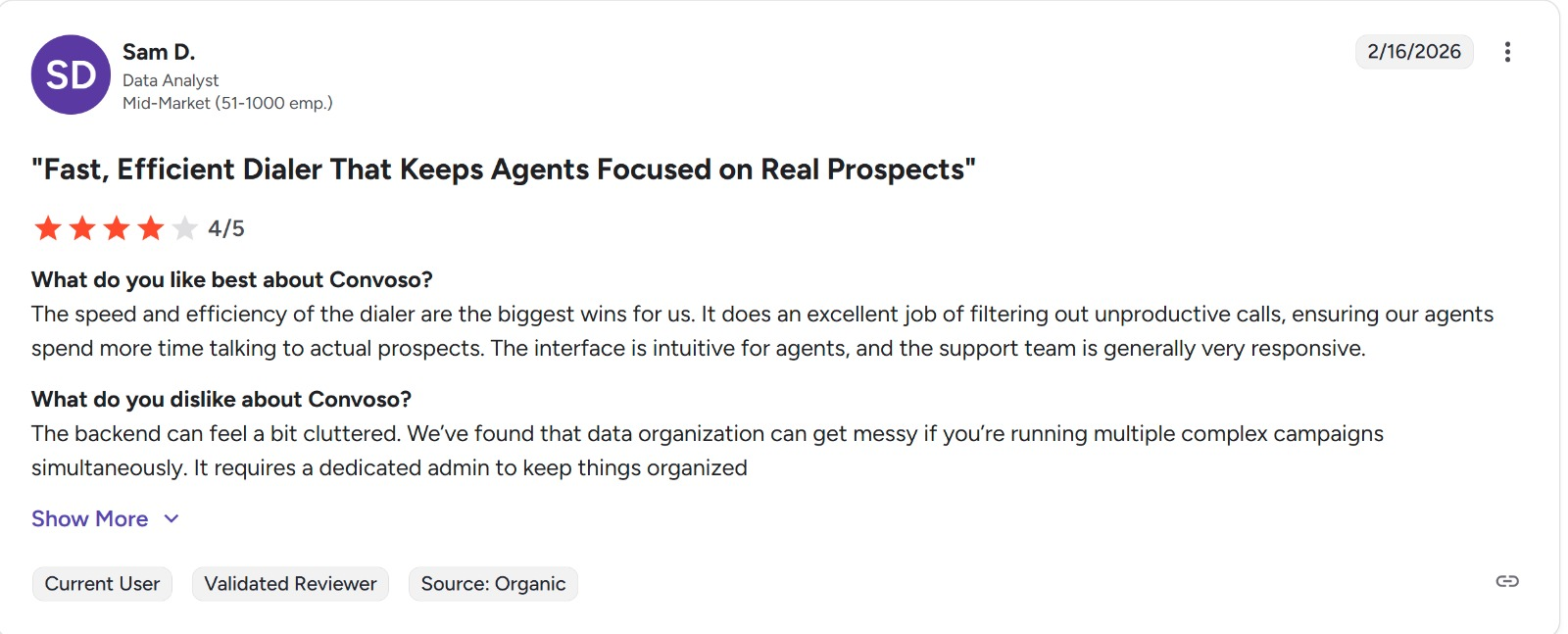
Convoso is a cloud-based omnichannel outbound dialing platform built for larger call centers, especially teams with 20 or more seats.
It combines dialing, workflow automation, and contact optimization tools in one system to help teams connect with more prospects efficiently.
Features like advanced answering machine detection and caller ID reputation management are designed to improve call quality and reduce the chances of numbers being flagged as spam.
What makes Convoso stand out is its focus on helping outbound teams reach more real people and improve overall contact rates. Its automated workflows simplify day-to-day operations, while its caller ID and dialing technology support more reliable outreach at scale.
For call centers looking for a high-volume outbound solution, Convoso positions itself as a strong option for improving connection rates and driving better campaign performance.
What Makes It Powerful
- Predictive dialing
- AI lead scoring
- Advanced call routing
- Deep workflow customization
This is where serious outbound sales automation happens.
Downsides
- Steep learning curve
- Requires technical or RevOps support
- Pricing is not public
It’s powerful, but not beginner-friendly.
Best Fit
- Enterprise call centers
- High-volume outbound teams
- Organizations with dedicated ops teams
10. Dialer360
Best for: Budget-conscious teams needing traditional dialer functionality
Dialer360 is more of a legacy-style solution.
It gets the job done, but doesn’t feel modern.
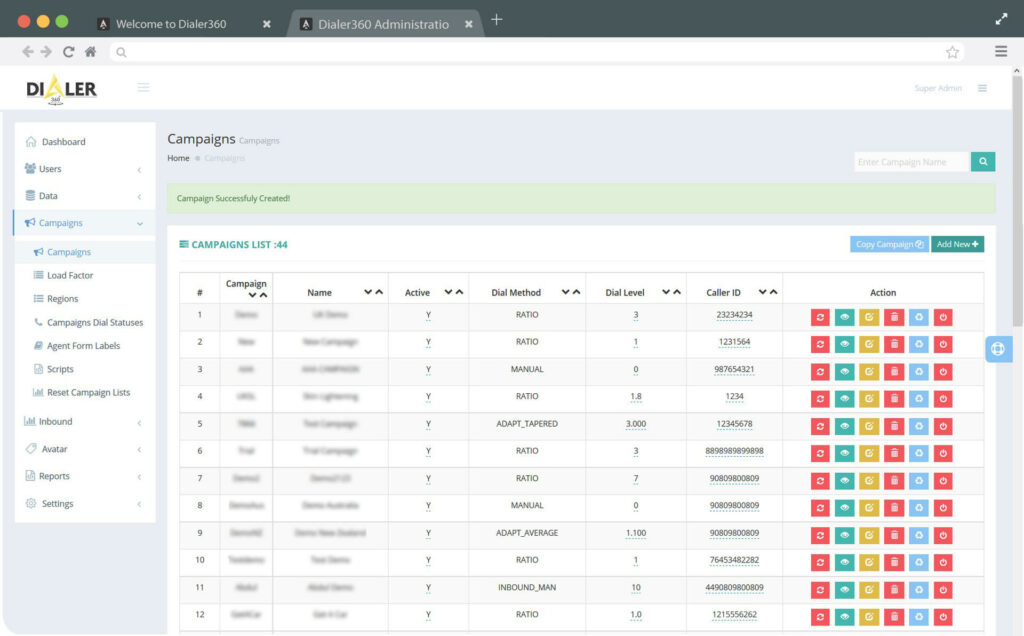
Dialer360 is a cloud-based call center platform designed for businesses that need a flexible solution for inbound, outbound, and blended calling.
It brings together tools like a predictive dialer, built-in CRM, web phone, hosted phone system, and VoIP capabilities in one platform.
The software is positioned as a cost-effective and easy-to-use option, making it appealing for teams that want a system that is quick to learn and simple to manage.
Another advantage of Dialer360 is its ability to integrate with a range of third-party business tools, including Salesforce, Pipedrive, Zendesk, Vtiger, Zoho, and Microsoft Dynamics. That makes it a practical choice for teams that want to connect their call center operations with the rest of their sales and support workflow.
Overall, Dialer360 is a solid option for businesses looking for an affordable, all-in-one call center solution with broad integration support.
What It Offers
- Manual, power, and predictive dialing
- Voicemail drops
- Call recording
- DNC compliance tools
It covers the basics of call tracking software and outbound workflows.
Limitations
- Outdated interface
- Limited integrations
- Not ideal for SaaS teams
Best Fit
- Traditional call centers
- Budget-focused teams
- Businesses prioritizing functionality over UX
What is the Best Alternative to Nooks for a Small SDR Team?
For small SDR teams, the best Nooks alternative depends on whether you prioritize cost, speed, or ease of use. However, Trellus stands out as the most practical choice for teams under 15 people.
Here's why: Small teams can't absorb Nooks' $4,000-$5,000 per-user annual cost and rigid contracts. Trellus offers transparent, affordable pricing ($59.99/month) with no long-term lock-in, making it budget-friendly for growing teams. More importantly, Trellus prioritizes what small teams actually need—faster connections, lower latency, and AI-powered coaching that helps reps close more meetings from the calls they already make, rather than forcing them to dial aggressively.
For cost-conscious teams: JustCall at $49/user/month is the cheapest option with parallel dialing capabilities, though it lacks the coaching features Trellus provides.
For simplicity: Dialpad ($15/month) offers basic power dialing with AI transcription, ideal if your team wants something lightweight and easy to set up without extensive onboarding.
The key difference: Nooks is built for large, collaborative teams with mature sales operations. Small SDR teams benefit more from tools that reduce friction—faster dialing, clearer pricing, and AI that improves individual rep performance rather than adding management layers. Trellus delivers exactly that, which is why it's the best fit for teams just scaling their outbound motion.
Which Nooks Alternatives Include Real-Time AI Coaching for Reps?
Real-time AI coaching—meaning live guidance during calls, not post-call summaries—is actually rare in the dialer market. Most tools offer post-call analysis instead. However, several Nooks alternatives do deliver genuine in-call coaching:
Top Options with Real-Time Coaching:
Trellus ($59.99/month) is the most transparent and budget-friendly option. It provides live cold-call coaching with in-call prompts and objection guidance specifically optimized for high-volume SDR teams. Unlike Nooks' broader collaboration focus, Trellus strips away management layers and focuses purely on helping individual reps perform better during calls. It also supports a BYOD (Bring Your Own Dialer) model, so you can keep your existing dialer if you prefer.
Dialpad Sell ($49-$110/month depending on tier) offers AI Live Coach Cards and real-time sentiment analysis, but there's a catch: the full coaching features are only available on the Advanced and Premium tiers, not the entry-level Essentials plan. It works best for teams already considering a unified communications platform.
Aircover (custom enterprise pricing) is the most sophisticated option, providing virtual sales engineer-level coaching with deal-aware account history, competitive positioning, and objection handling during calls. However, it's designed for complex enterprise deals, not high-volume cold calling, and carries a significant price premium.
Velocity AI ($40-100/user/month) differentiates with multilingual support (15+ languages) and real-time coaching across Zoom, Teams, and Google Meet—valuable for distributed global teams.
The Key Difference from Nooks: Nooks emphasizes manager-level coaching through call review and team visibility. These alternatives focus on rep-level guidance—helping individual reps say the right thing in the moment. For SDR teams prioritizing rep performance over management oversight, this distinction matters significantly.
What Sales Dialers Are Easier to Implement Than Nooks?
Nextiva and Dialpad are the easiest to implement. Nextiva users can start calling within minutes thanks to intuitive setup and no complex configuration. Dialpad offers similar simplicity with straightforward power dialing features.
Salesfinity is Chrome-based, requiring zero installation—reps can dial directly from their browser. JustCall provides transparent setup with clear documentation and minimal onboarding friction.
Trellus supports BYOD (Bring Your Own Dialer), meaning you keep your existing dialer and layer coaching on top—zero rip-and-replace complexity.
Why easier than Nooks: Nooks requires extensive customization, CRM mapping, and sales conversations before deployment. These alternatives offer plug-and-play setups with self-serve onboarding. For teams wanting to dial within days rather than weeks, these win decisively. Nooks' complexity is intentional—it's built for enterprise scale. Smaller teams benefit from tools designed for speed-to-value.
Which Nooks Alternatives Combine Parallel Dialer, Conversation Intelligence, and Call Coaching in One Platform?
Very few platforms truly combine all three capabilities. Here are the closest options:
Nooks itself remains the primary all-in-one solution with parallel dialing (up to 5 lines), virtual salesfloor collaboration, AI call summaries, and real-time coaching prompts. However, its high cost ($4,000-$5,000/user/year) and limited CRM flexibility make it impractical for many teams.
Orum offers up to 10 parallel lines with AI voicemail detection and enterprise analytics, plus live coaching capabilities through its platform. It's built for high-volume teams but requires custom pricing.
Apollo combines prospecting, parallel dialing (up to 5 lines), and basic conversation tracking in one all-in-one platform starting at $49/user/month, making it more affordable than Nooks.
Klenty integrates multi-channel sequencing (calls, email, LinkedIn) with up to 10 parallel lines and conversation tracking, though coaching features are less robust than Nooks.
The Reality: Most alternatives specialize in one or two areas. Trellus excels at real-time call coaching but focuses on coaching rather than being a full dialer. ZoomInfo Copilot pairs verified data with parallel dialing and conversation intelligence but lacks in-call coaching. For teams needing all three equally strong, Nooks and Orum remain the primary options—though at enterprise pricing.
Frequently Asked Questions
What is the best Nooks alternative for overall high volume outbound sales teams?
The interpretation of the term: “best so and so software” basically depends on your business requirements. If your platform needs back to back high volume cold calls, then you need a dialer that comes with low latency, better connection rates, and overall dial speed.
Platforms like Nooks also focus on empowering a virtual sales team experience and coaching. From that point of view, Trellus comes with a very powerful AI coaching module that works in real time as outgoing calls are placed. Reps get cues wherever necessary to make their responses well thought out, concise and better. Ultimately, it not only trains reps on their speaking skills, but also with comebacks to cold calling objections.
From a performance point of view, you require a program which grants insights through detailed reports and analytics dashboard. So, keep these things in mind whenever you’re considering an alternative to Nooks.
Why do sales teams look for alternatives to Nooks?
Pricing is one of the main concerns, among other things, which basically causes sales first businesses to look for a better alternative option.
Gradually, as team size increases, pricing also racks up. So, from a business owner’s point of view, they need more or better value for the money they’re spending on a cold calling software. Other than that, some of the possible reasons are:
- A product experience optimized for collaboration and speed.
- Better CRM integration and support for all the amazing SDR workflows.
- Dialing performance vs. the volume of calls that your SDRs are handed over.
How much does Nooks cost compared to alternatives out there?
Based on the available information online, Nooks’ price comes down somewhere between $4,000 to $5,000 per user/ per year. Basically, it means, you’re spending at least $300 to $400+ per user/ per year.
Other programs, such as Trellus, JustCall or Dialpad start at $59 per user/ per month. So, if pricing gap is something you’re looking at, then this pretty much sums it up on Nooks vs. Trellus or any other software.
Are all alternatives to Nooks focused on outbound call metrics/ performance?
Depending on the digital solution for cold calls that you’re using, not all competitors solve the same problem, or measure performance on a universal benchmark.
For instance:
- Trellus comes with custom SDR metrics and other things that focus on not only cold calls, but also overall core metrics that help SDRs to focus on high priority leads, communication and collaboration.
- Platforms like Nextiva emphasize the overall reliability and simplicity factor.
- Then we have Convoso and other solutions that are tailored for overall lead management and enterprise level call center solutions.


Power and parallel dialing in your CRM.