What Is a Parallel Dialer? A Beginner's Guide to Smarter Calling
Learn how parallel dialing places multiple calls at once, who it may suit, and what to check before switching from one-at-a-time dialing.

On this page
Our Top Picks


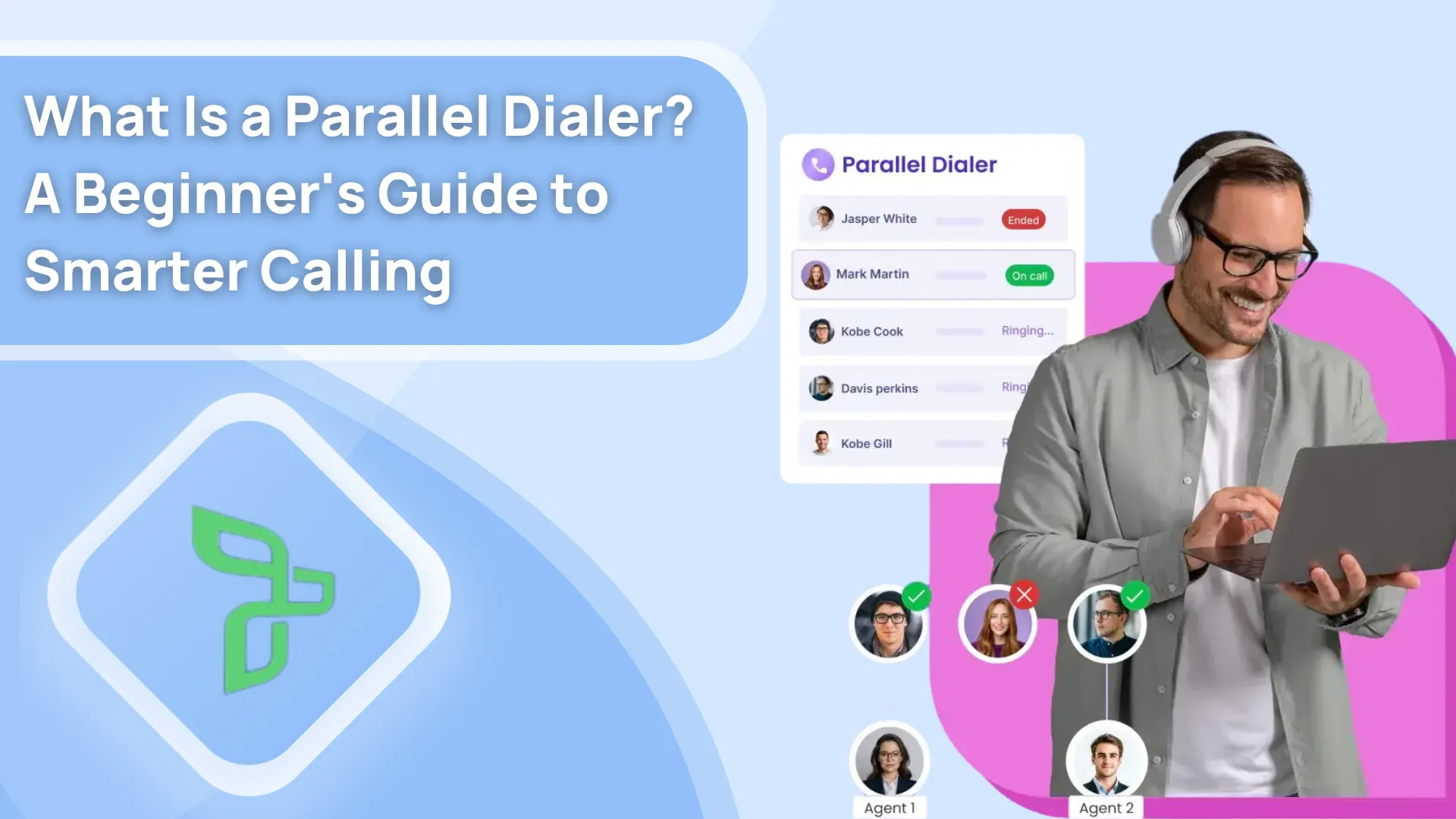
A parallel dialer places several outbound call attempts for one rep at roughly the same time, then connects a live answer to that rep. The buying question is not simply how many lines it can open. It is whether the rep gets the right person and account context when somebody answers—and what happens when two people answer close together.
For a small, researched list, a power dialer that calls one contact at a time may be the better choice. Parallel dialing is worth testing when reps spend much of a call block waiting through rings or voicemail and the team can measure useful conversations, not just attempts.

How a parallel call block works
- The rep starts from a reviewed calling list. Check that the contacts, calling windows and follow-up owners are right before increasing the pace.
- While the rep is available, the dialer places more than one outbound attempt. Concurrency and pacing depend on the product and its settings.
- When someone answers, the rep should see the contact context, have the conversation and record the outcome and next action.
- Unanswered, busy and voicemail attempts need clear outcomes too. Ask the vendor to demonstrate two near-simultaneous live answers; do not assume the second person reaches another rep or that nobody waits.
A power dialer works through one call at a time. Parallel dialing can reduce waiting in the right workflow, but more attempts alone do not establish more meetings or a better answer rate.
Four attempts are not four conversations
Imagine a rep calling four fictional contacts from a prepared list. This is a teaching example, not a Trellus line-count setting, a measured result or a promise about how a product handles simultaneous answers.
- Contact A: rings, no answer. One attempt; no live answer or conversation.
- Contact B: voicemail. One attempt; no live answer or conversation.
- Contact C: speaks with the rep. One attempt, one live answer and one connected conversation.
- Contact D: rings, no answer. One attempt; no live answer or conversation.
The totals are four attempts, one live answer and one connected conversation. A meeting is a separate result: the example hasn't established that one was booked. Contact C's note should say what was discussed and what, if anything, happens next. The other records need accurate outcomes too, so the next rep doesn't mistake an unanswered attempt for a conversation.
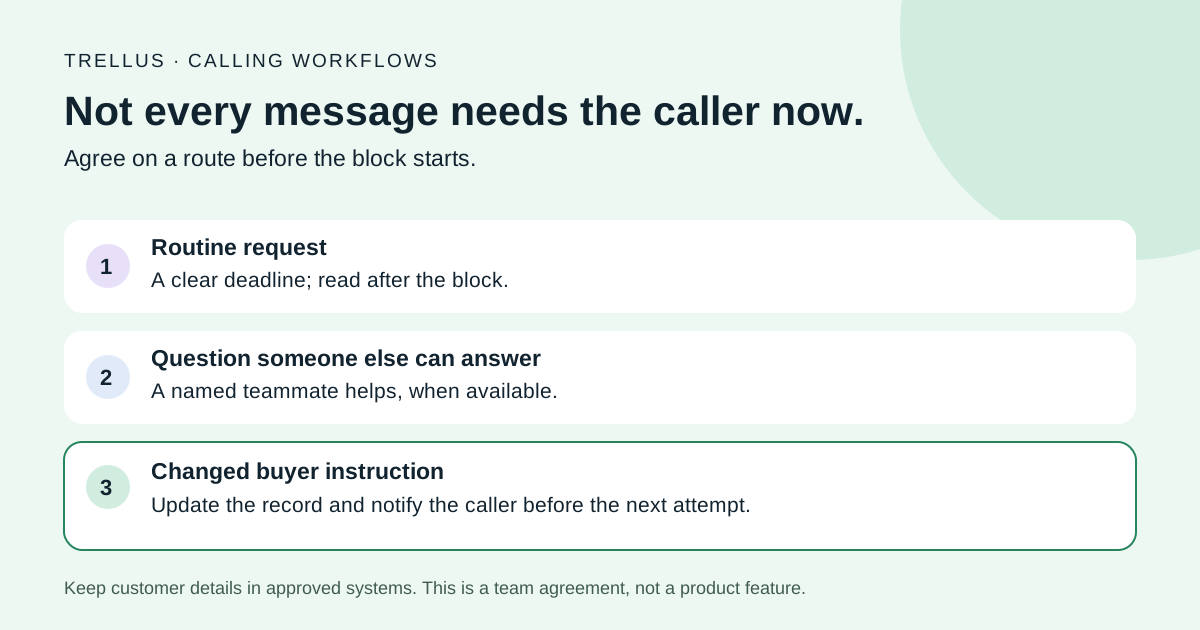
Now change one detail: Contact D answers while the rep is already speaking with Contact C. You still have four attempts, but two live answers. Don't count a second conversation unless someone actually spoke with D. Inspect what D experienced, how the dialer recorded that answer and who owns any follow-up. Whether another rep receives it, a message plays or something else happens is a product-and-settings question to demonstrate—not something this diagram settles.
Reconcile the pilot before comparing modes
Keep one row per attempt with a contact reference, attempt time, live-answer status, rep-conversation status, saved outcome and next owner. For a live answer with no rep conversation, add what happened to the person and the follow-up needed. Leave missing information unknown rather than treating it as no answer.
Use the same conversation definition in both modes. If a person answers only to ask you to stop calling, record and honor that request; don't turn it into a successful sales conversation. A short exchange, a substantive conversation and an agreed meeting are different results. Your pilot needs definitions the reviewers can apply consistently.
For the product workflow behind the example, see Trellus parallel dialing. Then inspect a recorded HubSpot tutorial if HubSpot is where your team works. That walkthrough shows a specific platform; it doesn't establish identical controls or saved fields in every CRM or sales engagement platform.
When parallel is worth testing
Consider it when you have a well-maintained list, a repeatable opening, defined post-call steps and enough unanswered attempts that waiting is a meaningful part of the rep's day. Keep the list rules and call windows comparable when you test parallel against your current approach. Changing both the audience and the dialer mode at once makes the result hard to interpret.
Stay with power or manual calling when each account needs substantial research before the first line, the list is small, or the team cannot reliably save notes and follow-ups. A faster dialer exposes bad data and weak handoffs faster too.
A one-week pilot: what to record
Use a small representative list and document the configuration before starting. Decide who will review unexpected answers, complaints and opt-outs. Keep these measures separate for both the parallel and comparison call blocks:
- Attempts: outbound attempts, including unanswered calls. Do not label every attempt a conversation.
- Live answers and connected conversations: count answered calls separately from exchanges that actually reached a rep and met your team's conversation definition.
- Meetings: scheduled meetings, tracked separately from answers and conversations.
- Wait and talk time: rep time waiting for an answer versus time speaking with someone.
- Unhandled answers: calls answered by a person but not connected to a rep promptly. Investigate how the dialer reports and handles these.
- Outcomes and next steps: disposition, useful note, owner and follow-up date saved to the right record.
- Opt-outs and complaints: review each case with the appropriate owner and adjust the list or calling process.
Compare conversations per rep-hour and meetings per conversation alongside unhandled answers and complaints. For illustration only, if 18 people answer but a rep connects with 16, record both numbers; do not call all 18 conversations. A higher attempt total is not a win if context or follow-ups are lost. For a broader copyable evaluation, use our one-week sales-dialer pilot checklist.
Where Trellus fits
Trellus offers power and parallel dialing inside supported sales platforms. Before choosing a mode, confirm your exact platform and list workflow, then ask to see the connected-call context and where the result is saved. See the Trellus parallel dialer. If your team is still deciding what a useful result should contain, start with our call-disposition template.
Frequently asked questions
What is a parallel dialer?
A parallel dialer places several outbound call attempts for one rep at roughly the same time, then connects a live answer to that rep. Unanswered, busy and voicemail attempts still need their own outcomes.
How is a parallel dialer different from a power dialer?
A power dialer calls one contact at a time, which suits small, researched lists. A parallel dialer runs several attempts at once, which can cut waiting when much of a call block is rings and voicemail. See power dialing vs. parallel dialing.
Which parallel dialers should I compare?
Start with how each one handles your CRM workflow, a second live answer, number health and follow-up. Our parallel dialer software comparison covers five options against those checks.
How many lines does Trellus dial at once?
Trellus power dials one contact at a time, or parallel dials up to five lines at once on eligible plans, from the CRM or sales engagement view your team already uses. Power + Parallel is $149.99 per seat a month; see pricing.
What happens if two people answer at almost the same time?
It depends on the dialer, settings and available reps. Ask for a live demonstration and inspect how each answered attempt is reported. Make this part of the pilot instead of inferring a guarantee from the word “parallel.”
Will parallel dialing improve my connection rate?
It can change how much time a rep spends waiting, but a higher number of attempts is not the same as a better answer rate or more meetings. Compare answers, connected conversations and meetings using the same list rules and call windows.
When should I keep power dialing?
Keep one-at-a-time calling if reps need meaningful research before each conversation, if the list is small, or if the team cannot yet record outcomes reliably. Fix those foundations first; dialing faster will not create a good next step after the call.
The decision
Run the same call-block plan with your current approach and a reviewed parallel configuration. If the comparison produces more useful conversations without unacceptable unhandled answers, complaints or follow-up gaps, then evaluate the workflow in your sales platform—not only a vendor's headline dial rate.