10 Best Salesforce CRM Integrations for Sales Teams in 2026
We have lined up some of the best Salesforce CRM integrations in terms of functionality, deliverables, flexibility and their overall contribution to your CRM environment. Find out more...

On this page
Our Top Picks


Salesforce is only as powerful as the workflows built around it. On its own, it stores pipeline data, tracks records, and gives teams a system of record. But modern sales teams do not win because information sits neatly inside the CRM.
They win when the right integrations turn Salesforce into an operating layer for prospecting, calling, coaching, forecasting, and deal execution.
That distinction matters because most teams are already overloaded with tools. The challenge is not finding more software that connects to Salesforce. It is identifying the integrations that actually improve the way revenue teams work. Some integrations help reps move faster.
Some improve call quality and coaching. Some make attribution cleaner or reduce manual admin. Others look useful on paper but create more complexity than value.
If you are evaluating your stack in 2026, the real question is not what integrates with Salesforce. It is which integrations make Salesforce materially more useful in the moments that shape pipeline and revenue.
Key Takeaways:
- Salesforce becomes exponentially more powerful with the right integrations: On its own, Salesforce is a strong system of record, but real value comes from salesforce crm integrations that turn it into a system of action, connecting data, automating workflows, and driving execution across sales, marketing, and support.
- The best Salesforce integrations don’t just track activity, they improve performance: Top Salesforce CRM integration tools like Trellus go beyond syncing data by actively increasing conversations, optimizing rep behavior, and accelerating pipeline generation, making them critical for modern revenue teams.
- Building the right integration stack depends on your business goals: From attribution tools like Invoca to infrastructure platforms like Twilio, the most effective Salesforce app integrations 2026 are those aligned with your specific needs, whether that’s automation, analytics, or scalability.
What Are Salesforce CRM Integrations?

Salesforce CRM integration is not just a data bridge. It is a workflow connection between Salesforce and other operational systems, such as a sales engagement platform, dialer, contract platform, support phone layer, enrichment tool, or communication app.
Some integrations simply sync records between systems, while others embed execution directly into the rep workflow or automate actions across multiple tools. That difference matters when you are deciding what will actually improve productivity.
When you connect external platforms to Salesforce, you unlock:
- Real-time Salesforce data sync across systems
- Advanced workflow optimization Salesforce capabilities
- Deep visibility into customer journeys
- Scalable enterprise CRM integrations that grow with your business
This is why companies invest heavily in Salesforce API integrations and Salesforce connected apps, not just for convenience, but for performance.
And this leads to a common question people ask:
How Salesforce integrations improve sales productivity, data quality, and execution
They reduce manual work, eliminate data silos, increase speed to action, and give teams a unified view of revenue activity. That combination directly impacts conversion rates, customer experience, and operational efficiency.
What Makes a Salesforce Integration Valuable in Practice?
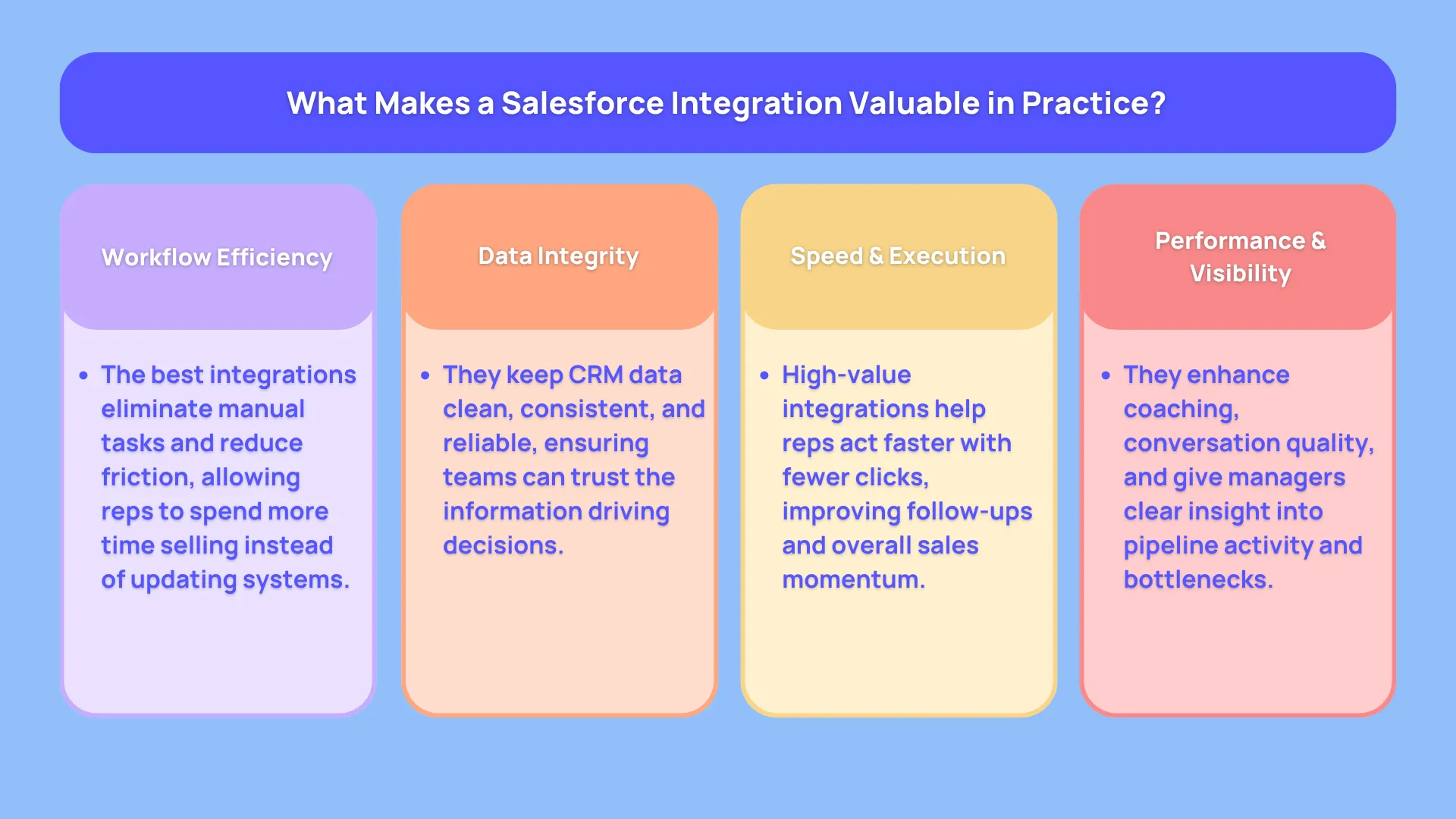
Not every Salesforce integration creates the same kind of value. Some simply move data from one tool to another. Others materially improve how revenue teams work day to day. That distinction matters because the best integrations do more than connect systems. They remove friction from the workflow, help reps act faster, and give managers better visibility into what is actually driving the pipeline.
In practice, the most valuable Salesforce integrations tend to improve performance in one or more of five ways.
- First, they reduce manual admin by eliminating repetitive tasks such as logging calls, updating records, or copying information across platforms.
- Second, they improve data quality by keeping customer records cleaner, more consistent, and easier to trust.
- Third, they increase speed to action, helping reps follow up faster, move through workflows with fewer clicks, and spend more time in live selling activity.
- Fourth, they improve conversion behavior by supporting better conversations, stronger coaching, and smarter execution during the moments that influence outcomes.
- Fifth, they create better visibility for managers and RevOps, making it easier to spot bottlenecks, understand performance patterns, and optimize the stack over time.
The best Salesforce integrations are not just the ones that connect. They are the ones that create measurable leverage across execution, insight, and revenue performance.
Types of Salesforce Integrations by Workflow Category
Before comparing individual tools, it helps to separate Salesforce integrations by the job they do inside the revenue workflow.
Some integrations are built for calling and conversation execution, helping reps place more calls, work faster, and keep activity tied to CRM data.
Others focus on attribution and call intelligence, showing which channels, calls, and touchpoints influence the pipeline. A third category supports contract and quote workflows, while another improves sales engagement and outreach orchestration. You also have internal collaboration tools that keep teams aligned around records, updates, and approvals, plus productivity add-ons that reduce friction in day-to-day work.
The 10 Salesforce integrations that matter most for modern sales teams
The answer depends on what your business needs. And we have talked about the requirements factor before as well. The best course of action would be to shortlist a bunch of tools that you think are fit for the job.
Then see if these shortlisted platforms offer a free trial plan. If they don’t, then sign up for a low tier paid plan and see if the tool works as intended. If it doesn’t, then move on to an alternative solution.
Most of the time, people sign up for expensive software without double checking stuff. It leads to a lot of extra expense at the cost of unwanted features that weren’t entirely needed in the first place.
Speaking of requirements, they could be anything related to sales acceleration, marketing attribution, support automation, or full-scale communication infrastructure.
Below are the best Salesforce integrations right now, starting with one that is reshaping how sales teams operate.
1. Trellus: Turning Salesforce Into a Revenue Engine, Not Just a System of Record

Most teams today operate with a split system. Salesforce acts as the system of record, while tools like Salesloft, Outreach, or Nooks become the system of execution.
That separation creates a hidden inefficiency. Reps spend most of their time working inside the dialing or engagement layer, where CRM context is often delayed, incomplete, or reduced to basic fields.
Trellus removes that divide entirely. Instead of pushing reps into a separate SEP, it brings execution directly into Salesforce itself.
Reps are no longer switching between systems or working with partial data. Every call, message, and interaction happens inside the full context of the CRM, with complete account history, deal context, and activity timelines instantly accessible.
In other words, we’d say that our tool sits closer to an end to end execution level, where conversations happen, and upgrades that layer with intelligence, automation, and speed. The result is not just cleaner data inside Salesforce, but a noticeable increase in pipeline velocity.
At its core, it addresses a problem many teams quietly deal with.
- Salesforce tells you what happened.
- Trellus helps influence what happens next.
Where Does It Fit In The Modern Salesforce Ecosystem?
Think of your CRM as the central brain of your operation. It stores relationships, tracks deals, and powers reporting.
Now add this layer on top.
It becomes the action engine inside your broader Salesforce integration solutions stack. Every call, every interaction, every coaching moment feeds back into Salesforce with richer context and higher-quality data.
This is where salesforce third-party integrations begin to feel less like add-ons and more like force multipliers.
With our tool in place, you can expect to get these things done easily:
- Call activity is no longer just logged, it is analyzed and improved
- Reps are no longer guessing, they are guided in real time
- The pipeline shifts from reactive to proactive
Parallel dialing inside your existing workflow, not in another disconnected tool
A lot of tools advertise dialing speed. This one takes it further.
Parallel dialing inside your sales engagement platform allows reps to connect with multiple prospects at once, dramatically increasing live conversations. That alone can change outbound performance.
Every call is tied to Salesforce data, previous interactions, and prospect history. Reps are not just dialing faster, they are entering each conversation with relevant insight.
This is where sales productivity software meets Salesforce data sync in a meaningful way.
You are scaling both quality and volume at the same time.
How live AI coaching changes rep behavior during real calls
Most coaching tools are retrospective. You review calls after they happen and try to improve later.
Here, coaching happens in the moment.
During live calls, reps receive real-time guidance on:
- Objection handling
- Competitor positioning
- Messaging alignment
- Next best actions
This shortens the learning curve significantly.
Instead of waiting weeks for feedback loops, performance improves over a rather more detailed call by call basis. For teams focused on workflow optimization Salesforce, this kind of immediate feedback loop is highly impactful.
Using voice agents for onboarding, practice, and inbound coverage
Onboarding and ramp time often slow teams down.
AI-powered voice agents simulate real prospects, giving new hires a safe environment to practice conversations, handle objections, and refine messaging.
This creates a repeatable training system within your CRM automation tools stack.
Rather than relying on shadowing and inconsistent coaching, teams can standardize skill development.
The impact shows up quickly in faster ramp times and stronger performance.
Why consolidating LinkedIn, calling, and CRM context matters for rep productivity
One of the biggest inefficiencies in outbound sales is context switching.
Reps jump between LinkedIn, Sales Navigator, email tools, and Salesforce, losing time and focus.
Trellus consolidates LinkedIn messaging into a unified workflow with:
- Inbox organization
- Snippets and shortcuts
- Conversation tracking tied to CRM records
This is a subtle but powerful improvement in lead management integrations.
It reduces friction, improves response times, and keeps all engagement data aligned with Salesforce.
Are Salesforce CRM integrations worth it?
Well, if you look at it from a usage and requirements perspective, then the answer is yes. If you feel that Salesforce, or any other CRM, for that matter, are absolutely necessary, and there’s no other way around those, then go ahead and give it a shot.
On its own, and also depending on your current workflow, your Salesforce experience may lead to only tracking baseline activities. In other words, the experience is way too limited than what 3rd party integrations can help to deliver.
Best For:
Outbound-heavy teams, SDR orgs, phone-first teams, managers who want coaching visibility
Core workflow problem solved
Too much tab switching, low connect efficiency, weak coaching feedback loop
How it works with Salesforce
Improves action layer around outreach and call data while preserving CRM visibility
Why it stands out
Embedded execution, AI coaching, analytics, practice bots, workflow consolidation
2. Invoca: Best Salesforce integration for call attribution and buyer journey visibility
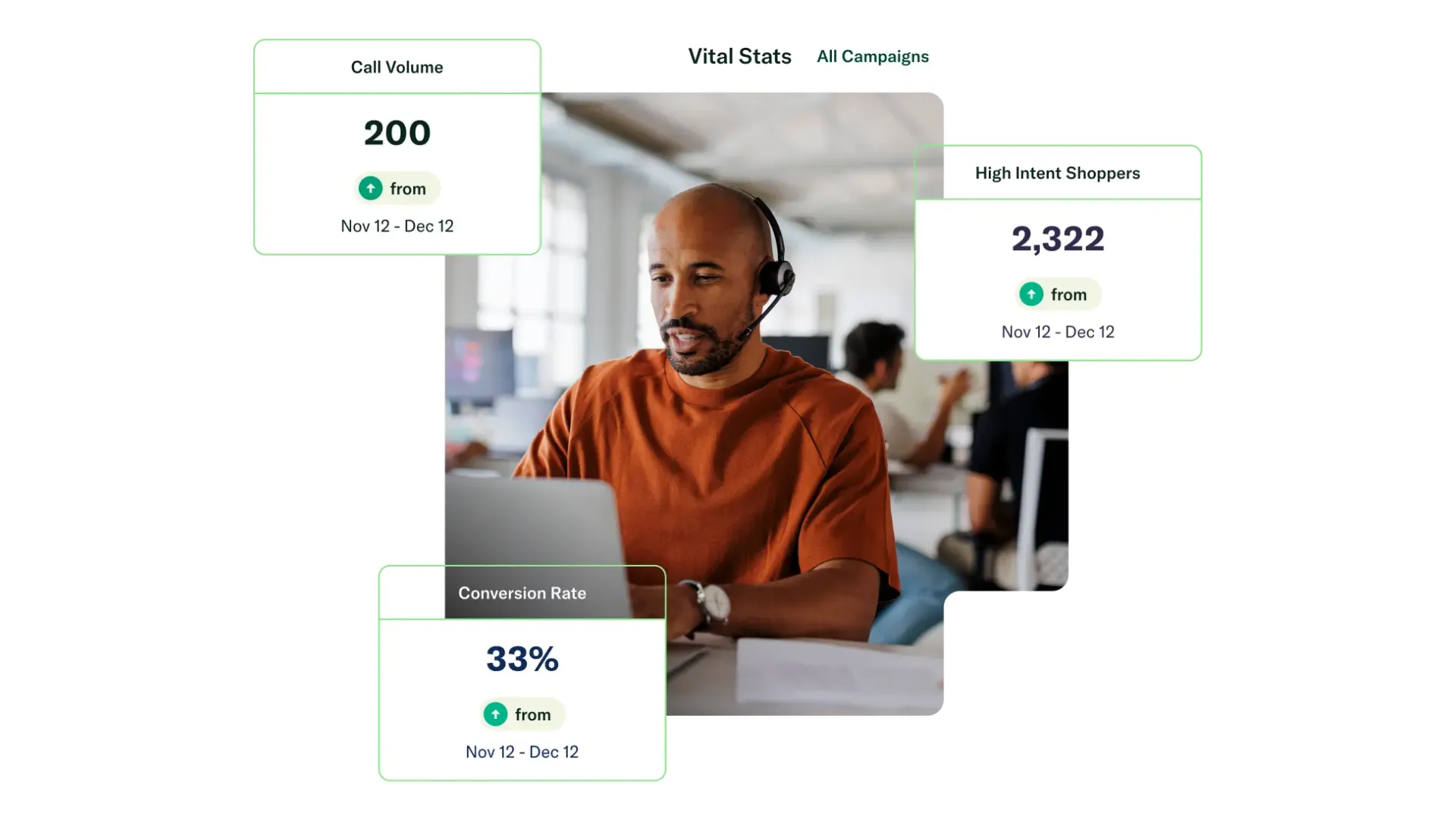
Moving on, we’ve got Invoca.
As part of the overall Salesforce integrations ecosystem, this tool intersects marketing and revenue attribution.
For businesses spending heavily on paid acquisition, one of the biggest blind spots is phone calls. You know leads are coming in, but you don’t always know which campaigns are driving revenue.
Invoca solves that.
It connects inbound call data directly into Salesforce, giving teams full visibility into which marketing efforts convert into real conversations and sales.
Key strengths:
- AI-powered call classification and intent detection
- Campaign-level attribution across online and offline sources
- Real-time keyword tracking during conversations
- Deep reporting dashboards tied to revenue outcomes
This is a strong example of marketing automation with Salesforce done right. It bridges the gap between ad spend and actual sales performance.
3. CallRail: Best for SMB call tracking and marketing-to-sales attribution
CallRail is often the go-to choice for SMBs that want accessible yet powerful call tracking.
It is less complex than enterprise tools, but still delivers meaningful insight into marketing performance.
What stands out:
- Dynamic number insertion for accurate source tracking
- Call transcription and recording
- Multi-touch attribution tied into Salesforce
- Lead scoring based on call behavior
For businesses asking “Which apps integrate with salesforce crm?” CallRail is one of the most widely adopted answers in the SMB segment.
4. DialogTech (now part of Invoca): Best known legacy option for conversation intelligence
DialogTech was built for large-scale marketing teams managing multiple campaigns, locations, and channels.
Even though it now operates under Invoca, its enterprise DNA is still evident.
Core functionality:
- Campaign-level inbound call tracking
- Multi-location call routing
- Salesforce Campaign and Lead syncing
- Voice analytics and keyword flagging
This is a strong fit for organizations dealing with complex lead management integrations across regions and teams.
5. Ringba: Best for performance marketing teams managing high-volume inbound call flows
Ringba is built for flexibility.
Where other tools provide structured systems, Ringba offers customizable infrastructure through APIs and webhooks, etc.
Why teams choose it:
- Real-time call tracking with granular control
- Custom routing based on caller data
- API-first approach for Salesforce integration solutions
- Strong support for affiliate and performance marketing
This is ideal for companies that want full control over their Salesforce plug-ins and workflows.
Expanding the Stack: More Salesforce CRM Integration Tools You Should Know
Up to this point, you’ve seen how call intelligence and outbound execution tools shape modern salesforce crm integrations. Now let’s widen the lens.
Not every team is solving the same problem. Some care about conversation analytics, others about infrastructure, others about day-to-day productivity inside the CRM.
That’s where the next set of Salesforce CRM integration tools comes in. These tools focus more on operational depth, system flexibility, and internal efficiency.
6. Marchex: Best for call analytics and conversation-driven lead insights
Marchex is built for companies that don’t just want to track calls, they want to understand them at a deeper level.
Think of it as moving from “what happened” to “why it happened.”
This platform leans heavily into conversation intelligence, using AI to break down tone, sentiment, intent, and outcomes. When connected to Salesforce, all of that insight becomes actionable inside your pipeline.
What makes it valuable:
- Real-time speech analytics with sentiment detection
- Keyword and intent analysis tied to conversion outcomes
- Visibility into call quality, not just call volume
- Integration with Salesforce records for full context
For enterprises focused on workflow optimization Salesforce, this kind of insight helps refine scripts, improve agent performance, and identify what drives revenue.
It also answers a common concern:
Are there limitations to salesforce crm integrations?
Yes, but tools like Marchex reduce those limitations by adding intelligence layers that Salesforce alone does not provide.
7. CallTrackingMetrics: Best all-around choice for call tracking plus automation
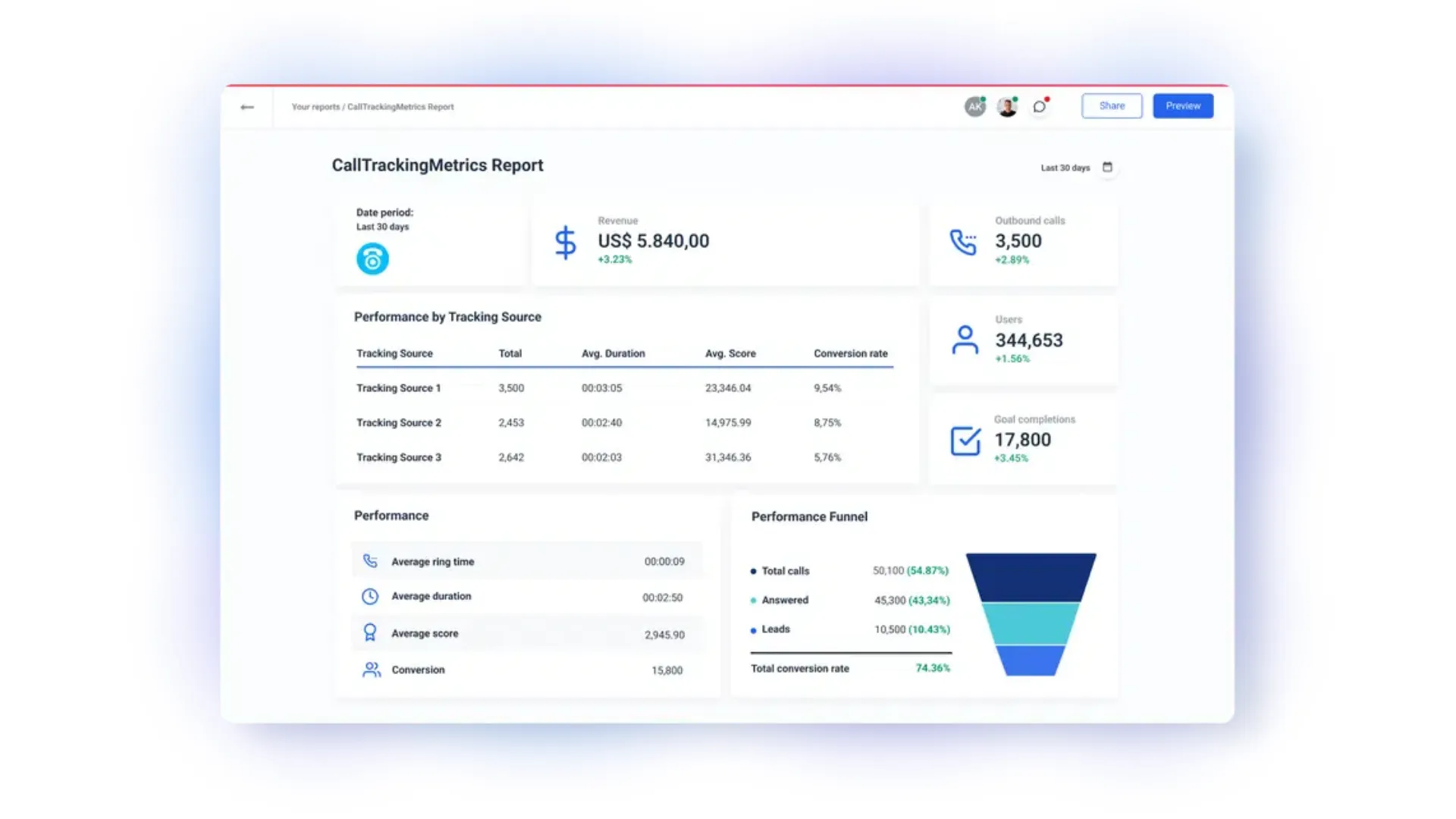
CallTrackingMetrics positions itself as more than a tracking tool. It is a full communication platform that blends attribution, routing, and analytics into one system.
What makes it interesting is its balance. It is not as heavy as enterprise tools, but far more capable than basic SMB solutions.
Core capabilities:
- Dynamic number insertion across campaigns
- Salesforce data sync for leads, contacts, and opportunities
- Call recording, transcription, and keyword tracking
- IVR systems and smart routing logic
This makes it a strong option for teams that want unified salesforce integration solutions without stitching together multiple tools.
It also plays nicely with broader CRM automation tools, helping teams reduce manual processes across both sales and marketing.
8. Natterbox: Best native contact-center style telephony inside Salesforce
Natterbox takes a completely different approach.
It is not just connected to Salesforce, it is built inside Salesforce.
That distinction matters more than most people realize.
With Natterbox, all call data, routing logic, and reporting live directly within your CRM environment. There is no external syncing, no middleware, and no lag between actions and data updates.
Why this matters:
- Instant data availability, no sync delays
- Full alignment with Salesforce security and compliance
- Simplified system architecture
- Native Salesforce workflow automation capabilities
For companies prioritizing enterprise CRM integrations, this kind of native setup reduces complexity and long-term maintenance overhead.
If someone asks, Can salesforce crm integrations be customized?
Natterbox is a great example of how deeply customizable native solutions can be.
9. Twilio + Salesforce: Best for custom communication workflows and developer-led teams
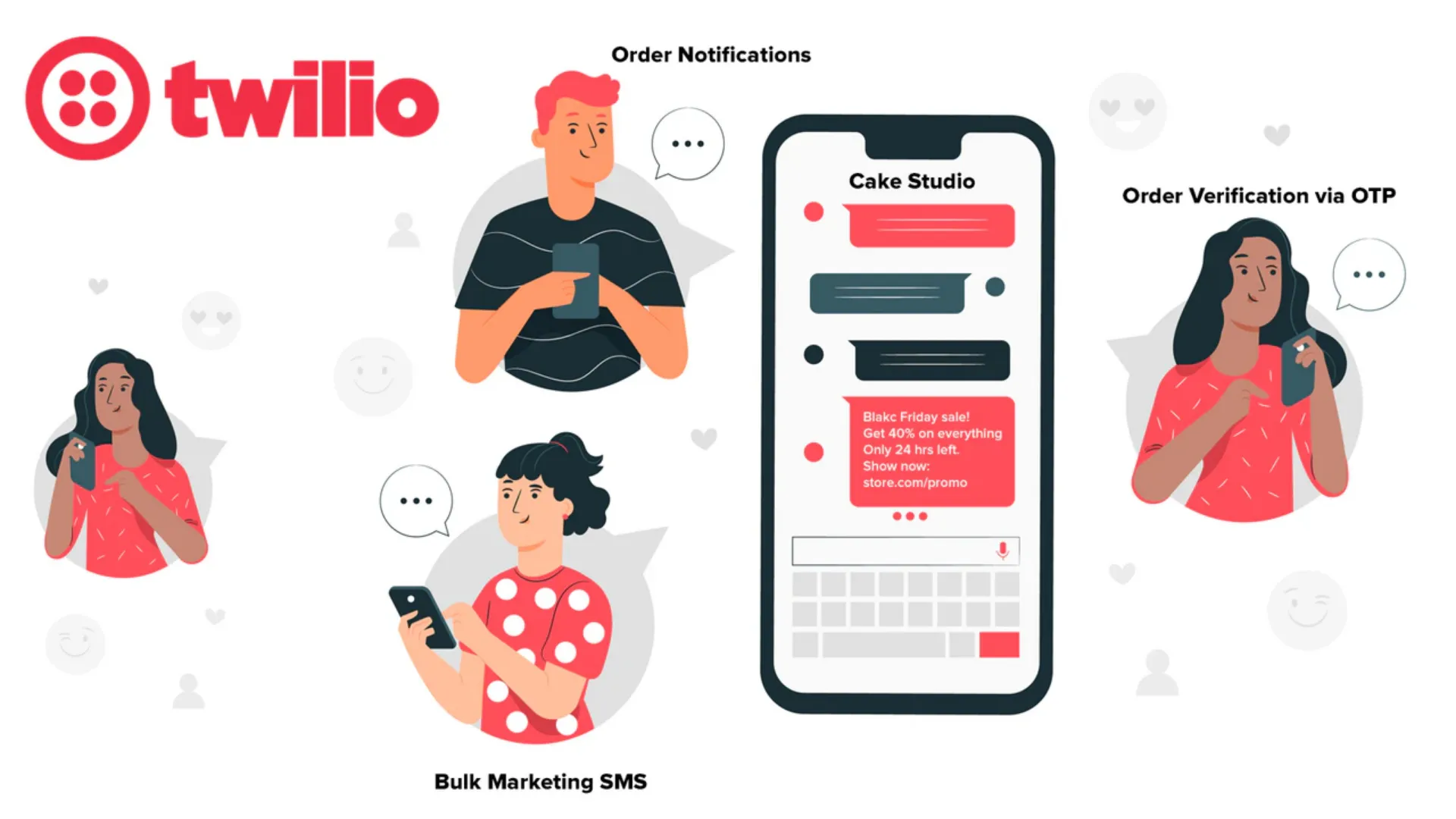
Twilio sits on the opposite end of the spectrum from Natterbox.
Where Natterbox is structured and native, Twilio is flexible and programmable.
It gives you raw building blocks, voice, messaging, routing, automation, and lets your team design exactly how communication flows should work.
Key strengths:
- Fully programmable voice and communication APIs
- Custom call flows tailored to business logic
- Event-based automation tied into Salesforce
- Global scalability for distributed teams
This is one of the most powerful Salesforce API integrations available, but it comes with a tradeoff.
You need technical resources.
For companies that have engineering support, Twilio enables deeply customized salesforce third-party integrations that go far beyond out-of-the-box tools.
10. CloudTalk: Best for modern cloud calling teams that need CRM-linked conversations
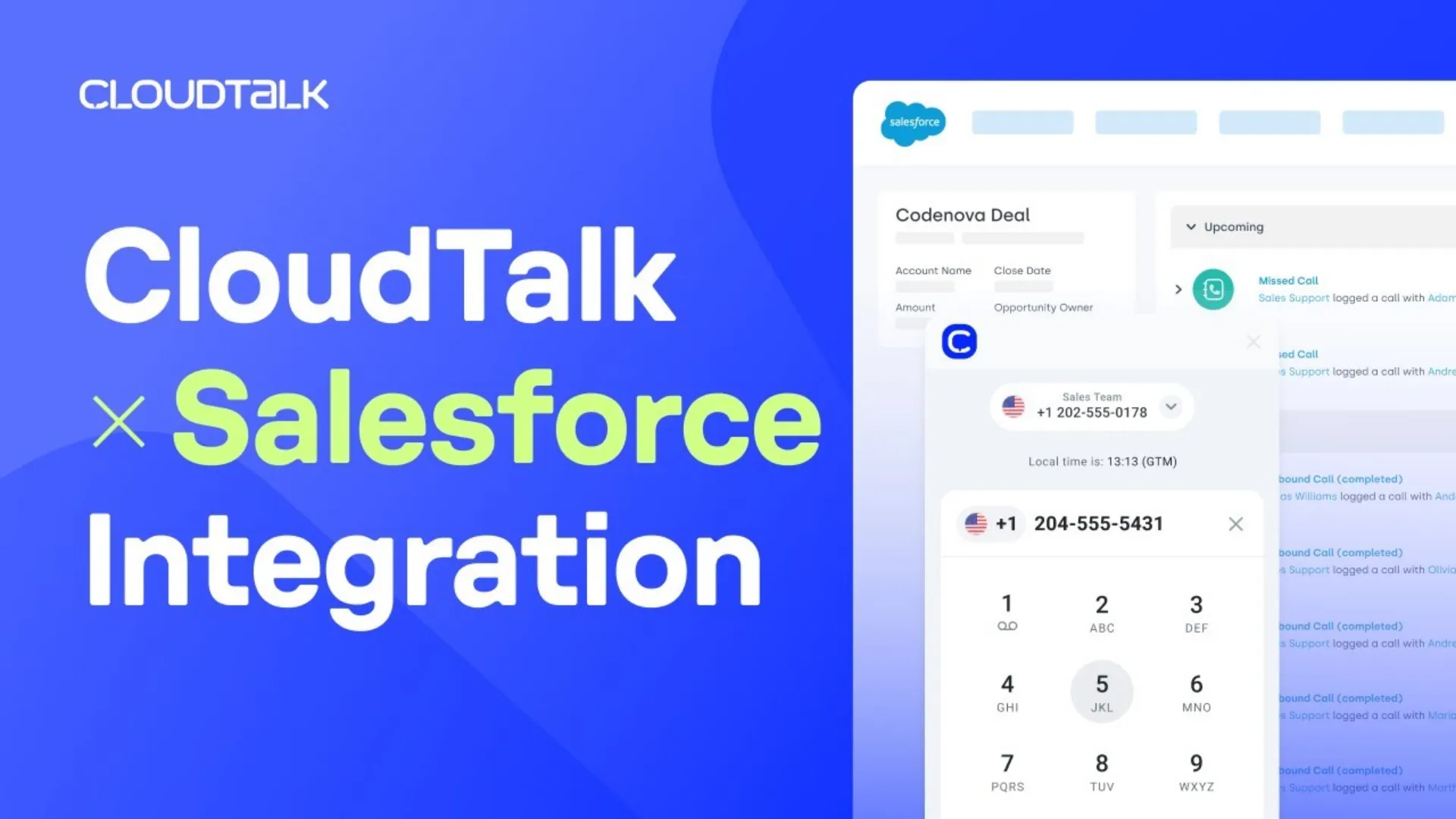
CloudTalk is a simpler, more accessible option for teams that want reliable calling features without heavy setup.
It focuses on usability and speed.
You connect it to Salesforce, and your team can start making and tracking calls with minimal friction.
What it offers:
- Click-to-call directly from Salesforce
- Automatic call logging and recording
- Global numbers for international teams
- Real-time dashboards with basic analytics
For SMBs asking, What are the best salesforce crm integrations?, CloudTalk often comes up as a practical, no-friction choice.
It is not the most advanced system, but it covers the essentials well.
Core Salesforce integrations vs. bonus productivity tools: what belongs in your main stack?
Not every integration needs to be complex or infrastructure-heavy.
Some of the most impactful Salesforce connected apps are the ones that improve how your team works inside the CRM every single day.
Leadjet
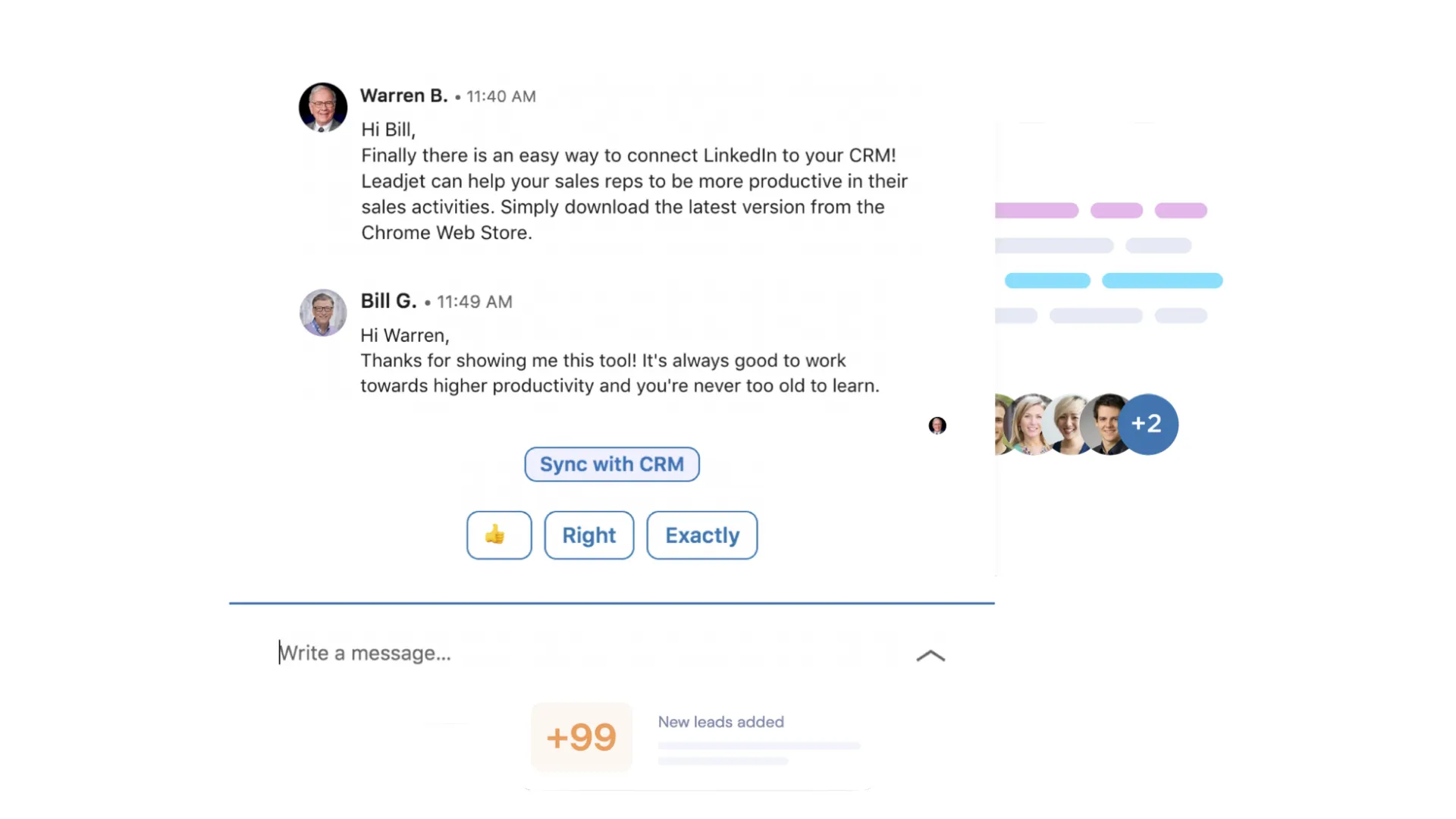
Leadjet connects LinkedIn directly with Salesforce, eliminating one of the most annoying workflows in sales, manual data entry.
Reps can manage contacts, sync conversations, and update records without leaving LinkedIn.
This is a huge win for sales productivity software, especially for outbound teams.
Dooly
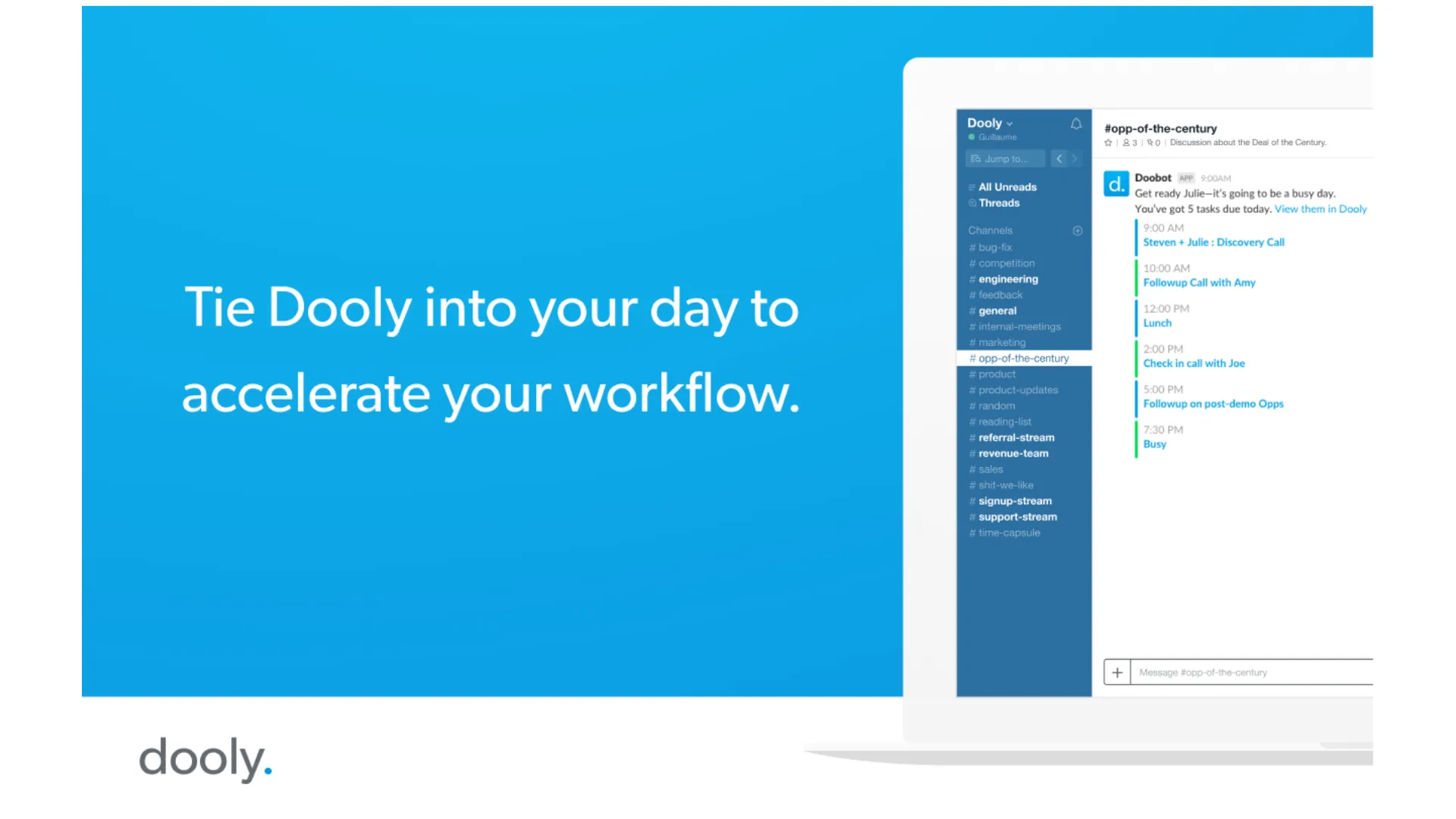
Dooly focuses on speed and simplicity.
It allows reps to update multiple records, take notes, and sync meeting data instantly with Salesforce.
The result is cleaner data and less time spent on admin work, a key benefit in workflow optimization Salesforce.
ClearSlide
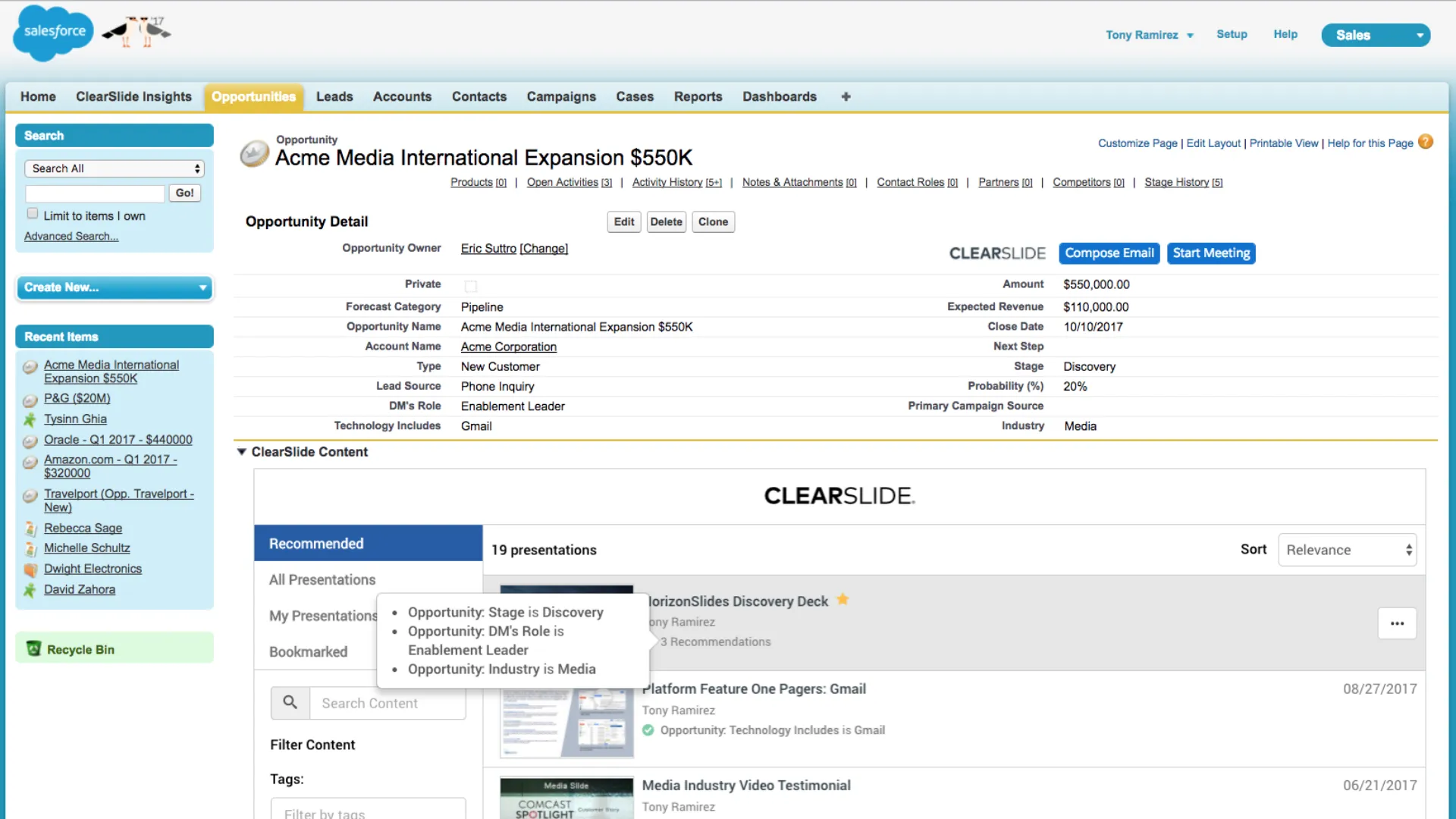
ClearSlide adds visibility into how prospects interact with your content.
Sales teams can see which documents were opened, how long they were viewed, and which sections got attention.
This strengthens lead management integrations, helping reps prioritize high-intent prospects.
LevelJump
LevelJump brings structured training into Salesforce.
Managers can assign coaching programs, track progress, and align training with real pipeline activity.
This connects enablement directly with performance, something many CRM automation tools fail to do.
Salesforce High Velocity Sales
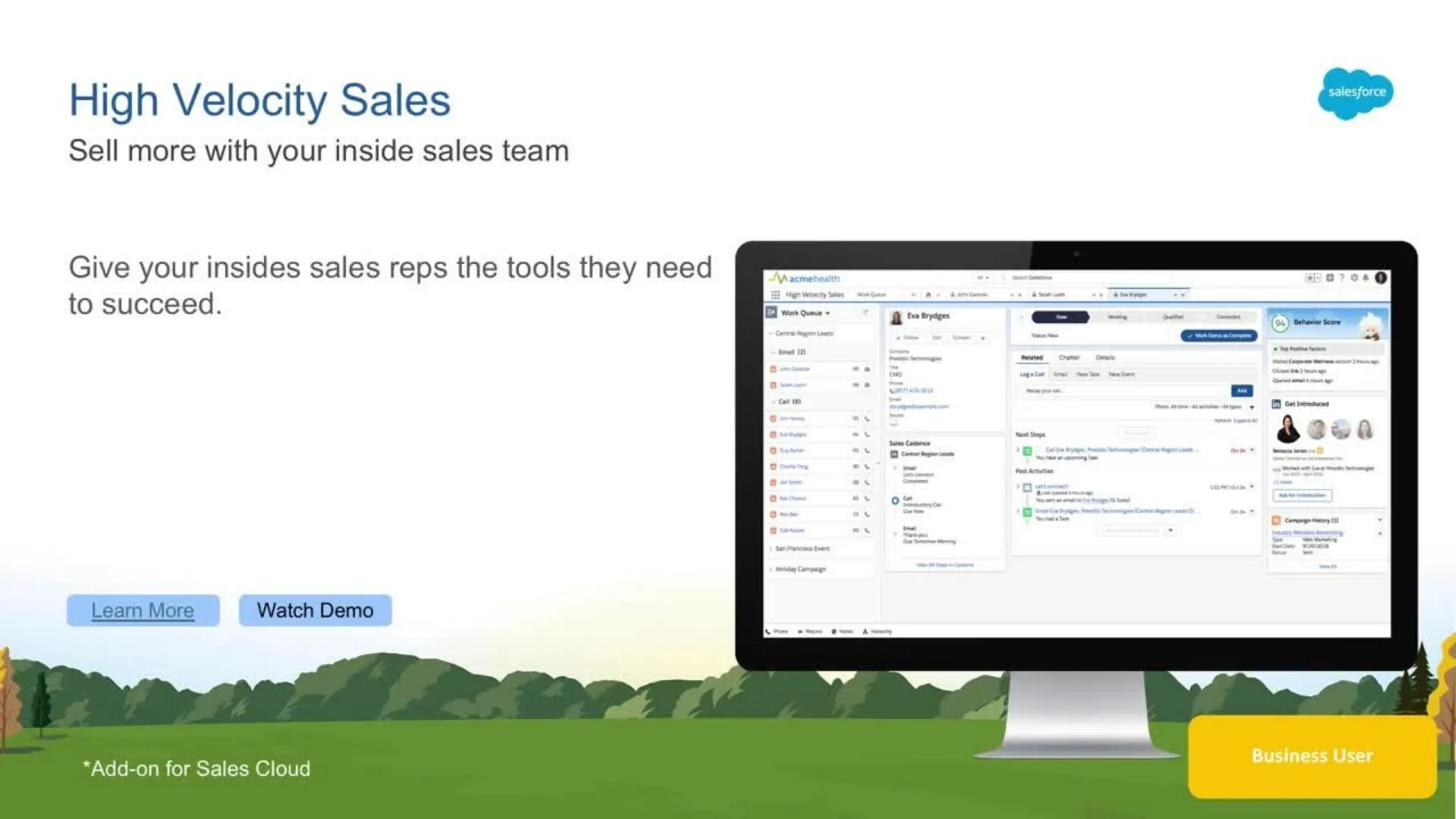
This is Salesforce’s own module designed for inside sales teams.
It organizes leads, automates next steps, and ensures reps always know what to do next.
It is a core example of built-in Salesforce workflow automation, especially for high-volume sales environments.
How to Choose the Right Salesforce Integrations for Your Stack
The best Salesforce integration is not always the most popular one. It is the one that solves the biggest constraint in your current workflow. If reps are constantly switching between tabs, you should prioritize tools that embed execution directly into the workflow and reduce context switching. If connect rates are low or call productivity is inconsistent, calling and dialing tools will usually create the most immediate impact.
If managers cannot see what is happening inside live conversations, coaching and conversation analytics tools become more valuable. If marketing struggles to tie phone activity back to the pipeline, attribution and call tracking platforms should come first. And if legal or sales operations are slowing down the closing process, contract automation tools may deliver the highest leverage.
In other words, do not build your Salesforce stack around feature checklists alone. Build it around the bottleneck that is currently limiting revenue performance. That approach leads to cleaner prioritization, better adoption, and a stack that improves execution instead of simply adding more software.
What the Right Salesforce Integrations Should Improve in 90 Days
The best Salesforce integrations should improve outcomes you can actually see within the first 90 days, not just add more features to the stack. If the tools are well chosen, reps should be having more conversations per day because less time is lost to manual logging, tab switching, and disconnected workflows.
Activity quality should also improve, with better connect-to-meeting rates and stronger follow-up consistency.
For managers and RevOps, the gains should show up in cleaner attribution, more reliable CRM activity capture, and a clearer picture of which actions are driving the pipeline. Coaching effectiveness should improve as well, especially if the stack gives leaders better visibility into conversations, onboarding progress, and rep behavior.
Finally, workflow efficiency should feel noticeably better across the team, with fewer manual handoffs, less duplicated work, and faster movement from action to insight. That is the real test of a Salesforce integration strategy: not how many tools you connect, but how quickly those tools improve execution, visibility, and revenue performance.
Final Takeaway
The best Salesforce integrations do not win because they add more connections to your stack. They win because they make Salesforce more useful in the moments that actually shape revenue.
Some improve calling output. Some strengthen attribution. Some reduce context switching, speed up execution, or give managers better visibility into what is happening on the front line.
The key is not choosing the most tools. It is choosing the right ones for the bottleneck that is limiting performance today.
That is why a strong Salesforce integration strategy should be built around outcomes, not feature lists. If your stack helps reps move faster, improves conversation quality, captures cleaner activity data, and gives leadership clearer insight into performance, it is doing its job.
If it only adds more complexity, it is not. In the end, the most valuable Salesforce integrations are the ones that turn the CRM from a passive system of record into an active system for better execution.