Our Top Picks


How-to Guides
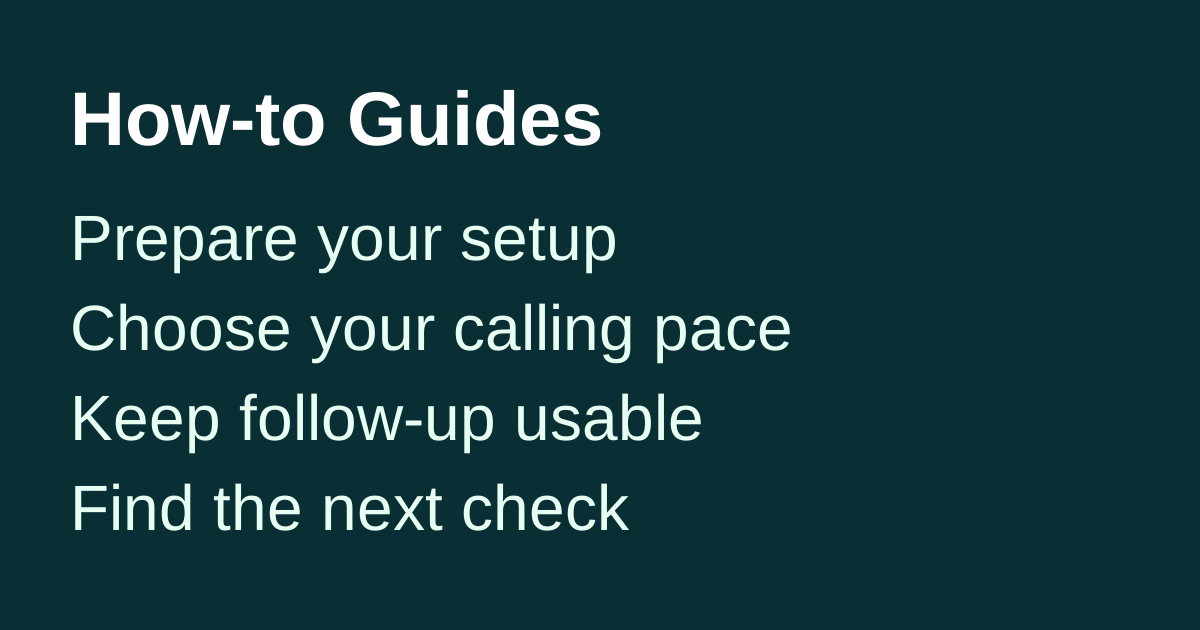
Choose the task you need to finish. These Trellus guides cover preparing a calling workflow, choosing its pace, keeping follow-up usable and investigating problems. Start with the relevant existing guide rather than reading them in a required order.
New in the daily How-to Guides series
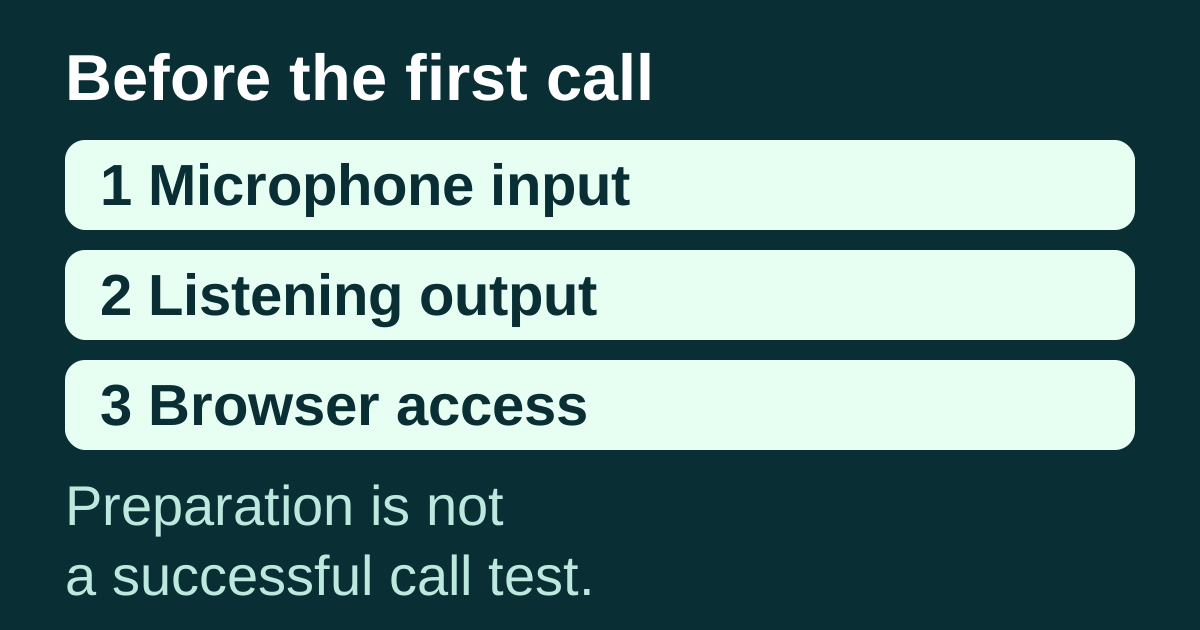
Check your microphone and headset before a calling session — inspect computer input/output, app and browser access, then use a local readiness worksheet. This link is released with the guide, not a promise of future content.
The sections below collect established resources published before this series. Their original URLs and publication histories are unchanged.
Getting started
- Add an auto dialer to your CRM — prepare one list, decide on call outcomes and callbacks, and use the first-session worksheet.
- Evaluate a dialer in a one-week pilot — define what the pilot must prove and inspect the saved results before deciding whether to buy.
Dialing skills
- Test a cold-call opener — compare openings around a defined question rather than treating a few conversations as a guaranteed winner.
- Keep coaching useful without a call recording — practice a specific moment without inventing what happened in an unrecorded call.
Parallel dialing
- Run an Attio call block — prepare a People list, choose the pace and finish the conversation with useful follow-up. Includes power and parallel dialing in the Attio walkthrough.
- Choose a mode during CRM setup — use the mode-selection section of the setup guide before expanding the session.
CRM workflows
- Switch dialers without stranding callbacks — reconcile promises and ownership before moving the working list.
- Check what a save acknowledgment proves — distinguish an attempted save from the information found on the destination record.
Troubleshooting
- Diagnose a stalled call block — separate list exhaustion, research, conversations, after-call work and a failed workflow.
For the supported starting screen and platform-specific behavior, open the integration directory. To discuss your own setup, bring the relevant worksheet to a Trellus demo.

Power and parallel dialing in your CRM.