
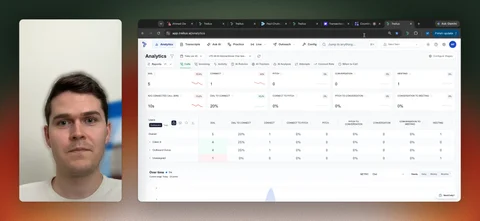
 7:16
Trellus AI Features Overview
Explore practice bots, Ask AI, and automated call coaching in this Trellus feature overview.
Watch guideLearn how to create and customize AI roleplay bots for practice sessions.
Recorded walkthroughs may show earlier screens or settings.
Welcome to day two of onboarding with Trellus. Yesterday, you learned about our power and parallel dialer and how to access it through any sales, engagement platform or CRM. And today, I'm going to show you how to build your AI roleplay bots for practicing. Before you hop on the phones, let's dive in. First thing you're going to want to do is head on over to App Trellus AI Practice. This will show you our practice interface within the dashboard here on the left hand side. We have a couple of sample scenarios for you guys to choose from. We understand that these may not all be relevant to the people that you're selling to today, so luckily you can actually scroll to the bottom where you can create a bottom now creating a bot is super simple. All you do is you click on Create Bot. It's going to open on here. You're going to be able to prompt your AI bot using prompt engineering logic similar to how you would use a ChatGPT.
You simply enter the background of the prospect, any problem statements that they have, and any objections that naturally come up in these conversations. At the bottom you can do a bit more of advanced and specific settings, so emotions, certain tags, as well as advanced prompting to give it more instructions on what and what not to do. Let's say maybe you don't have the time to prompt a bot. You can actually build a bot using past call transcripts. All you have to do is click on Create from past calls, select the calls that you want to be using, and then go ahead and create that bot. Once you've created a bot, it's going to look very similar to this where you can go and choose the difficulty setting and when you're ready just press start calling. We hope that using these bots, you'll up level your skills for cold calling and have fun while doing it. Let us know if you have any questions or any feedback.
Transcribed from the recording, with product names corrected.
7:16
Explore practice bots, Ask AI, and automated call coaching in this Trellus feature overview.
Watch guide 5:47
A six-minute demo of Trellus real-time AI coaching, which shows reps live suggestions and a running transcript during sales calls.
Watch guide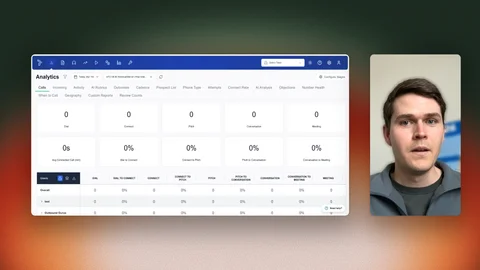 4:09
Explore the Trellus coaching suite for call practice and team enablement.
Watch guide