.png)
Our Top Picks


An AI sales assistant helps reps handle repetitive, high-friction, or data-heavy tasks so they spend more time in quality conversations. Depending on the product, it can assist with prospect research, account prioritization, email drafting, call preparation, live call guidance, meeting notes, CRM updates, coaching, and automated follow-up.
The goal isn’t “adding AI.” It’s removing work that blocks productive selling and improving the conversations that matter. For outbound teams, assistants often overlap with AI SDR platforms. AI SDR tools emphasize prospecting and pipeline creation; assistants tend to cover a wider surface area across SDRs, AEs, and managers.
This guide explains core use cases, how to evaluate assistants, where they add the most value, when to consider a specialized outbound platform, and practical rollout guidance.
What Is an AI Sales Assistant?
An AI sales assistant applies AI to support selling before, during, and after buyer interactions. Common help includes:
•Surfacing useful account and contact context
•Drafting personalized messages and call openers
•Summarizing calls and flagging action items
•Suggesting next steps and updating CRM fields
•Supporting objection handling and talk tracks
•Guiding reps in real time and highlighting coaching moments
•Prioritizing leads or accounts
•Triggering follow-up workflows with human-in-the-loop controls
Some assistants live inside existing tools (CRM, inbox, meeting apps). Others are standalone platforms aimed at prospecting, dialing, coaching, or meeting productivity. The best fit is the one that improves execution in your sales motion without adding administrative friction.
AI Sales Assistant vs. AI SDR vs. Automation Tool
•AI sales assistant: Broad help across rep workflows—preparation, outreach, conversation support, follow-up, and coaching.
•AI SDR: Deeper specialization in outbound prospecting, qualification, engagement, and meeting creation. For clarity on the role and workflow, see what an AI SDR is.
•Automation tool: Rule-based actions (e.g., send an email after X days). AI assistants can generate language, summarize conversations, extract insights, and adapt recommendations to context.
Labels blur. A dialer may add AI coaching; a CRM may add AI summaries. Focus on which jobs the tool reliably helps your team complete, not the marketing category.
What Does an AI Sales Assistant Do?
Most assistants support five workflow areas: preparation, prospecting, live conversations, follow-up, and coaching.
1. Sales Preparation
AI can compile account summaries, prior activity, buyer roles, industry context, and suggested talking points in seconds. The aim is “enough prep” without creating a research bottleneck. Reps still apply judgment to confirm relevance and accuracy.
2. Prospecting and Personalization
Assistants can draft outbound emails, propose openers, summarize triggers, and tailor messaging to personas. Useful personalization links a credible business reason to a specific buyer problem. For a deeper end-to-end approach across list building, prioritization, messaging, and iteration, see AI SDR tools and this guide to AI for sales prospecting.
3. Live Call Support
During calls, assistants may surface talk tracks, objection prompts, reminders for qualification, or real-time coaching cues. This helps new reps and busy teams. Prompts should be lightweight and configurable so they support the conversation without making it robotic.
4. Follow-Up and CRM Updates
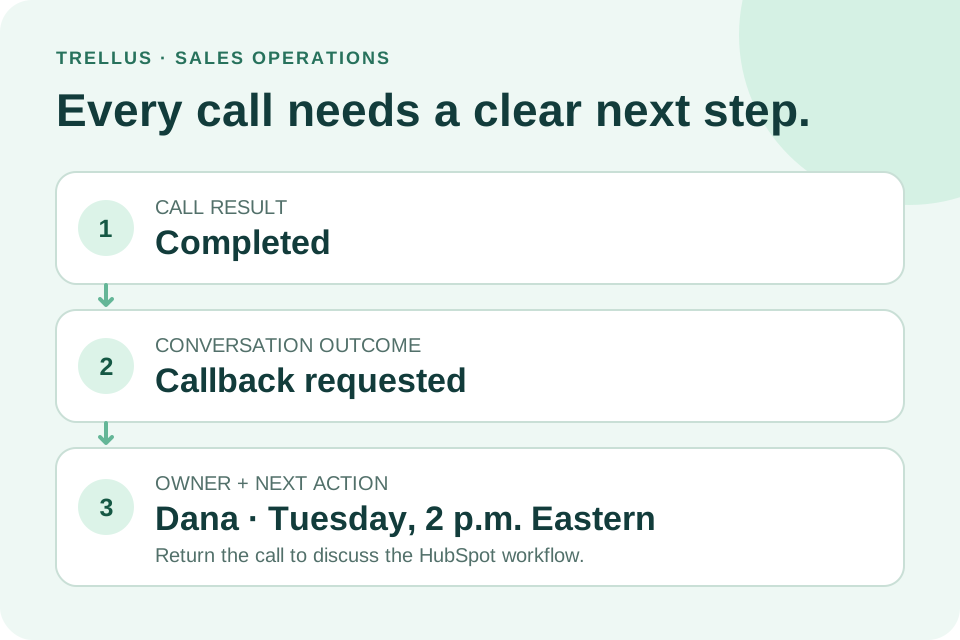
After meetings, AI can produce summaries, action items, draft follow-up emails, and suggest CRM updates. This reduces admin time and improves pipeline visibility. Reps should review names, dates, and commitments before sending or saving.
5. Coaching and Performance Improvement
AI can highlight patterns across calls and email—missed discovery questions, recurring objections, or unclear next steps—so managers spend less time hunting for teachable moments. Managers still interpret context; AI points to where to look first.
Common AI Sales Assistant Features
The table below summarizes common features, their value, and buyer questions to ask during evaluation.
Where AI Sales Assistants Create the Most Value
High-Volume Outbound Teams
Outbound work repeats research, outreach, dialing, follow-up, and logging. AI helps reps move faster without sacrificing relevance so they reach more live conversations. If pipeline generation is the primary goal, evaluate whether a focused AI SDR platform will outperform a general-purpose assistant.
New or Ramping Reps
AI provides structured help for messaging, objection handling, qualification, and follow-up discipline—useful when managers cannot be on every call. It accelerates learning but does not replace product, market, or process training.
Managers With Limited Coaching Capacity
AI surfaces patterns and moments worth reviewing. The key is explainability: managers should see the underlying excerpt or activity that led to each recommendation.
Teams With Messy CRM Data
Assistants reduce incomplete notes and inconsistent activity logging. Define “good data” first; AI will not fix unclear stages, weak qualification criteria, or inconsistent definitions.
When an AI Sales Assistant Isn’t the Right Answer
An assistant won’t offset gaps in:
•ICP clarity and messaging
•Foundational data quality and stage definitions
•Manager coaching cadence
•Rep workflow adoption and tool sprawl
•Governance for reviewing AI output
AI accelerates what exists—whether good or bad. Fix the process first.
How to Choose an AI Sales Assistant
Start with the job to be done, not a feature checklist.
Step 1: Define One Primary Workflow
Pick one workflow to improve (e.g., SDR prospecting, live call coaching, meeting follow-up, CRM note capture, AE opportunity prep, manager call review, or personalized email creation). If SDR productivity is the priority, compare general assistants with dedicated AI SDR tools.
Step 2: Map the User Experience
Locate where the assistant appears: CRM, inbox, dialer, browser extension, meeting app, or separate workspace. Workflow fit often beats model sophistication. Tools used in the flow of work beat powerful tools that require tab-switching and copy-paste.
Step 3: Test With Real Examples
Avoid polished demos. Use real accounts, recordings, objections, and follow-up scenarios. Judge accuracy, specificity, tone, relevance, adherence to your messaging, and edit time. A simple test: would a strong rep actually use this output?
Step 4: Set Human-in-the-Loop Controls
Decide where automation stops. Drafts may be fine to auto-generate, not auto-send. CRM suggestions may be fine to propose, not overwrite. Controls matter more as outputs touch buyers, forecasts, or regulated data.
Step 5: Verify Reporting and Visibility
Managers need adoption and impact visibility: usage, workflow completion, coaching themes, and conversation outcomes. Be skeptical of broad revenue claims without a clear, inspectable methodology.
Step 6: Confirm Integrations and Data Handling
Validate CRM, email, calendar, dialer, meeting, and sales engagement integrations with the vendor. Review data processing, retention, and model-improvement policies with legal, security, and RevOps.
AI Sales Assistant Evaluation Checklist
During a pilot, answer:
•Which rep tasks are we reducing? Which manager tasks are we improving?
•Does the assistant appear at the right moment in the workflow?
•Are outputs accurate, specific, and on-message with minimal edits?
•What controls exist for approvals and data changes?
•Do integrations cover our current stack today, not on a roadmap?
•What data does the tool access, store, and use to improve models?
•Can we measure adoption and workflow completion reliably?
•Are plan limits, pricing, and support levels clearly documented?
Combine rep feedback, manager review, RevOps validation, and buyer-experience checks.
Where Trellus Fits
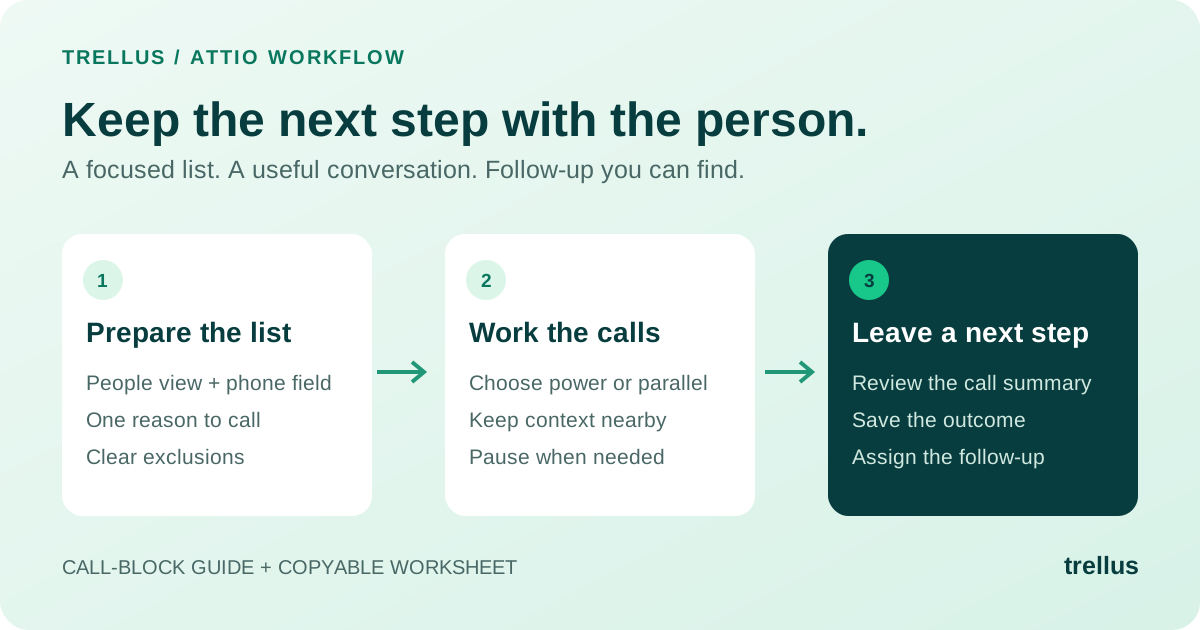
Trellus focuses on outbound execution for teams that want live selling support, productivity gains, and AI-assisted prospecting. Product areas include parallel dialing, real-time sales coaching, and AI voice agents. Confirm current capabilities, integrations, and plan details directly with Trellus, especially for mission-critical workflows.
If you’re comparing assistants and outbound platforms, see this roundup of the best AI SDR tools to evaluate Trellus alongside alternatives without relying on a generic feature matrix.
Implementation: Roll Out in Narrow, Testable Steps
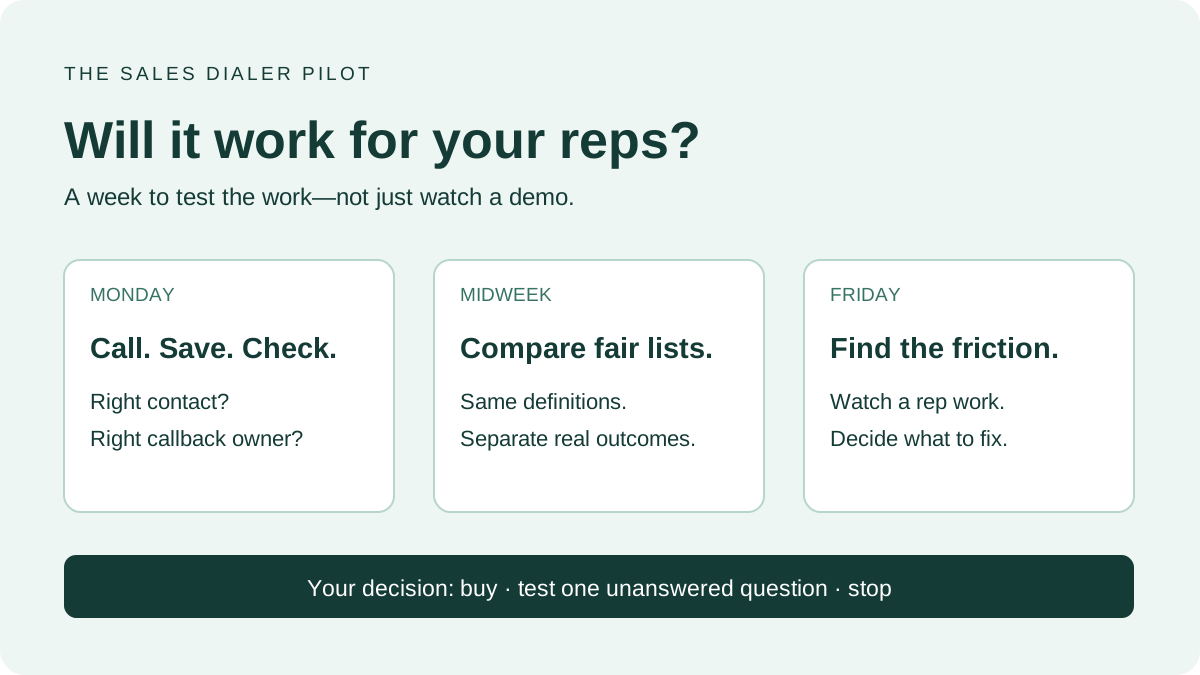
Start small: one team, one workflow, one definition of success. Examples include AI call summaries for AEs, live coaching for SDRs, or prospect research assistance for a BDR pod.
•Define the workflow. Document each step: where the assistant appears, what the rep reviews or edits, when updates reach the CRM, and who approves changes.
•Train for judgment. Teach reps how to assess accuracy, relevance, tone, and fit with your messaging. The goal is consistent, human-sounding communication—not AI dependence.
•Create a feedback loop. Weekly, collect rep and manager input on where the assistant helps or slows work. Adjust prompts, permissions, and configuration accordingly.
•Expand only after real adoption. Look for consistent usage without reminders, manager references in coaching, faster workflows, cleaner CRM data, and buyer-facing messages that still sound human.
Pricing and Packaging Considerations
AI assistant pricing varies by seat, usage, call volume, and plan tier. Do not assume all AI features are included on all plans. Confirm plan limits, onboarding fees, support levels, and integration requirements before purchase.
For Trellus, review current pricing or contact the team. Avoid decisions based on outdated third-party pages or screenshots.
Mistakes to Avoid
•Buying without a single primary use case
•Measuring activity volume while ignoring conversation quality
•Letting AI send buyer-facing messages without early human review
•Underestimating rep workflow friction and manager adoption
•Trusting summaries without spot checks
•Buying overlapping tools without clear ownership of each workflow
•Treating AI as a substitute for sales training
Conclusion
An AI sales assistant can speed prep, personalize outreach, support calls, summarize conversations, update CRM, and highlight coaching moments. The best choice depends on your primary workflow, sales motion, data quality, and adoption plan. If you need broad productivity support, a general assistant may suffice. If your aim is outbound pipeline, live execution, and SDR productivity, a specialized platform may be better.
Explore how Trellus supports AI-assisted outbound workflows, calling productivity, and real-time coaching. Start a free trial or request a demo to see whether Trellus fits your team’s workflow and goals.
FAQ
What is an AI sales assistant?
It’s software that helps sales teams with research, message drafting, call prep, live guidance, follow-up, CRM updates, and coaching. It reduces manual work and improves consistency across workflows.
Is an AI sales assistant the same as an AI SDR?
No. An assistant can support many roles across the sales cycle. An AI SDR focuses on outbound prospecting, qualification, engagement, and meeting creation. Some platforms serve both, but depth usually differs.
What should I look for in AI sales assistant software?
Start with workflow fit. Test output quality on real examples, verify integrations, set clear human-in-the-loop controls, confirm reporting and data handling, and measure adoption. Avoid buying from demos alone.
Can AI sales assistants replace sales reps?
They’re best used to augment reps. AI can automate repetitive work and offer recommendations, but human judgment drives discovery, relationship-building, negotiation, and account strategy.
How do sales teams measure AI assistant success?
Track adoption, time saved on admin, CRM completeness, follow-up consistency, coaching visibility, and the quality of buyer-facing messages. Treat broad revenue claims cautiously unless the methodology is transparent and tied to your data.
Does Trellus offer an AI sales assistant?
Trellus supports AI-assisted outbound workflows, including parallel dialing, real-time coaching, and AI voice agents. Confirm current feature availability, integrations, and plans directly with Trellus.
.jpeg)

Power and parallel dialing in your CRM.