Our Top Picks


Two reps can have perfectly reasonable call lists and still phone the same person ten minutes apart. One is working new outbound. The other is returning a promised call. Cleaning up duplicate contact records won't settle which rep should call next.
Before a shared call block, compare the planned touches, check the latest activity and promises, and leave one clear next caller for each person. If you can't establish who the person is or who owns the commitment, hold that row for review. Don't let the fastest rep to click decide.
This worksheet is for an SDR manager coordinating overlapping worklists. It uses fictional examples, not customer results, and doesn't require a new CRM field or a second system for logging every call.
Separate the person, the record owner and the next caller
Start with the CRM record reference, not just a phone number. Two people may share a company switchboard. One person may also appear under two records after an import. A match is a reason to check identity; it isn't permission to merge records.
Record ownership answers who is responsible for the relationship. Task ownership may answer who has been assigned a particular action. Neither tells you, on its own, whether a different rep promised a callback yesterday. Read the current activity and the next action together.
There are two separate jobs here. Salesforce's duplicate-management documentation describes matching rules that identify possible duplicate records and duplicate rules that decide what happens when records are created or edited. Deciding which rep should make an upcoming call is a team-workflow decision as well. Don't assume a record-deduplication rule settles it.
Make a small overlap list before the block
Use the calling lists your team already works from. If you need a temporary worksheet, keep it in an approved workspace and use record references rather than copying phone numbers or detailed conversation notes. The CRM should remain the place where the accepted assignment and next action are saved.
For each possible collision, capture:
- Person or record reference: the link or ID that lets both reps check the same record.
- Competing work: each list, planned caller and reason for the call.
- Current ownership: the record owner and the open call-task owner, if your team uses tasks.
- Latest confirmed activity: what happened and when; don't treat an incomplete note as proof nothing happened.
- Promise: any agreed callback, its time zone and the rep responsible.
- Decision: call, hold or route for review; one next caller; the next allowed touch under your team's policy.
- Saved result: where the decision was recorded and whether both reps' actual queues now reflect it.
Check contact restrictions first. A callback entry or an ownership assignment doesn't override a stop-calling request. Use your team's existing suppression and compliance process; this worksheet isn't a calling-frequency policy.
For uncertain rows, name the person who will resolve them and when they'll check back. “Hold” without an owner can quietly become a lost callback.
Six collisions, with a decision for each
The names, record references and times below are invented. Use the cases to agree on your team's handling, not as automatic rules for changing customer records.
1. The same person is on two outbound lists
What the reps see: Dana's territory list and Lee's event-follow-up list both contain record C-104. The record has no promised callback, and neither rep has started the planned touch.
Decision: the manager applies the team's assignment rule and chooses Lee for the event follow-up. Dana's competing planned touch is held or removed from the active queue through the normal workflow. The contact record stays intact.
Check before dialing: Lee can see the reason for the call; Dana refreshes the list and no longer has C-104 ready to dial. A message saying “Lee has it” isn't enough if Dana's queue still includes it.
2. New outbound overlaps a promised callback
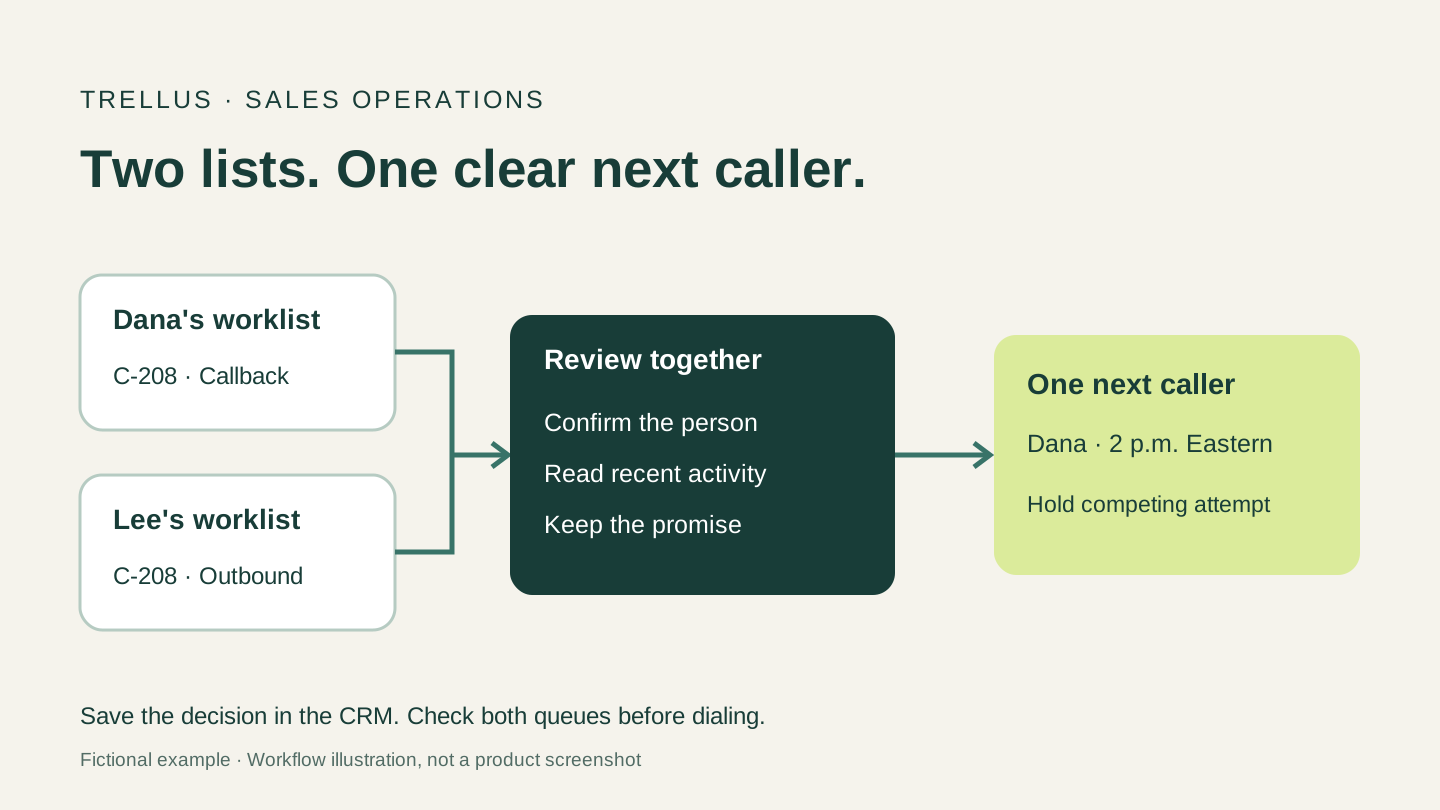
What the reps see: C-208 is in Lee's general prospecting queue. Yesterday, Dana recorded a request to call back today at 2 p.m. Eastern.
Decision: keep the confirmed callback with Dana and hold Lee's competing attempt. If Dana is unavailable, arrange an explicit handoff before the promised time rather than quietly giving both reps permission to call.
Check before dialing: the saved next action shows the time zone, the promise and the accepted caller. For a consistent way to record the outcome and commitment, use the call disposition template.
3. Two people share one switchboard number
What the reps see: C-310 and C-311 have different names and roles at the same company, but the same main phone number.
Decision: don't merge the records or discard one person on the phone match alone. Confirm who each row represents, check account-level coordination, and agree on who is contacting whom and when.
Check before dialing: each rep knows the intended person and reason for calling. If identity is still uncertain, hold the affected row. Two distinct people do not automatically justify two near-simultaneous calls to the same reception desk.
4. The record owner and task owner disagree
What the reps see: C-420 belongs to Dana, but an open call task is assigned to Lee. Both reps' views include it.
Decision: ask whether Lee's task is an intentional delegation. If it is, keep that next action with Lee and make it visible to Dana. If it isn't, have the responsible manager correct the task under the team's existing rules. Don't change relationship ownership simply to clean up today's list.
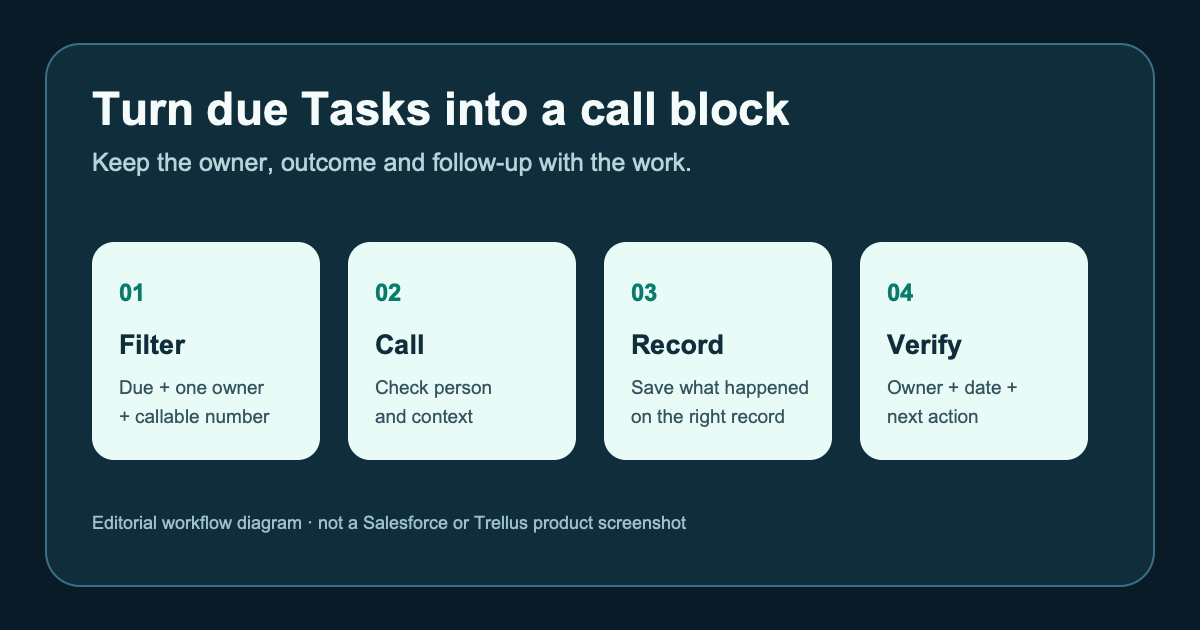
Check before dialing: the selected owner can see the task, while the competing queue no longer invites another attempt. Teams that organize their day around Salesforce Tasks can use the separate Salesforce call-worklist guide for that setup.
5. An imported row is only a possible match
What the reps see: a new row has a similar name and company to C-512, but there's too little information to establish whether it's the same person.
Decision: hold the uncertain imported row for the data owner. Don't create a second calling assignment, guess that the records are different, or merge them from this worksheet.
Check before release: the reviewer records how the identity question was resolved. Any existing promise on the confirmed record remains visible while the imported row is investigated.
6. The handoff exists only in a chat message
What the reps see: Dana has told Lee to take C-606, but Lee can't see the callback task. Dana's list still contains it.
Decision: Dana keeps responsibility for the promise until Lee accepts the handoff and can access the required next action. Resolve the access or assignment issue, then verify both queues before either person dials.
Check before release: Lee can explain what was promised and when the call is due without asking Dana to repeat the conversation. Avoid a handoff that leaves two callers—or none.
Recheck the queue, not just the worksheet
A spreadsheet can be correct while an open browser tab still shows the old list. After resolving a collision, refresh the actual calling view and check the affected row from each rep's side. If a tool has already loaded a queue, use its documented refresh or removal workflow and verify the result before continuing.
During the block, new replies, ownership changes or completed calls can make the earlier decision stale. Agree on where reps should record changes and how the other caller will see them. If your setup can't reflect those changes reliably, work smaller controlled batches while the administrator investigates. A pre-block review isn't a real-time record lock.
At the end, reconcile the overlap rows: did the selected rep make the attempt, did the promised callback stay with the accepted owner, and did any held row slip back into a queue? Count confirmed duplicate attempts separately from possible collisions caught before dialing. Neither count, by itself, tells you how many meetings or qualified opportunities were created.
Use the same cases in a dialer demo
For large or frequently changing lists, manual comparison is a diagnostic sample, not a durable control. Ask your CRM administrator which documented routing, duplicate-management and queue controls should handle the recurring problem.
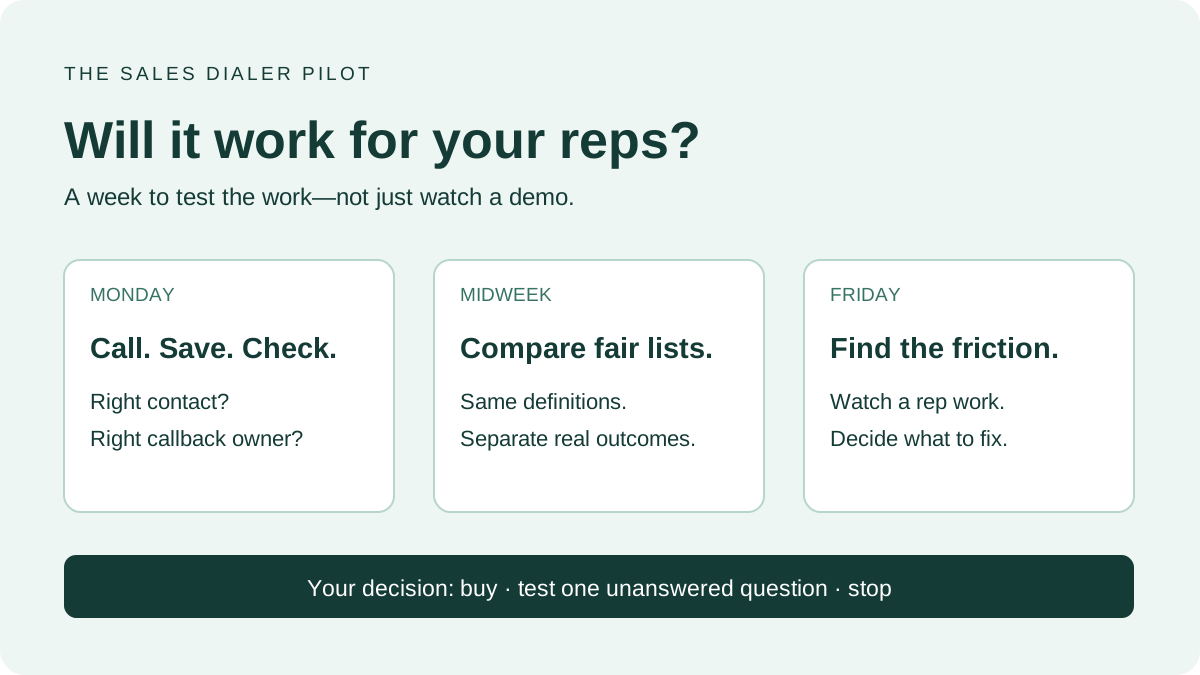
Bring permissioned test records representing these six cases to a dialer pilot. Have two reps open their normal views. Reassign one next action, preserve a callback, and inspect what each person sees after refresh. Check what happens to work already loaded into the dialer as well as what is saved in the CRM. Don't place real prospect calls just to test the workflow.
Trellus offers power and parallel dialing in supported sales-platform workflows. This worksheet doesn't imply that Trellus automatically merges records, locks contacts across reps or enforces your team's ownership policy. Use the integration directory to find your platform, then ask to see the exact shared-list behavior in your setup.
The useful result is simple: each rep can look at their queue and tell who should make the next call—and which rows must wait.

Power and parallel dialing in your CRM.