Our Top Picks


Orum is a sales-calling platform that puts the rep's dialer and the manager's calling workflow in a dedicated workspace. Its current product overview groups the platform into an AI Dialer, a Virtual Salesfloor, Analytics, Call History, and Call Library. The dialer supports power, parallel, and click-to-call modes.
The buying decision is bigger than dialing speed. Reps need a workable source list, a clear live-answer handoff, clean post-call activity, and a manager view the team will actually use.
About this guide: Trellus publishes it. We checked Orum's current product and help pages on September 2, 2026. We have not run Orum in a comparable paid account, so every workflow below links to Orum's own documentation.

How a call moves from the source list to dialing, a live conversation, and review.
How an Orum calling session starts
The starting work depends on the connected CRM or sales platform. In Orum's Dialer Basics guide, a rep opens the Dialer and searches for a list, report, individual prospect, due call tasks, or sequence tasks available for that connection. Orum then loads the prospects into its own dialer page.
Before calling, the rep can choose which phone fields to prioritize and select a call-from number. The same guide shows controls for voicemail detection, dial trees, long ringing, busy signals, and failed calls. Orum also recommends a wired headset and notes that setup can differ by integration.
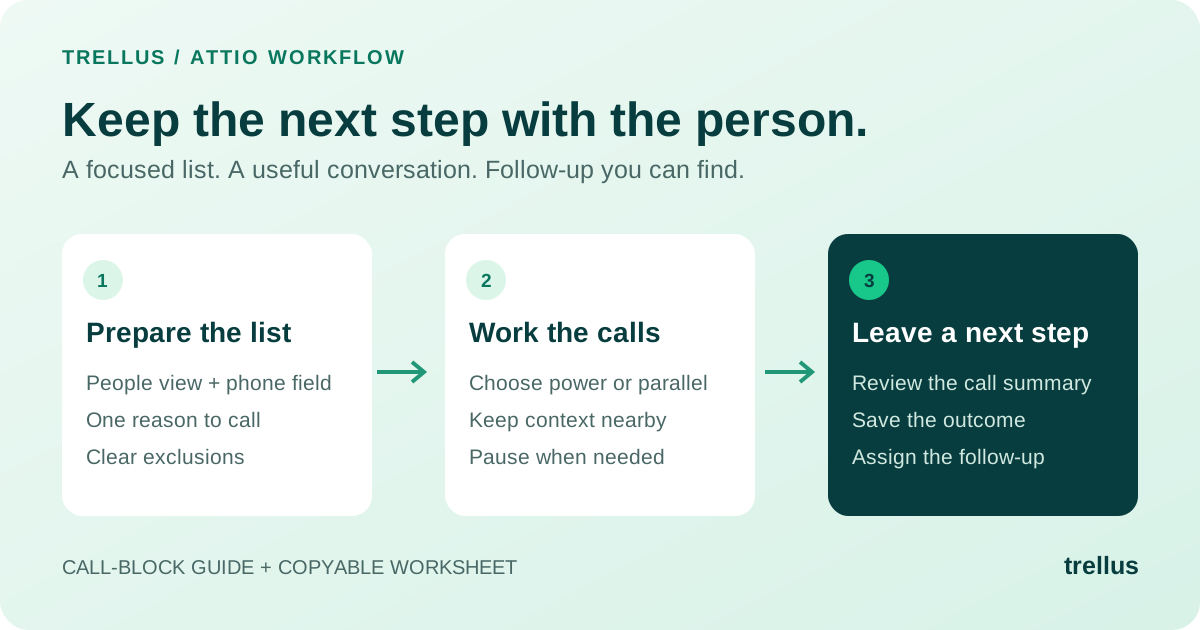
A call block looks like this:
- Connect and configure the team's sales system.
- Choose the report, list, sequence, cadence, task set, CSV, or prospect available for that connection.
- Confirm the phone fields and call-from number.
- Choose a dialing mode.
- Work the loaded records from Orum's Dialer.
- Check the call result in Orum and, where the specific integration supports it, in the connected system.
In the demo, use the system your reps already work in and inspect a few calls from start to finish. The integration name alone will not show which fields appear during a call, which outcomes complete a task, or where notes and activities land afterward.
Power, parallel, and click-to-call serve different call blocks
Orum documents three primary ways to place a call:
| Dialing mode | What the rep does | When to evaluate it |
|---|---|---|
| Click-to-call | Selects a specific prospect to call | A high-value or researched account where the rep wants to choose each call |
| Power dialing | Calls through the list one number at a time | A call block where pacing and record-by-record control matter |
| Parallel dialing | Places several calls while Orum looks for a live answer | A larger list where unanswered attempts create substantial waiting time |
Use power dialing when reps need to follow each attempt. Use parallel dialing when waiting through unanswered calls is the bottleneck.
According to Orum's parallel-dialer documentation, the system connects the rep to the first person it detects and cancels the other active calls. Administrators can control the maximum parallel setting for the organization or an individual rep.
After a parallel connect, open the source records. Orum's task-completion guide documents different handling for canceled calls and existing tasks across Salesforce, Outreach, Salesloft, HubSpot, Gong Engage, and Apollo. Make sure reps can immediately tell who was called and which tasks still need attention.
What managers get beyond the dialer
Orum's Salesfloor guide describes a shared environment where teammates can join video rooms for call blitzes or power hours. It also documents Live Listen, an audio-only way to hear an active sales call. Administrators can customize the organization's default room.
For a distributed outbound team that runs scheduled call blocks, Salesfloor may be as important as the dialer. Reps can work in the same room while managers stay close to live conversations.
After the call block, Orum's Analytics documentation describes dashboards for rep, list, account, objection, and when-to-call analysis. It defines measures such as dials, connects, conversations, meetings, talk time, dial time, and the ratios between stages. Call History lets users and admins inspect prior calls, while Call Library lets admins and managers save and tag calls for team review.
Before the first team call block, agree on how Orum defines a connect, conversation, and meeting, then check how dispositions and call duration feed those metrics. That keeps the dashboards aligned with the team's reporting.
What Orum brings in—and sends back—depends on your sales system
Orum publishes help material for Salesforce, Salesloft, Outreach, HubSpot, and Gong, plus setup paths for Apollo, Gong Engage, and CSV-based workflows. Each connection starts differently: a Salesforce report, a Salesloft cadence, Outreach or Apollo tasks, a HubSpot list or sequence, or a CSV. Orum's settings documentation also shows disposition and displayed-field settings for specific systems.
Use these questions in a workflow demo:
- Which report, list, cadence, sequence, or task set can the rep load?
- Which prospect and account fields remain visible after a live answer?
- What happens to a completed, unanswered, busy, failed, canceled, or dial-tree attempt?
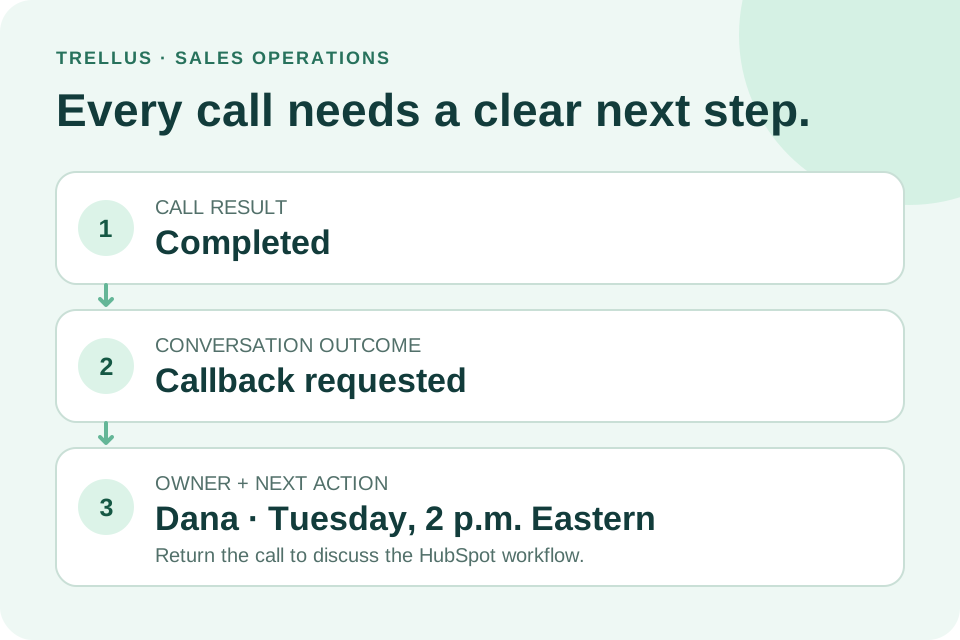
- Which disposition, note, recording, task, and activity returns to the source system?
- Which settings require an administrator, and which can a rep change?
- Can managers filter Salesfloor, Call History, and Analytics for the same team structure used in the CRM?
A clean demo should answer all six before the team compares seats or dialing limits.
When Orum makes sense
Orum makes the most sense for an outbound team that wants several dialing modes, shared call blocks, manager listening, and calling analytics in one workspace—especially when managers will use Salesfloor and the review tools regularly.
If only a few people call, shared call blocks are rare, or reps must stay inside the CRM, ask whether the extra workspace will actually be used. The answer may matter more than the maximum dial count.
Orum's pricing page currently directs buyers to request pricing. Use that conversation to confirm current seat requirements, included dialing modes, dialing limits, integrations, and support for the workflow your team plans to run.
A different operating model
Some teams want reps to keep calling inside the CRM or sales platform they already use. Trellus adds power and parallel dialing plus live coaching inside supported sales workflows. The Trellus auto dialer shows the difference between an in-platform workflow and a separate dialing workspace.
See Trellus in your current platform Browse supported integrations
Frequently asked questions
Is Orum a power dialer or a parallel dialer?
Orum supports both, plus click-to-call for a selected prospect. The right mode depends on list size, expected answer rate, rep context, and how the team wants canceled or unanswered attempts handled.
Does a rep make calls from the CRM or from Orum?
The source work can come from a connected CRM, sales platform, or CSV, but the rep loads it into Orum's Dialer. Bring the report, list, or task set reps already use to the demo, then check the fields and returned activity after a few calls.
What is Orum Salesfloor?
Salesfloor is Orum's shared team-calling environment, with video rooms for call blitzes or power hours and Live Listen for active calls. Reps use it while they dial; managers use it to follow the room and listen to live calls.
Does Orum include analytics and call review?
Orum has dashboards for rep, list, account, objection, and when-to-call analysis, as well as Call History and Call Library. In a demo, open the dashboards your managers would use and confirm which calls appear, how recordings are handled, and who can see them.
How should I compare Orum with Nooks?
Run the same report, list, or task set through both products. Compare dialing modes, the live-answer handoff, manager collaboration, post-call activity, reporting, and the complete quote.
Where can I find Orum pricing information?
Orum's pricing page directs buyers to request pricing. Bring your expected seat count, dialing mode, line limit, phone-number needs, integrations, coaching, support, and implementation scope to the quote.
Sources and method
Source check: September 2, 2026. Every Orum detail in this guide links to the Orum product or help page that supports it.
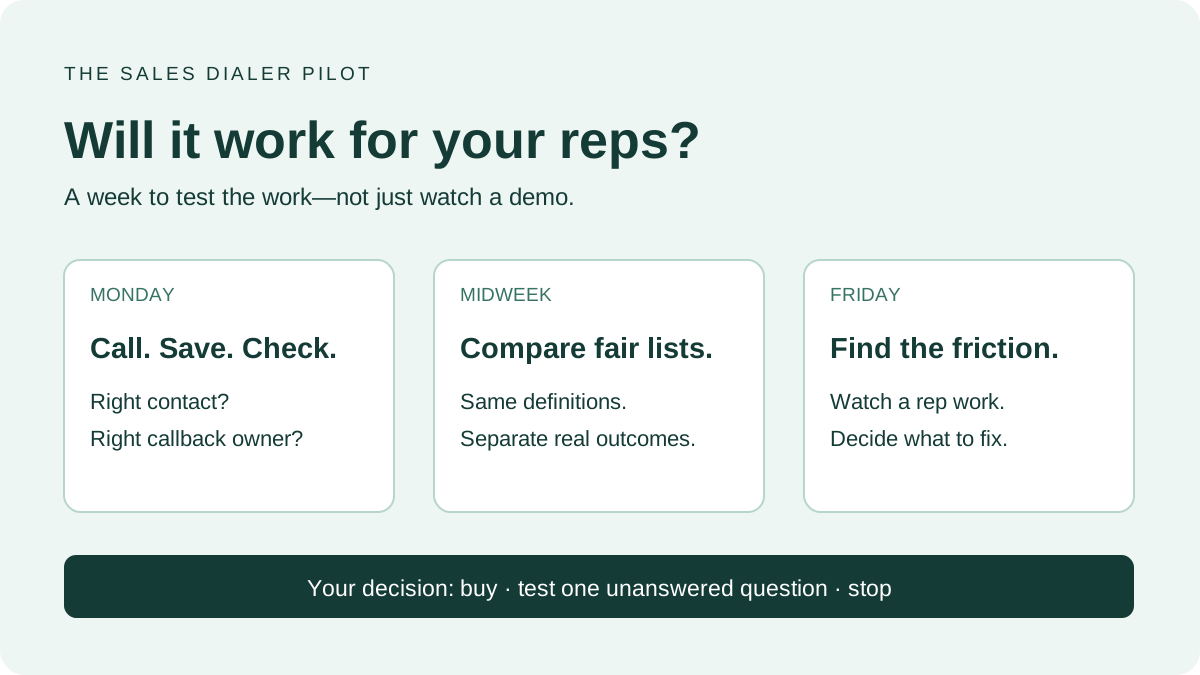
Before buying, run one real report, list, or task set through the full workflow and inspect the dispositions, manager view, and source-system activity. That session will answer more than a generic feature checklist.
.jpeg)

Power and parallel dialing in your CRM.